
| Ch | ASCII | Unicode | HTML | UTF-8 Hex |
|---|---|---|---|---|
| Type text above to see breakdown | ||||
How to Use DevLens — Free Online Developer Tools
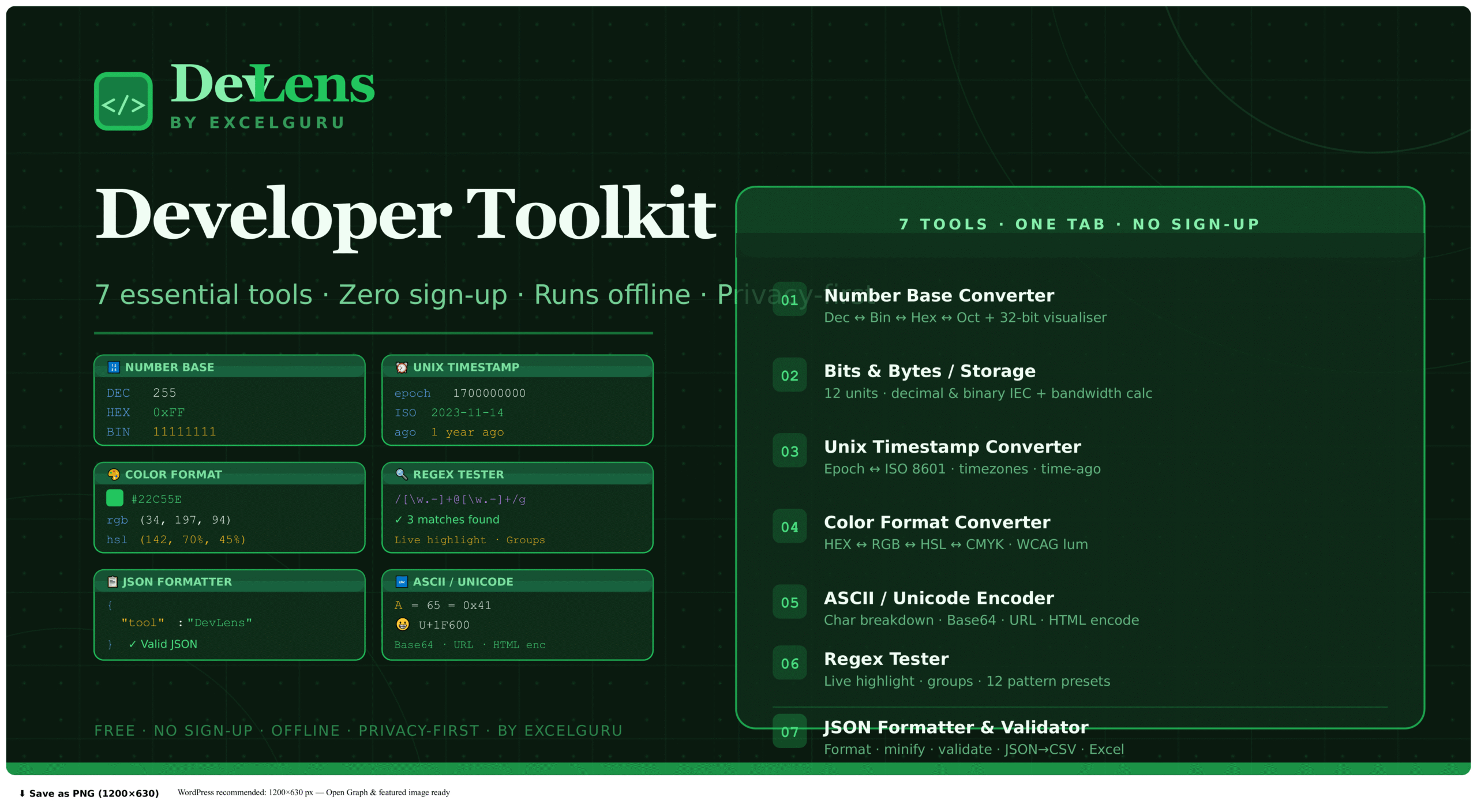
DevLens bundles seven essential developer utilities into one tab — number base conversion, storage calculations, timestamp decoding, colour format conversion, ASCII and Unicode inspection, regex testing, and JSON formatting. No sign-up, no server calls, no ads.
Select the tool you need
Click any tab across the top — Number Base, Bits & Bytes, Timestamp, Color, ASCII, Regex, or JSON. Each tool retains its input when you switch away, so you can return to a previous value without retyping. All seven tools update their output live as you type — there is no Submit button anywhere in DevLens.
Enter your input and read the output
In Number Base, typing in any base causes all six representations to update simultaneously. For Timestamp, paste a Unix timestamp and see ISO 8601, UTC, relative time, and more instantly. The Color tool accepts HEX, RGB, HSL, or any named CSS colour and outputs all formats at once. For Regex, matches highlight live in the test string. The JSON tool validates and applies syntax colouring as you paste.
Copy results and use extras
Every output value has a Copy button — click the value or the button to copy it immediately. The 32-bit Visualizer in Number Base lets you inspect bit patterns. Additionally, the Bandwidth Calculator in Bits & Bytes estimates transfer times. Expand the Character Breakdown in ASCII for per-character Unicode details. Use the CSV export in JSON for quick data extraction.
Rather than opening a new tab every time you need to convert a timestamp or validate JSON, pin DevLens as a permanent tab in your browser. All processing happens entirely in the browser with no server calls, so the tool remains fully functional even if your internet connection drops — making it reliable during local development or VPN sessions where connectivity is unstable.
Complete Guide to DevLens — All 7 Developer Tools Explained
What each tool does, when to use it, and the developer workflows each one is built for — from debugging hex values to validating production JSON payloads.
Why a consolidated developer toolkit matters
Every developer has a set of small conversion tasks that consume more time than they should. Converting a hex colour to RGB for a CSS variable. Checking whether a Unix timestamp from a log file refers to yesterday or three weeks ago. Testing a regex before adding it to production code. Formatting a minified JSON payload to read it. These micro-tasks individually take seconds — but each one typically involves opening a new browser tab, finding the right site, and losing the context of the debugging session that prompted the task in the first place.
DevLens consolidates all seven into a single persistent tab. Because each tool retains its state when you switch tabs, you can jump between JSON formatting and colour conversion and timestamp decoding without losing any input. The entire toolkit runs in the browser — no server calls are made, so it is safe to use with real API keys, production credentials, and log payloads that should never leave the local machine.
The seven DevLens tools
Converts integers simultaneously across Decimal, Binary, Hexadecimal, Octal, Base 32, and Base 36. The 32-bit Binary Visualizer shows the full bit pattern with byte grouping and set/clear counts. Particularly useful for debugging bitwise flags, memory addresses, file permissions, and protocol fields.
755₈ = 111 101 101₂ = 0x1EDConverts between 11 storage units spanning both decimal SI (KB, MB, GB) and binary IEC (KiB, MiB, GiB) standards. The built-in bandwidth calculator estimates file transfer time given a file size and connection speed in Mbps — useful for planning backups, uploads, and deployments.
1 TB = 931.32 GiB (IEC)Converts Unix timestamps (auto-detecting seconds vs milliseconds) to ISO 8601, UTC, local time, relative ("3 days ago"), week number, and day-of-year. Also converts human-readable dates back to Unix seconds for queries and API calls.
1711900800 → 2024-03-31 UTCAccepts HEX, RGB, RGBA, HSL, and CSS named colours, outputting all formats simultaneously with a live swatch. Includes WCAG 2.1 contrast ratio against black and white for accessibility checking, plus a native colour picker and preset palette.
#22C55E → rgb(34,197,94)Breaks text into individual characters with ASCII code point, Unicode point (U+XXXX), HTML entity, and UTF-8 hex bytes per character. The encode/decode panel supports URL encoding, HTML entity encoding, and Base64 in both directions.
🌍 = U+1F30D · F0 9F 8C 8DLive regex match highlighting in the test string as you type. Shows all matches, captured groups, and positions. Supports all JavaScript flags (g, i, m, s). Includes a preset library for email, URL, UUID, IPv4, phone, hex colour, date, and other common patterns.
(?<year>\d{4})-(?<month>\d{2})Validates JSON in real time and highlights syntax errors with their position. Formats with 2-space, 4-space, or minified indentation. Applies syntax colouring to keys, strings, numbers, and booleans. Converts flat JSON arrays to CSV with one click.
{"status": "valid"} ✓Every operation in DevLens runs entirely in your browser using JavaScript. No data is sent to any server, and nothing is logged or retained between sessions. DevLens is safe to use with real API keys, production JSON payloads, and sensitive configuration values that must not leave the local machine.
Cross-tool features
Every output value is copyable with one click — no manual selection needed.
All tools respond to each keystroke — no Submit button, no delay, no reload.
No server calls for any operation. Safe for production credentials and sensitive payloads.
After the initial load, DevLens works without any internet connection.
Frequently Asked Questions about DevLens
Common questions about privacy, offline use, and specific tool behaviour.