
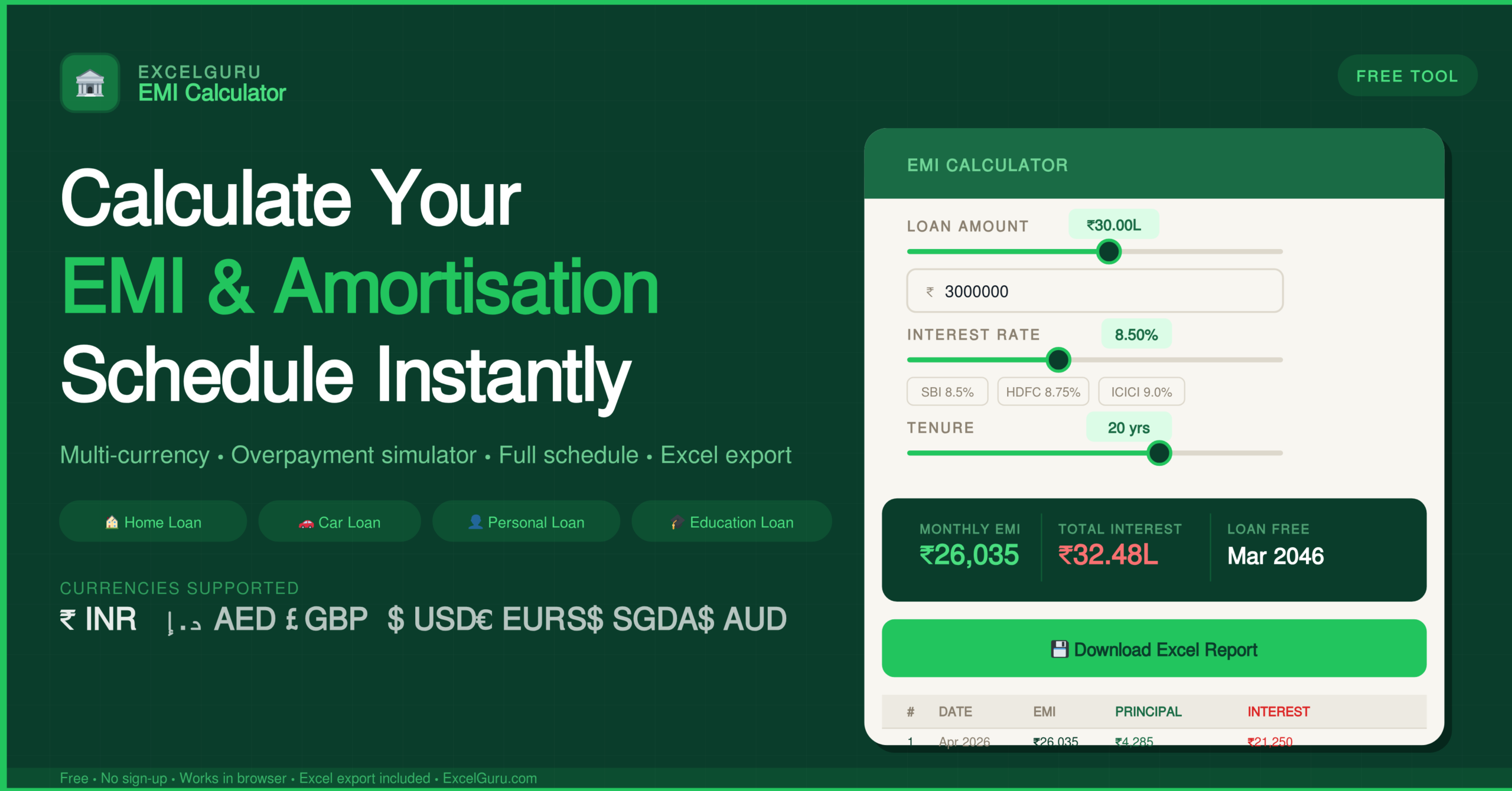
Fill in the loan amount, interest rate and tenure on the left, then click Calculate to see your full amortisation schedule and payment breakdown.
| # | Date | EMI | Principal | Interest | Extra | Balance |
|---|
How to Use the EMI Calculator with Amortization Schedule
Calculate your monthly EMI, view a full payment schedule, simulate overpayments, and compare two loan offers — all in one free browser tool with no sign-up required.
Set loan type, currency, and basic inputs
Choose your loan type — Home, Car, Personal, Education, or Business — then select one of seven currencies: INR, AED, GBP, USD, EUR, SGD, or AUD. Enter the loan amount using the slider or type it directly. Set the interest rate (annual percentage) and the tenure in years or months. Add a start date to generate a proper repayment timeline with calendar dates in the schedule. Optionally include a processing fee percentage to reflect the true cost of borrowing.
Calculate and read your results
Click Calculate EMI and Schedule to see four headline numbers — monthly EMI, total interest, total payment, and the loan-free date. Below those, the overpayment simulator shows how an extra monthly payment reduces your interest cost and shortens your tenure. Additionally, a donut chart shows the split between principal and interest payments. The amortisation schedule table lists every payment across the full tenure with the date, EMI amount, principal portion, interest portion, and remaining balance for each month.
Use advanced options and export
Open Advanced Options to add floating rate changes at specific months, lump sum prepayments, a moratorium period (common in education loans), or a monthly insurance or tax amount. Toggle Compare Two Loans to enter a second loan's details and see a side-by-side breakdown of EMI, total interest, and total cost — with the better deal highlighted. Finally, click Download to export a full report, the schedule only, or a summary as a CSV file.
A lower EMI often means a longer tenure — which means more total interest paid. Always use the loan comparison mode to compare two offers on total payment rather than monthly instalment alone. A loan with a ₹2,000 lower EMI and a 5-year longer tenure can cost significantly more in total interest over the life of the loan.
The Complete Guide to EMI and Amortization Schedules
Everything you need to understand how EMI is calculated, what an amortisation schedule reveals, and how to use overpayments and prepayments to save lakhs in interest.
What is an EMI?
An Equated Monthly Instalment (EMI) is the fixed amount you pay your lender every month until your loan is fully repaid. Each payment contains two components: the principal repayment (reducing what you owe) and the interest payment (the cost of borrowing for that month). In the early months of a loan, the vast majority of your EMI goes toward interest — the amortisation schedule shows exactly how this ratio shifts over time.
On a ₹30 lakh home loan at 8.5% for 20 years, the monthly EMI is approximately ₹26,035. However, in month one, only ₹4,285 of that goes toward the principal — the remaining ₹21,250 is pure interest. It takes nearly 12 years before your principal repayment finally exceeds your interest payment in each instalment. This is why taking a loan is one of the largest financial decisions most people make, and why seeing the full schedule matters.
The EMI formula
Using a ₹30 lakh loan at 8.5% p.a. for 20 years as an example: P = 30,00,000, r = 0.007083, n = 240. The formula gives an EMI of ₹26,035 per month. This calculator applies this formula instantly and builds the complete amortisation schedule automatically — showing every month from the first payment to the last.
What is an amortisation schedule?
An amortisation schedule is a complete table of every payment you will make across the full life of a loan. For each month, it shows the EMI amount, how much of that payment reduces the principal, how much goes to interest, and the outstanding balance remaining after the payment. Most online calculators show only the monthly EMI figure — that is like reading only the first page of a contract. In contrast, the amortisation schedule is the full document.
The schedule is particularly useful for identifying your crossover point — the month when your principal repayment finally exceeds your interest payment. On a 20-year home loan at 8.5%, this crossover occurs around month 144. Before that point, most of your money is servicing interest rather than building equity in the asset.
On a ₹30 lakh home loan at 8.5% for 20 years, the total interest paid over the tenure is approximately ₹32.5 lakh — more than the principal borrowed. The total repayment becomes ₹62.5 lakh on a ₹30 lakh loan. Seeing this number upfront is one of the most important uses of this calculator.
How to save interest — overpayments and prepayments
Even a modest extra monthly payment produces dramatic savings over a long loan tenure due to compounding. By paying an additional ₹5,000 per month on the ₹30 lakh home loan example above, you reduce the tenure by approximately 5 years and save over ₹10 lakh in interest. The overpayment simulator in this calculator lets you drag a slider to see these savings in real time — months saved, interest saved, and new payoff date — without any manual calculation.
Lump sum prepayments — such as using an annual bonus to make a one-time principal payment — have an even larger impact because they are applied directly to the outstanding principal at that point in the schedule. The calculator's Advanced Options let you add multiple prepayment events at specific months and see the recalculated schedule immediately.
Features of this EMI calculator
Every payment across the full tenure with date, EMI, principal, interest, extra payment, and remaining balance. Switch between monthly and annual views. Download as CSV at any time.
Drag the slider to add any extra monthly amount and instantly see months saved, interest saved, and the new payoff date — with no recalculation needed.
Works globally with INR, AED, GBP, USD, EUR, SGD, and AUD. Switch currency with one click and all amounts, sliders, and exports update automatically.
Add interest rate changes at specific months and the schedule rebuilds dynamically. Useful for modelling RBI rate cut scenarios or adjustable-rate mortgages.
Compare two loans side-by-side on EMI, total interest, and total cost with the better deal highlighted. Prevents the common mistake of choosing the loan with the lower EMI rather than the lower total cost.
Education and business loans often include a repayment holiday at the start. Interest accrues during the moratorium and is added to the principal correctly, reflecting the true loan trajectory.
EMI calculator for different loan types
Home loans typically run 15–30 years at 8–9.5% p.a. At these timescales, even a 0.25% difference in interest rate translates into lakhs of rupees over the tenure. Use the comparison mode to evaluate multiple bank offers before signing.
Car loans typically run 3–7 years at 8.5–12% p.a. The shorter tenure shifts amortisation quickly — use the calculator to compare a 5-year versus a 7-year loan and see exactly how much extra interest the extended tenure adds.
Personal loans carry the highest rates — typically 10.5–24% p.a. — because they are unsecured. Processing fees can be 1–3%, so always include this figure. The calculator shows the true cost of borrowing rather than just the headline rate.
Education loans often include a moratorium — a gap between disbursement and when repayments begin. Interest accrues during the moratorium and compounds into the principal, affecting the final EMI. Use Advanced Options to model this correctly.
Frequently Asked Questions
Common questions about the EMI calculator, amortisation schedule, and advanced features.