
| Base | Name | Prefix | Value | Length |
|---|
| 0–9 | 0–1001 |
| 255 | 11111111 |
| 1024 | 10000000000 |
| 65535 | 1111111111111111 |
| 8 | 10 |
| 64 | 100 |
| 255 | 377 |
| chmod 755 | 111 101 101 |
| 10–15 | A–F |
| 255 | FF |
| 65535 | FFFF |
| #FFFFFF | White (RGB max) |
| 1 Byte | 0–255 (FF) |
| Nibble | 4 bits (0–F) |
| Max int32 | 2147483647 |
| Max uint32 | 4294967295 |
How to Use the Number System Converter
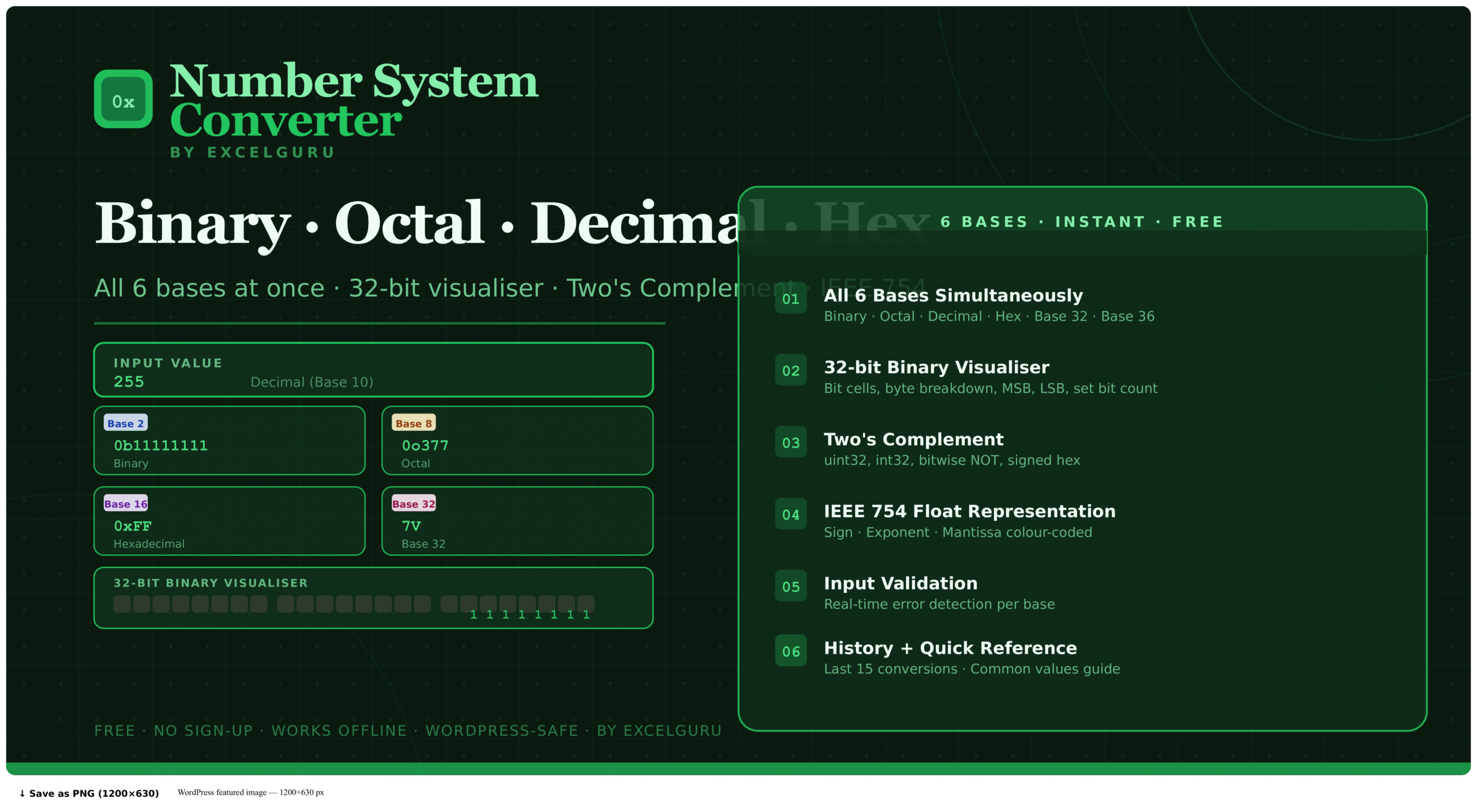
Convert any integer across six number bases simultaneously, inspect its 32-bit representation, and calculate Two's Complement and IEEE 754 values — all in one free browser tool.
Enter your number and select the base
Type any number into the input field. Choose the input base from the dropdown — Decimal, Binary, Hexadecimal, Octal, Base 32, or Base 36. The tool validates your input in real time and shows an error immediately if you enter a character that does not belong to the selected base (for example, the digit 9 while in Binary mode, or the letter G in Hexadecimal).
Read the simultaneous conversions
All six base representations appear instantly across the results panel — no button click required. Each result shows the value, the base name, the standard prefix (such as 0x for hex or 0b for binary), and the digit count. Click any result value or the Copy button to copy it to your clipboard immediately.
Explore advanced panels
Expand any of the collapsible panels below the results: the 32-bit Visualizer shows individual bits colour-coded and grouped into bytes with set/clear counts; Two's Complement shows signed and unsigned int32 representations; IEEE 754 shows the full single-precision floating-point breakdown; the Full Table lists all bases with lengths; and History stores your last 15 conversions for quick recall.
Whichever base you have selected as input is highlighted in green in the results panel. This makes it easy to confirm at a glance which base your original input belongs to and compare it against the converted outputs. Click any output value to copy it directly, or use it as a new input by changing the base selector.
The Complete Guide to Number Systems and Base Conversion
How binary, octal, decimal, and hexadecimal number systems work, why each is used in computing, and how to convert between them — including Two's Complement and IEEE 754 floating-point.
What is a number system converter?
A number system converter — also called a base converter or radix converter — translates a numerical value from one numeral system into its equivalent representation in other bases. Every computing system ultimately operates in binary (base 2), but humans and software use decimal, hexadecimal, and octal representations at different levels of abstraction. Converting between them accurately and quickly is a daily requirement in software development, hardware engineering, and computer science education.
This tool converts simultaneously across six bases — Binary, Octal, Decimal, Hexadecimal, Base 32, and Base 36 — with no calculation steps required. Enter a value in any base and all others update instantly, along with a 32-bit bit pattern, Two's Complement, and IEEE 754 floating-point representation.
The four main number systems in computing
Uses only digits 0 and 1. It is the fundamental language of all digital hardware — every transistor in a CPU is either on (1) or off (0). Machine code, memory addresses, network packets, and file storage all exist at this level. The standard prefix in code is 0b.
Uses digits 0–7. Each octal digit represents exactly three binary bits, making it a compact binary shorthand. Predominantly used in Unix and Linux systems for file permissions — chmod 755 sets owner to read/write/execute (7 = 111) and group/others to read/execute (5 = 101). Its standard prefix is 0o.
The standard human number system using digits 0–9. Computers use decimal for all user-facing output — file sizes, port numbers, loop counters, and array indices all appear in decimal. Internally, however, processors work in binary and translate to decimal only for display.
Uses digits 0–9 and letters A–F. Each hex digit represents exactly four binary bits (a nibble), so one byte is always two hex digits — making memory addresses, colour codes, and binary data far more readable. #22C55E is the ExcelGuru green. The standard prefix is 0x, as in 0xFF for 255.
Quick conversion reference table
| Decimal | Binary | Octal | Hex |
|---|---|---|---|
| 0 | 0 | 0 | 0 |
| 10 | 1010 | 12 | A |
| 16 | 10000 | 20 | 10 |
| 255 | 11111111 | 377 | FF |
| 256 | 100000000 | 400 | 100 |
| 1024 | 10000000000 | 2000 | 400 |
| 65535 | 1111111111111111 | 177777 | FFFF |
What is Two's Complement?
Two's Complement is the standard method for representing signed (negative and positive) integers in binary on virtually all modern processors. To find the Two's Complement of a negative number, you invert all the bits (bitwise NOT) and add 1. The result is how a negative integer is stored in memory. For example, -1 in 32-bit Two's Complement is 0xFFFFFFFF — all 32 bits set to 1. The most significant bit (bit 31) acts as the sign bit: 0 means positive, 1 means negative.
This matters practically when debugging memory dumps, reading register values in assembly, interpreting signed vs unsigned integer overflows, and understanding why -1 == 0xFFFFFFFF in C-style languages.
What is IEEE 754 floating-point?
IEEE 754 is the international standard for representing real numbers (decimals and fractions) in binary. A 32-bit single-precision float allocates its bits into three fields: 1 sign bit (0 = positive, 1 = negative), 8 exponent bits (stored with a bias of 127), and 23 mantissa bits (the fractional part of the number). This encoding allows 32 bits to represent values ranging from approximately 1.4 × 10⁻⁴⁵ to 3.4 × 10³⁸.
In practice, IEEE 754 explains why floating-point arithmetic sometimes produces unexpected results — for example, why 0.1 + 0.2 does not equal exactly 0.3 in most programming languages. The IEEE 754 panel in this tool lets you inspect exactly how any decimal number is stored in 32-bit float format, including special cases like NaN (Not a Number) and Infinity.
Specifically, Base 32 (digits 0–9, A–V) is used in Crockford encoding, TOTP authentication codes, and some URL shorteners because it avoids ambiguous characters like O/0 and I/1. Base 36 (digits 0–9, A–Z) uses the entire alphanumeric character set and is commonly used for compact unique identifiers, short URLs, and serial numbers in case-insensitive contexts.
Who uses a number system converter?
Studying digital logic, computer architecture, and discrete mathematics requires constant conversion between bases. The 32-bit visualizer and Two's Complement panel make abstract concepts immediately visible and verifiable.
Debugging memory addresses, bitwise flags, and protocol fields often requires reading values in hex or binary. Converting quickly between bases without a calculator reduces context-switching during debugging sessions.
Hex colour codes like #22C55E are directly interpretable as three two-digit hex values for Red, Green, and Blue. Converting 22, C5, and 5E to decimal gives the RGB values used in CSS colour functions.
Linux file permissions use octal notation. chmod 755 sets permissions based on three octal digits — understanding that 7 = 111 (rwx) and 5 = 101 (r-x) requires binary to octal conversion on the fly.
Frequently Asked Questions
Common questions about base conversion, negative numbers, large values, and the 32-bit visualizer.