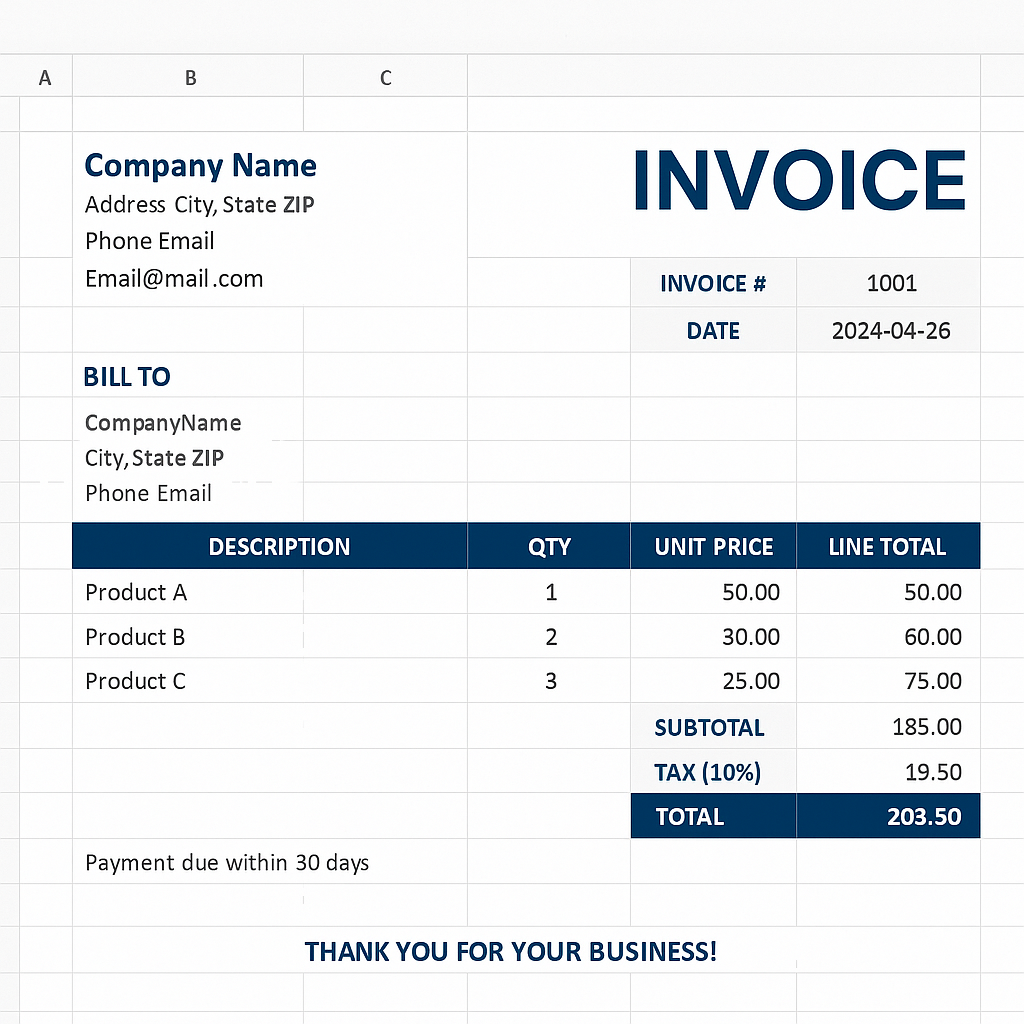
Basic Sales Invoice
Create and send clean invoices with this Basic Sales Invoice Excel Template. Features itemized billing, automatic totals, and printable layout.

Create and send clean invoices with this Basic Sales Invoice Excel Template. Features itemized billing, automatic totals, and printable layout.

Use this blue-themed Commercial Sales Invoice Excel Template to bill clients professionally. Includes item pricing, tax, and payment terms.
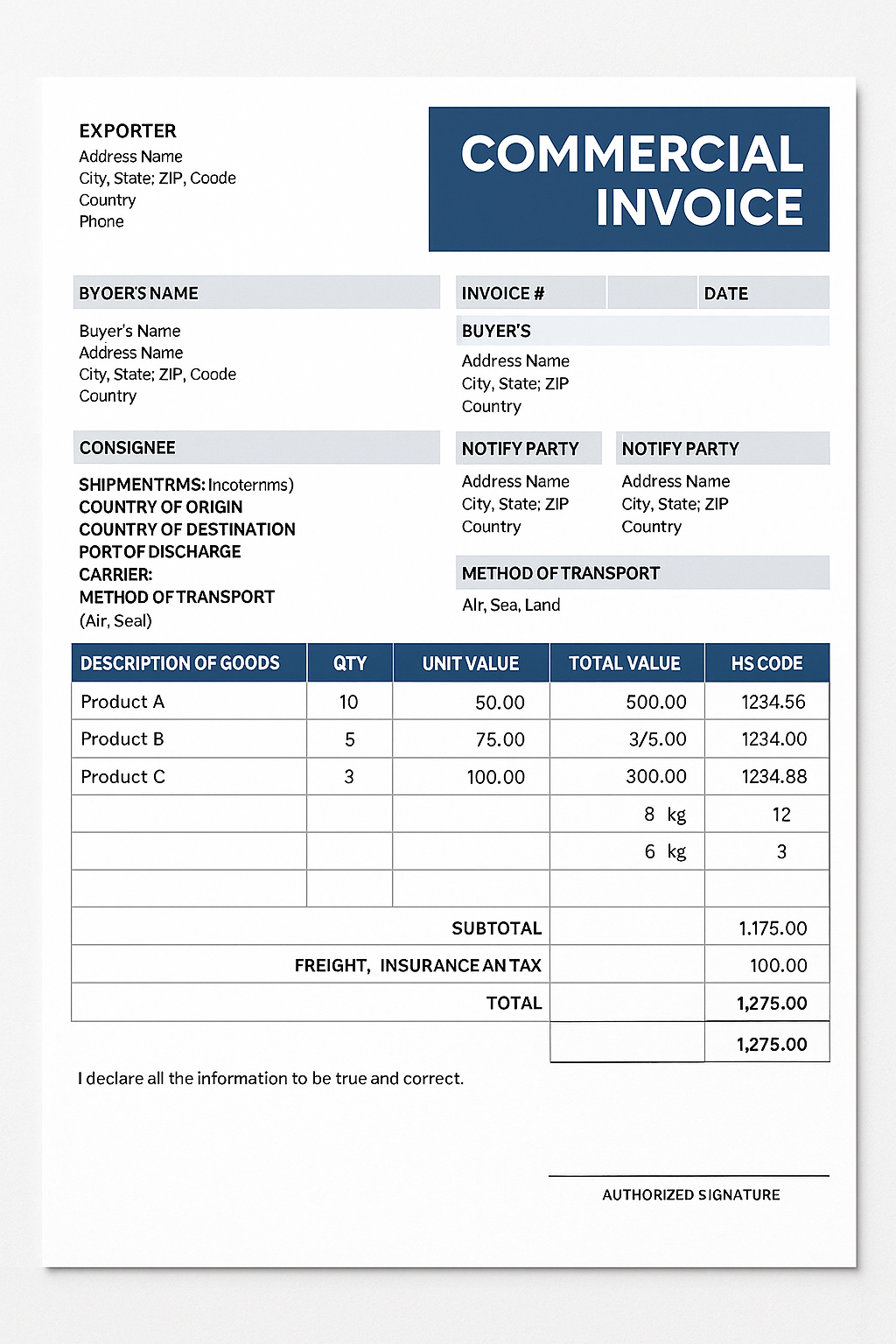
Prepare international trade invoices with this Commercial Invoice Excel Template. Includes product details, shipping info, and tax breakdown.
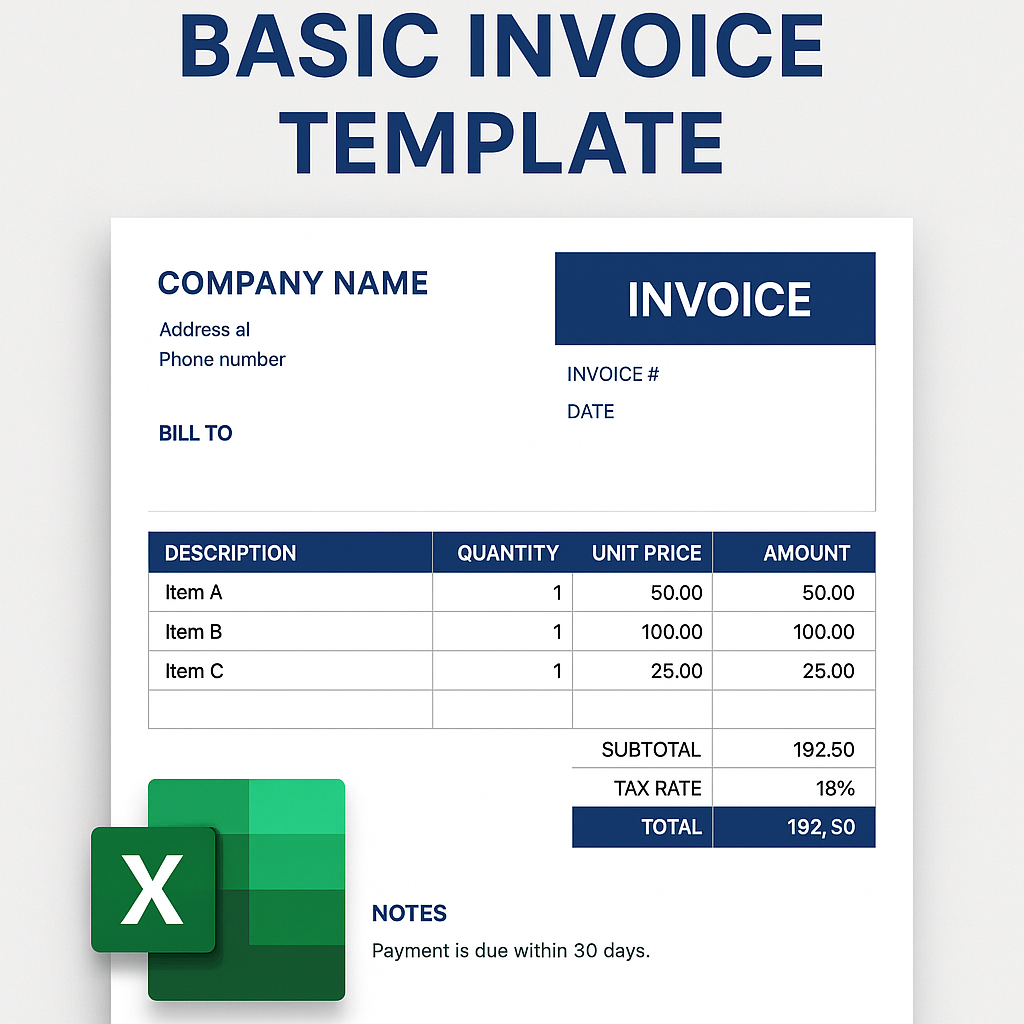
Send simple, professional invoices using this Excel template. Features unit price, quantity, and totals with a clean and printable layout.
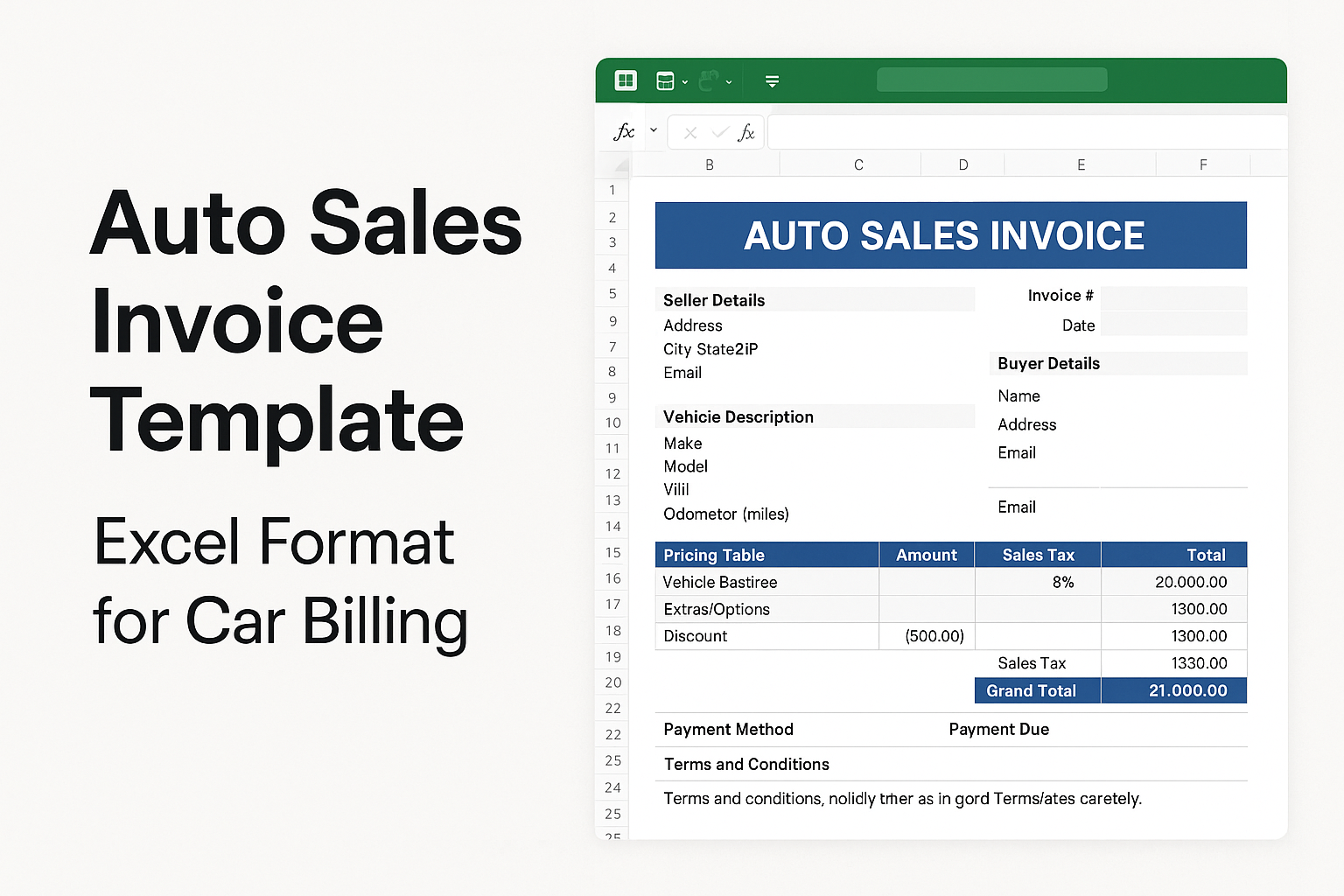
Bill car sales easily with this Auto Sales Invoice Template. Includes fields for buyer/seller details, vehicle info, and payment breakdown.
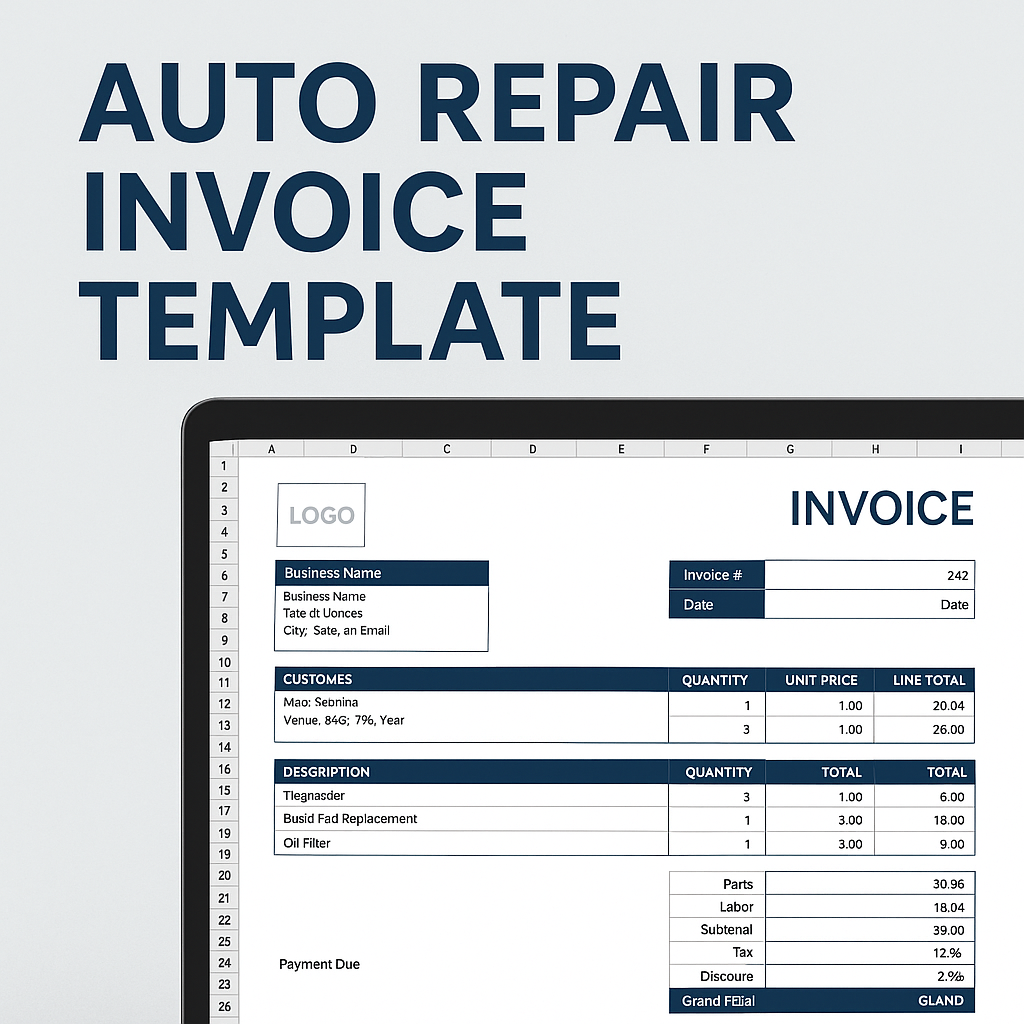
Detailed Auto repair service invoice format. Fully customizable and easy to edit. Take charge of your auto repair services and strengthen your invoicing process.
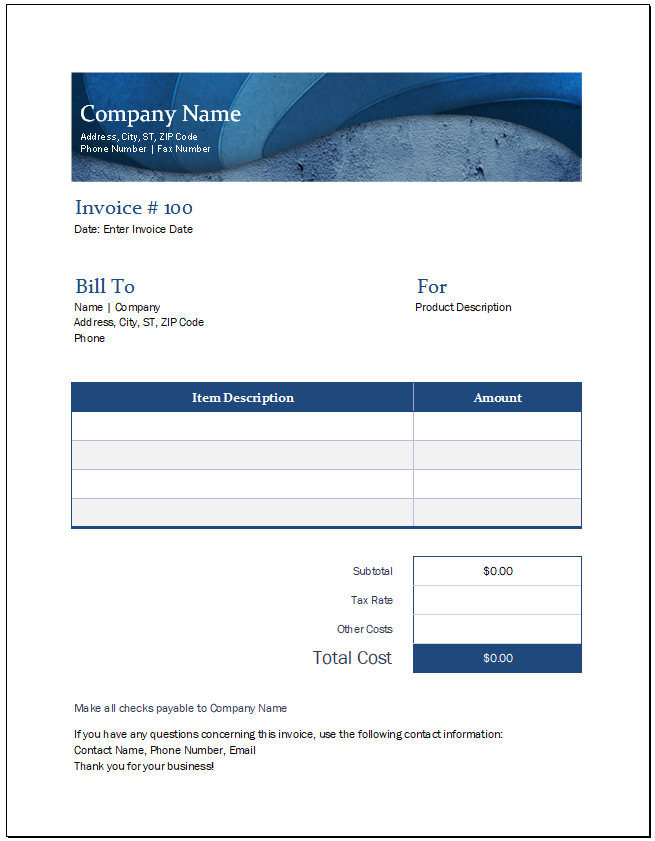
A clean and functional Excel-based Sales Invoice Template to bill clients accurately. Auto-calculates totals and taxes. Ideal for freelancers and small businesses.
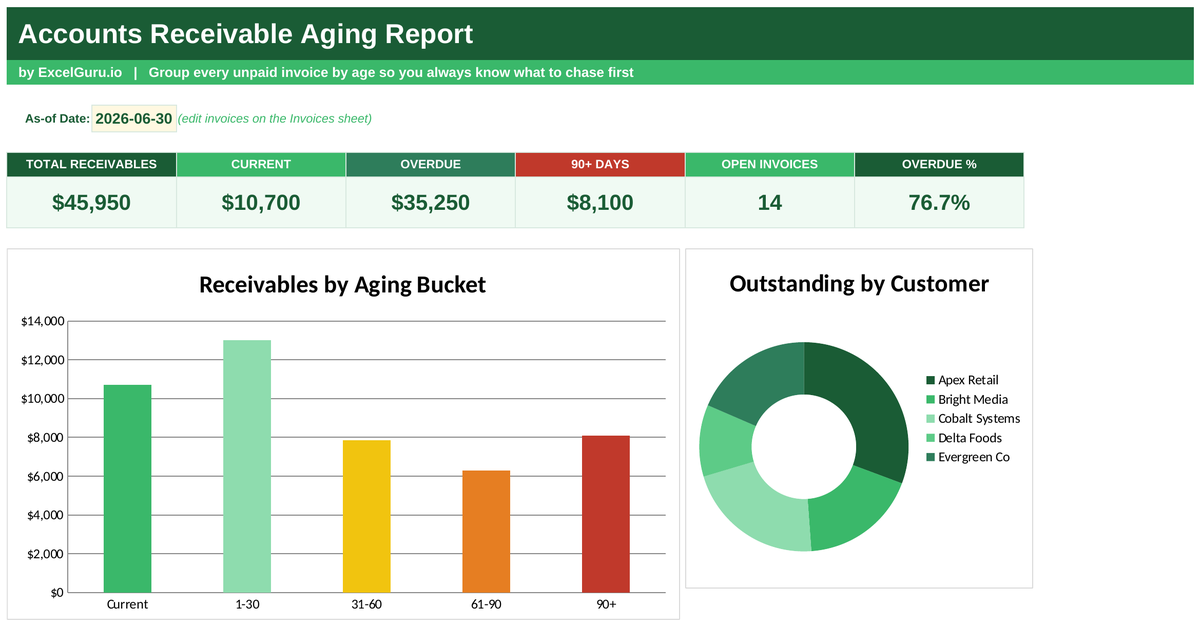
Monitor outstanding customer payments with this free Accounts Receivable Ageing Dashboard Excel Template. Track customer balances, invoice dates, due dates, overdue amounts, ageing buckets, payment status, and collection performance in one clear Excel dashboard. Ideal for finance teams, accountants, credit controllers, business owners, and small businesses that need to monitor overdue receivables, improve collections, and manage cash flow more effectively.
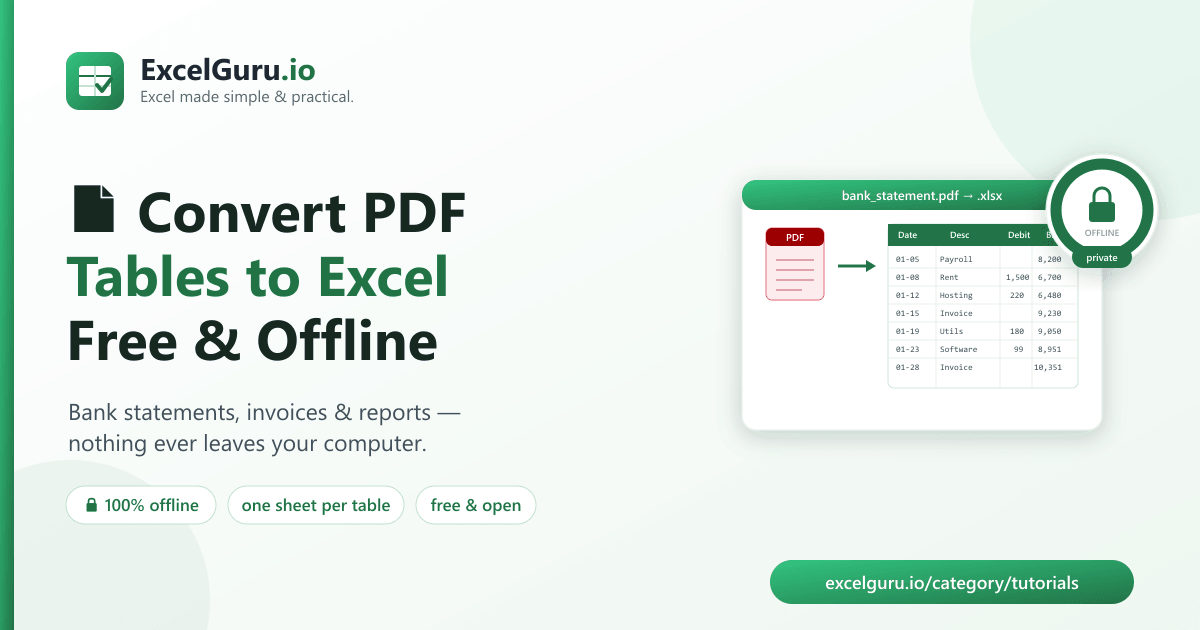
Stop manually copying tables from PDF files into Excel. This practical tutorial shows you how to convert PDF tables into editable Excel data using built in tools and Power Query. Learn how to import tables from PDF documents, clean and transform extracted data, fix formatting issues, and prepare the results for analysis and reporting. The tutorial is useful for financial reports, invoices, statements, research documents, business reports, and other PDF files containing structured tables. Ideal for accountants, auditors, analysts, finance professionals, researchers, and Excel users who regularly work with PDF data.
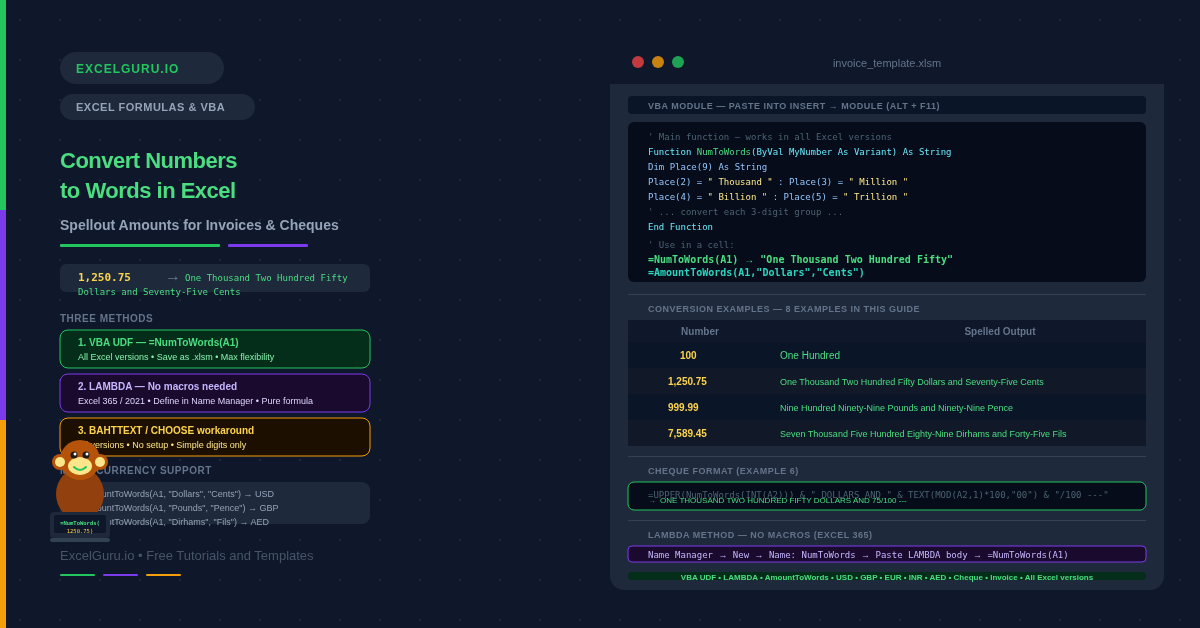
Excel has no built-in SPELLNUMBER function, but three methods fill the gap. The VBA NumToWords function is the most flexible — paste the code once into a module, save as .xlsm, and use =NumToWords(A1) anywhere in the workbook. The AmountToWords extension adds currency and sub-unit names, producing invoice-ready output like “One Thousand Two Hundred Fifty Dollars and Seventy-Five Cents” automatically. For macro-restricted environments, a LAMBDA function defined in the Name Manager achieves the same result with no VBA at all — fully compatible with .xlsx files. This guide covers all three methods with eight practical examples: basic conversion, multi-currency invoice lines (USD, GBP, AED, INR, EUR), cheque format with the XX/100 fraction convention, a dynamic currency table driven by XLOOKUP, and how to lock the output as static text before sharing a finalised document.
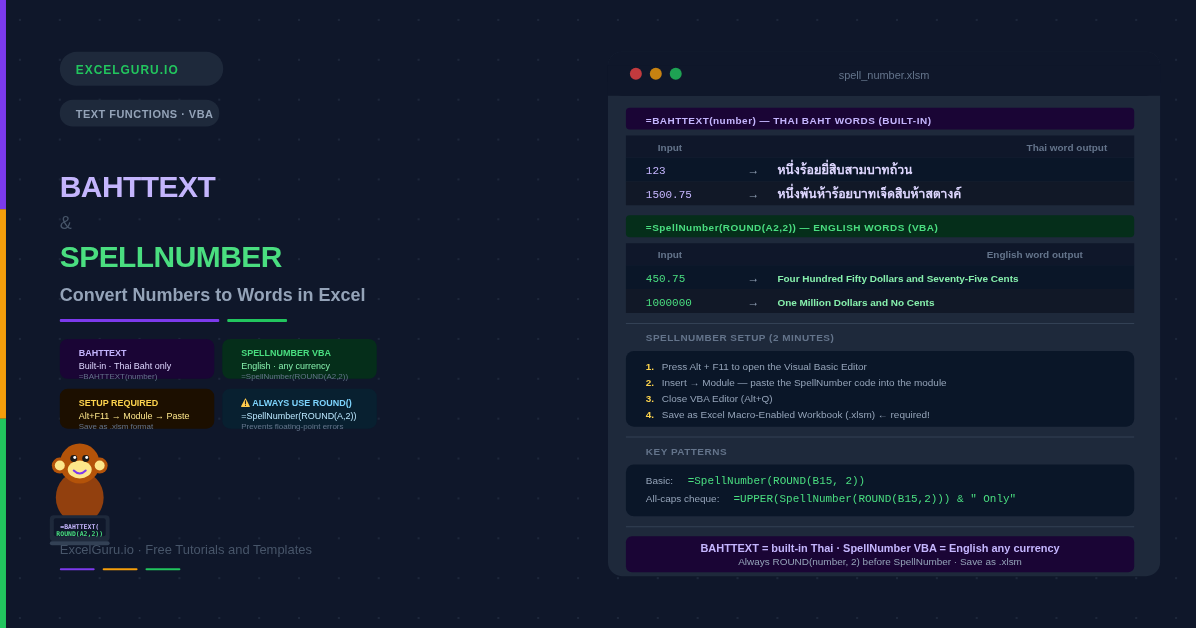
Excel has no built-in English function that converts numbers to words — but it does have BAHTTEXT (Thai only) and the Microsoft-published Spell Number VBA macro (English, any currency). This guide covers both fully. You will find all BAHTTEXT examples for Thai invoices, the complete Spell Number VBA code with plain-English annotations, step-by-step installation instructions, examples for cheques and payment vouchers, how to customize Spell Number for pounds, euros, or rupees, and a full comparison of every available method — including the GOOGLETRANSLATE workaround in Google Sheets and LAMBDA-based alternatives in Excel 365.
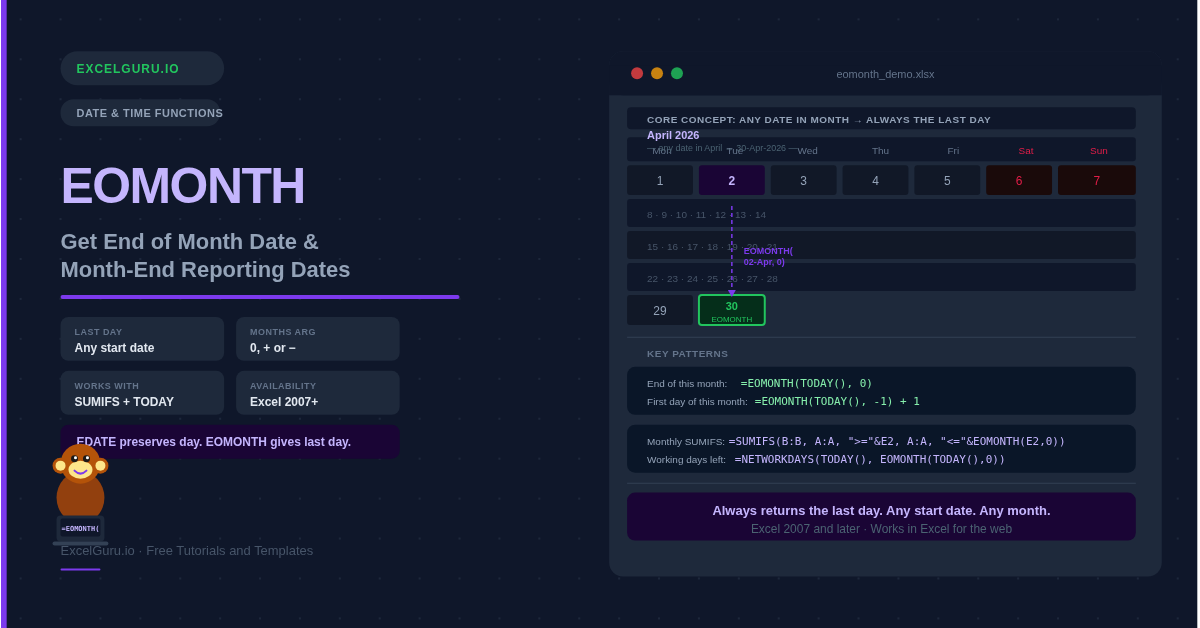
Learn how to use EOMONTH in Excel to find the last day of any month, build reporting periods, calculate invoice due dates, and sum monthly totals with SUMIFS.