Search Results for: invoice – Page 3

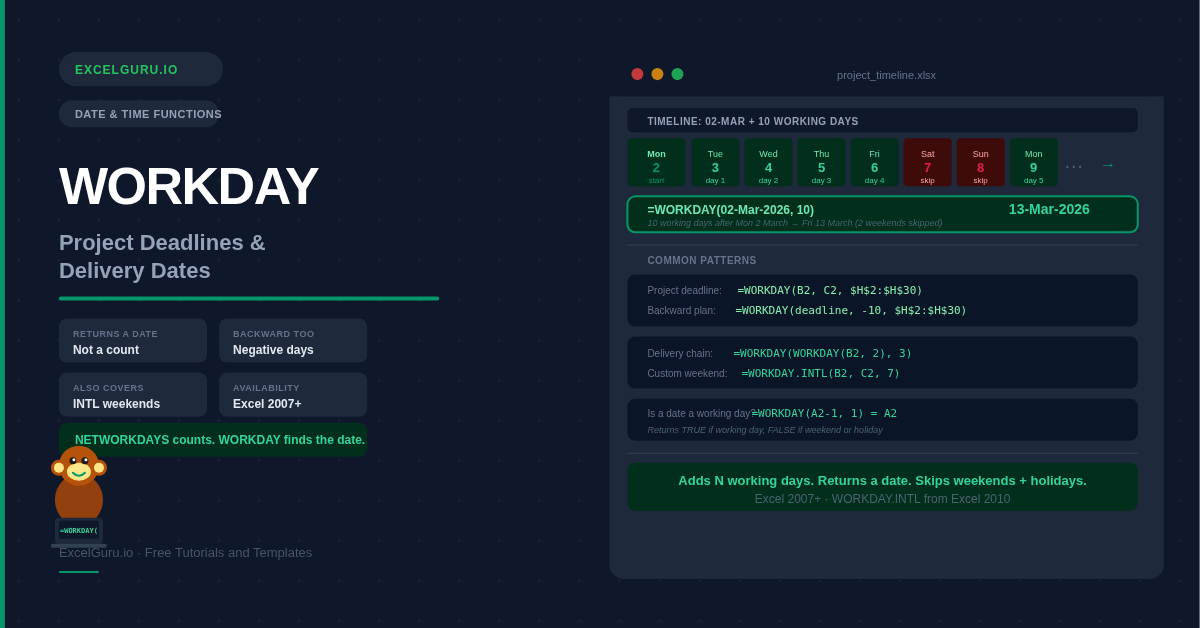
WORKDAY in Excel feature image for tutorial blog

WORKDAY Function: Calculate Project Deadlines & Delivery Dates

WORKDAY takes a start date and a number of working days, and returns the exact deadline date — automatically skipping weekends and any holidays you provide. It is the companion to NETWORKDAYS: use NETWORKDAYS to count elapsed working days, and WORKDAY to find what date falls N working days in the future or past. This guide covers forward planning, backward planning, invoice due dates, delivery chains, WORKDAY.INTL for custom working weeks, and the workday-check formula trick.
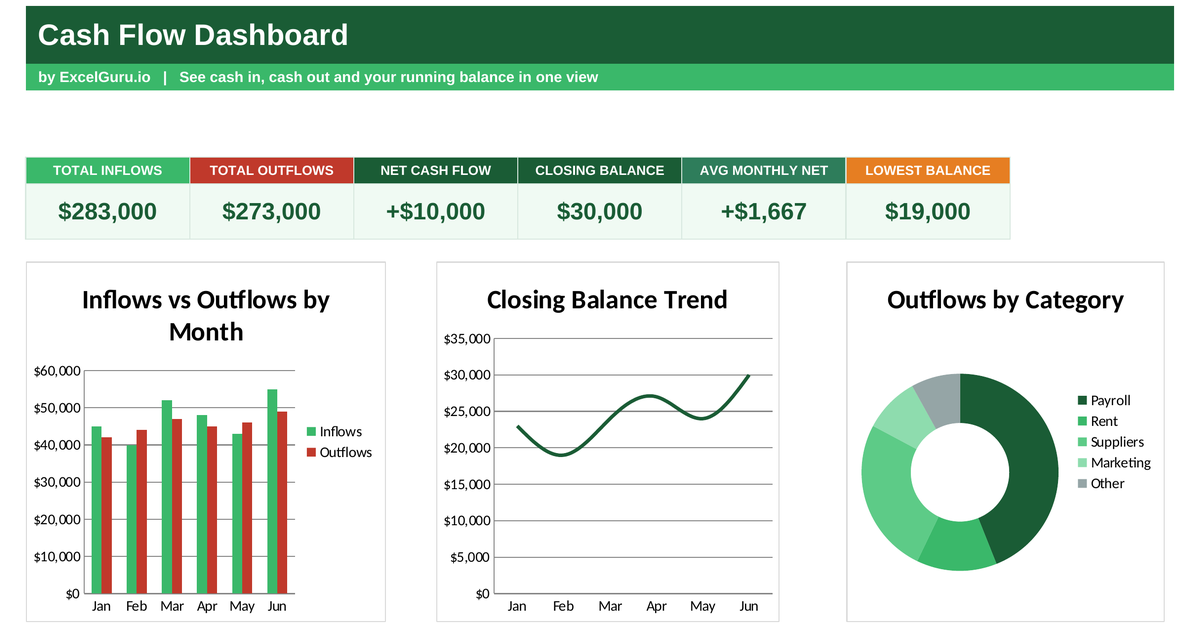

Cash Flow Dashboard Excel Template for tracking cash inflows outflows balances trends and financial performance

Cashflow Dashboard

Monitor business cash flow with this free Cash Flow Dashboard Excel Template. Track cash inflows, cash outflows, net cash flow, opening and closing balances, income sources, expense categories, monthly trends, and key financial metrics in one clear Excel dashboard. Ideal for business owners, finance teams, accountants, managers, start-ups, and small businesses that need a simple way to monitor liquidity, understand cash movement, and support better financial planning.

PivotTable Slicers and Timelines in Excel tutorial showing interactive filters date analysis and dashboard reporting

PivotTable Slicers & Timelines: Interactive Dashboards Made Easy

Turn static PivotTable reports into interactive Excel dashboards with Slicers and Timelines. This practical tutorial explains how to add visual filters to PivotTables, filter data by categories, and use Timelines to quickly analyse dates and time periods. Learn how to connect Slicers to multiple PivotTables, create cleaner reports, and give users an easier way to explore large datasets without changing formulas. Ideal for Excel users, analysts, accountants, finance professionals, managers, and anyone who wants to build more interactive reports and dashboards.

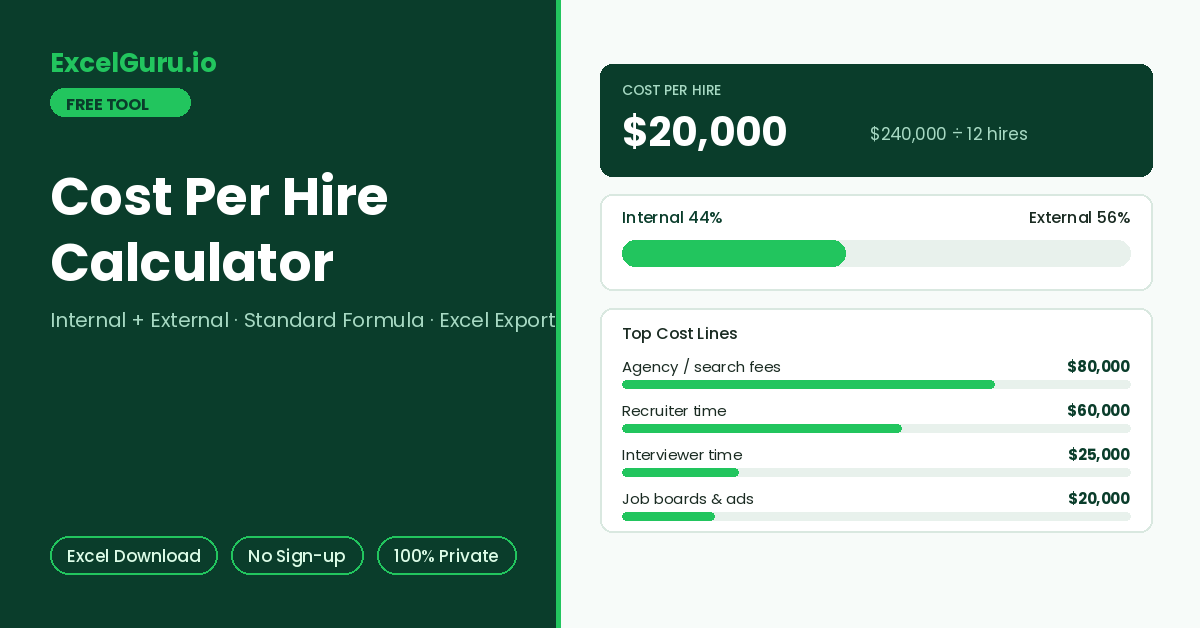
Cost Per Hire Calculator for estimating recruitment expenses hiring costs advertising fees agency costs and total hiring spend

Cost Per Hire Calculator

Understand how much your recruitment process really costs with this free Cost Per Hire Calculator. Calculate the average cost of hiring an employee by considering recruitment advertising, agency fees, sourcing expenses, interview costs, onboarding expenses, and other hiring related costs. The calculator helps HR and finance teams evaluate recruitment efficiency, compare hiring channels, control recruitment budgets, and make better workforce planning decisions. Ideal for HR professionals, recruiters, finance teams, managers, business owners, and organizations looking to measure and optimize recruitment costs.

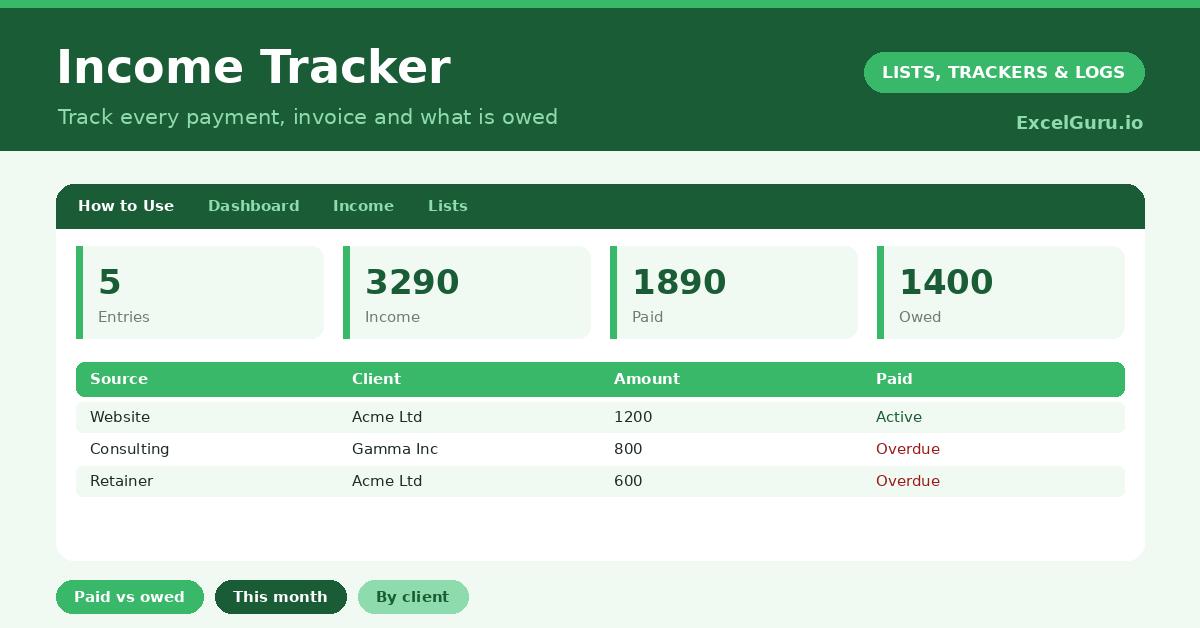
Income Tracker Excel Template for recording income sources earnings payments categories dates and monthly income summaries

Income Tracker

Track your earnings with this free Income Tracker Excel Template. Record income sources, payment dates, categories, amounts received, payment methods, recurring income, and monthly summaries in one simple Excel file. Monitor your cash flow, analyse income trends, and maintain organized financial records for budgeting and tax preparation. Ideal for freelancers, employees, business owners, consultants, and anyone who wants an easy way to manage personal or business income.

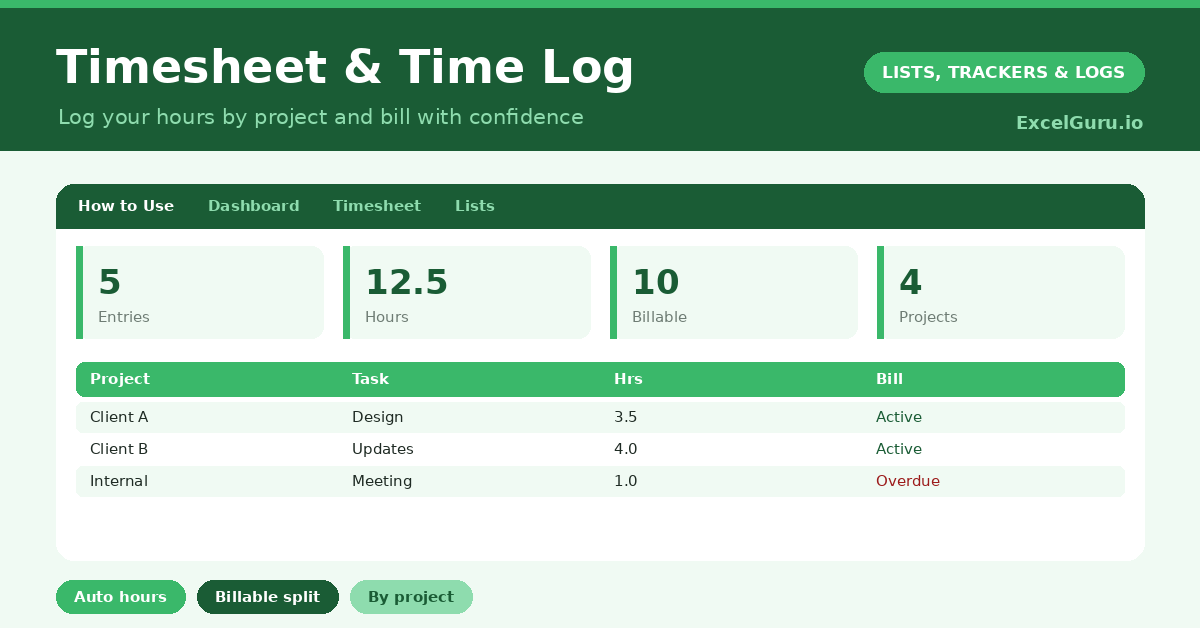
Timesheet and Time Log Excel Template for tracking work hours projects tasks overtime billable hours and employee attendance

Timesheet & Time Log

Track work hours accurately with this free Timesheet & Time Log Excel Template. Record employee names, work dates, clock-in and clock-out times, projects, tasks, regular hours, overtime, billable hours, breaks, and attendance in one simple Excel file. Ideal for freelancers, employees, managers, HR teams, consultants, and small businesses that need an easy way to monitor productivity, calculate work hours, and simplify payroll or client billing.

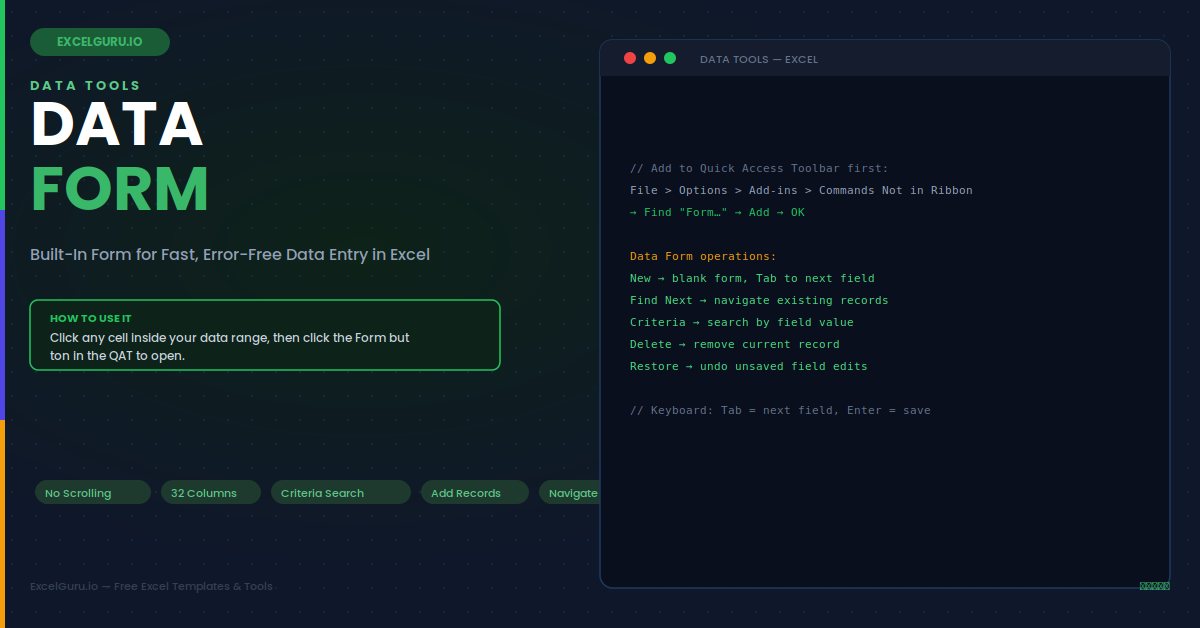
Data Form in Excel tutorial showing built-in form for easy data entry record editing searching and table management

Data Form: Built‑in Form for Easy Data Entry in Excel

Speed up record entry and editing with the built-in Data Form feature in Excel. This tutorial explains how to add the Form command, create a structured table, enter new records, search existing entries, edit data, delete records, and navigate large datasets more easily. Ideal for Excel users, admin teams, data entry staff, small businesses, and professionals who want a simpler way to manage rows of information.

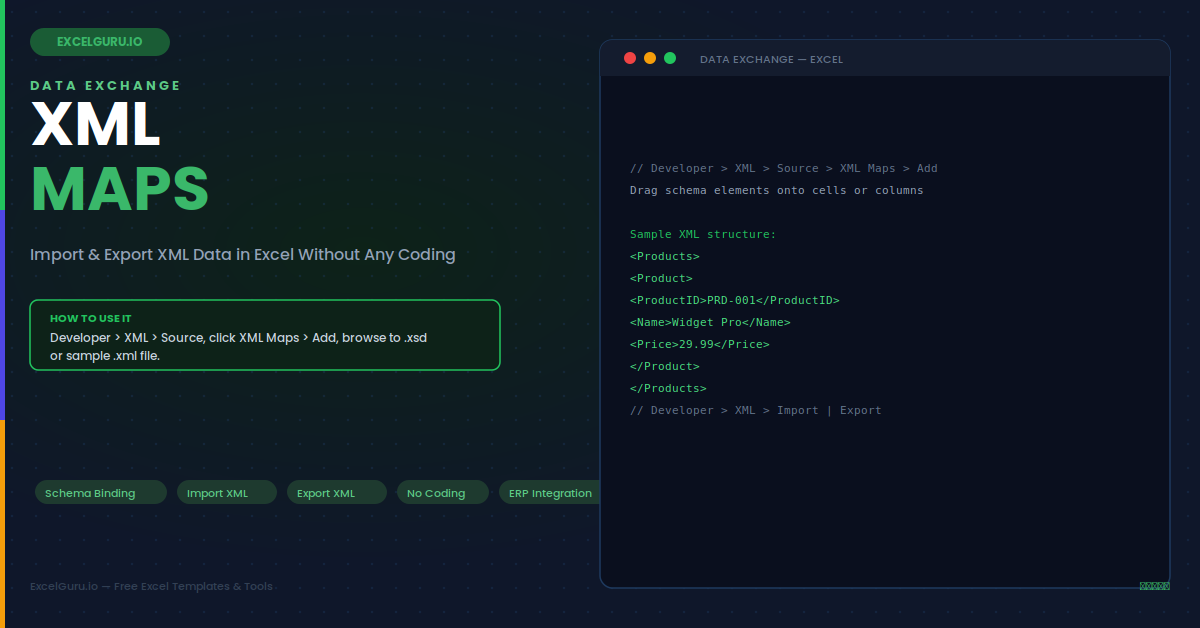
Import and export XML data in Excel tutorial showing XML maps structured data schema files and workbook connections

XML Maps: Import & Export XML Data in Excel

Work with structured XML data directly in Excel using this practical import and export tutorial. Learn how to add XML maps, import XML files, connect data to worksheet tables, export mapped data, handle schema requirements, and organize structured datasets more efficiently. Ideal for Excel users, analysts, developers, operations teams, and professionals who need to exchange data between Excel and XML-based systems.

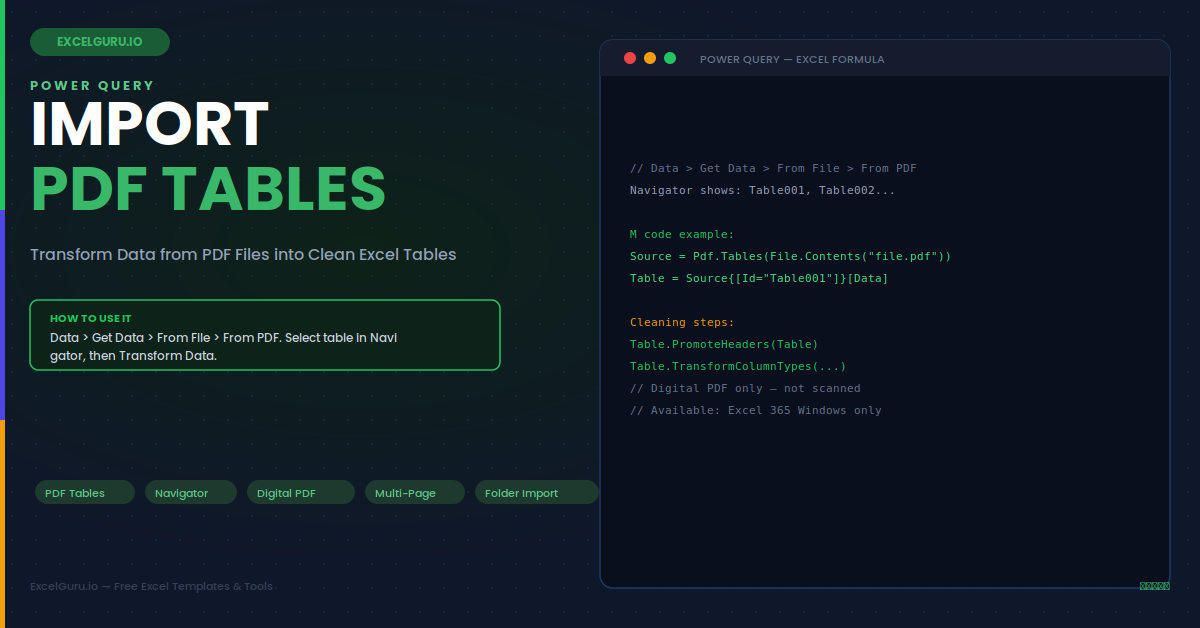
Import PDF Tables into Excel tutorial showing Power Query table extraction data cleaning and PDF records analysis

Power Query: Transform Data from PDF (Import PDF Tables)

Bring PDF table data into Excel with this practical tutorial. Learn how to import tables from PDF files, select the correct table, load data into Excel, clean headers, fix formatting issues, and prepare extracted records for reporting or analysis. Ideal for Excel users, analysts, finance teams, admin staff, and professionals who regularly work with PDF reports and need a faster way to convert them into usable Excel data.

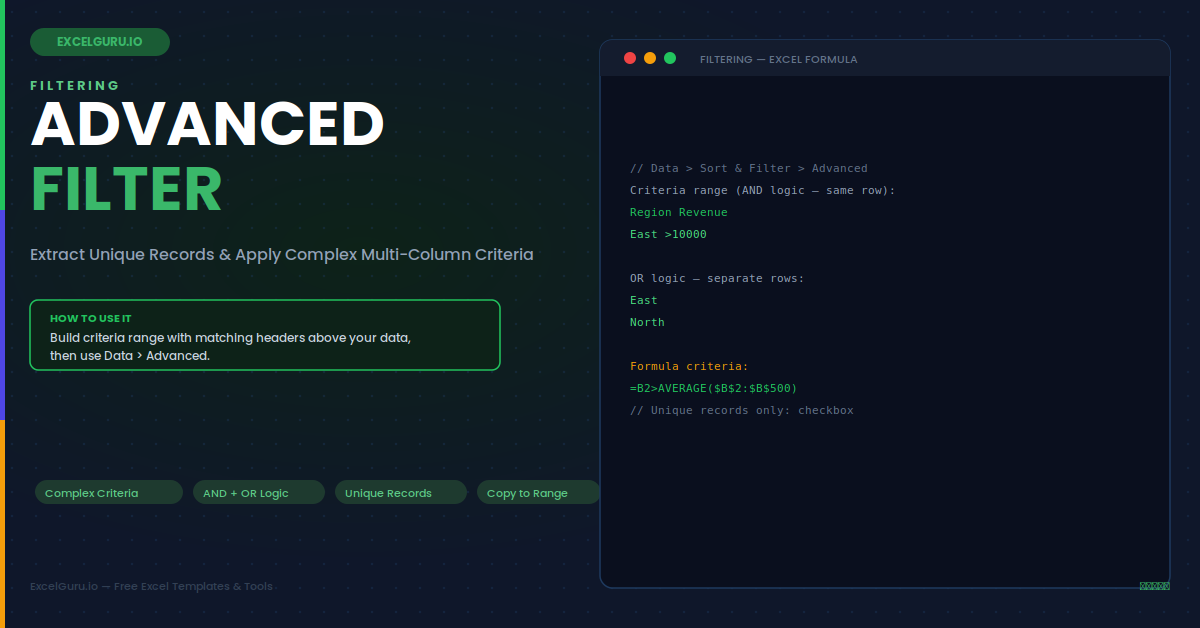
Advanced Filter in Excel tutorial showing criteria ranges unique records filtered data and copied results

Advanced Filter: Extract Unique Records & Complex Criteria

Filter Excel data more powerfully with the Advanced Filter tool. This tutorial explains how to set up criteria ranges, filter records in place, copy results to another location, extract unique values, and apply multiple conditions to large datasets. Ideal for Excel users, analysts, finance teams, admin staff, and professionals who need a faster way to clean, filter, and analyze structured data.

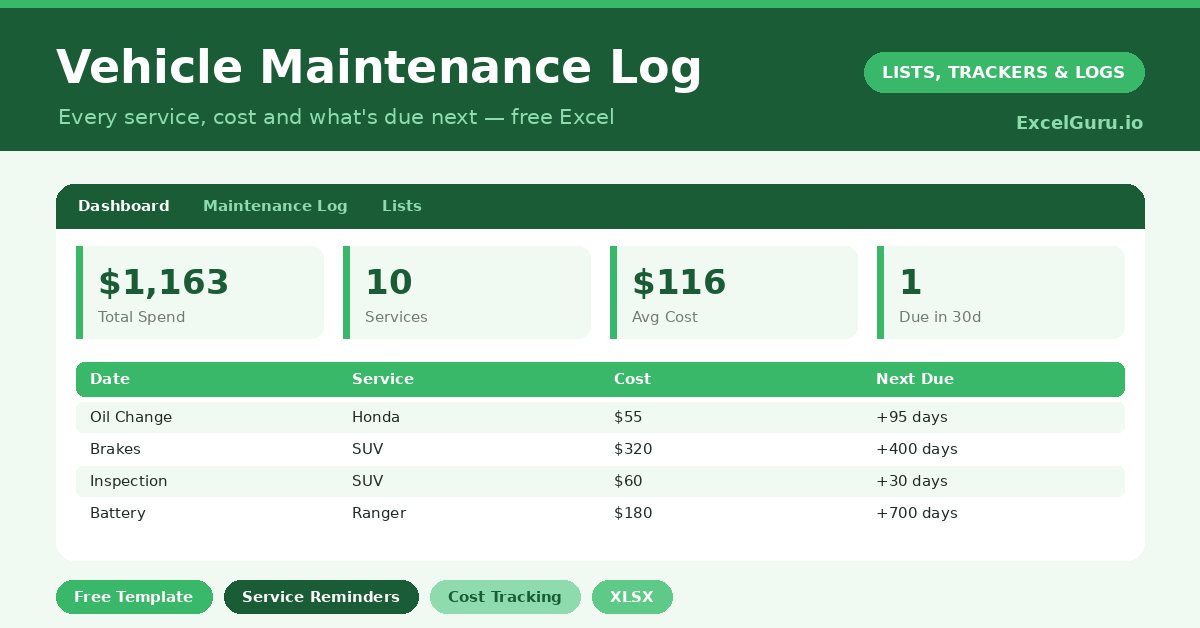
vehicle maintenance log that records every service and repair, tracks your spending, and tells you what is due next.

Vehicle Maintenance Log

Keep your vehicle service records organized with this free Vehicle Maintenance Log Excel Template. Track maintenance dates, vehicle details, odometer readings, service types, repair notes, parts replaced, service providers, costs, and next service due dates in one simple Excel file. Ideal for individuals, fleet managers, delivery teams, small businesses, and vehicle owners who need an easy way to monitor maintenance history, control repair costs, and plan timely servicing.