3 Week Calendar Template Feature Image

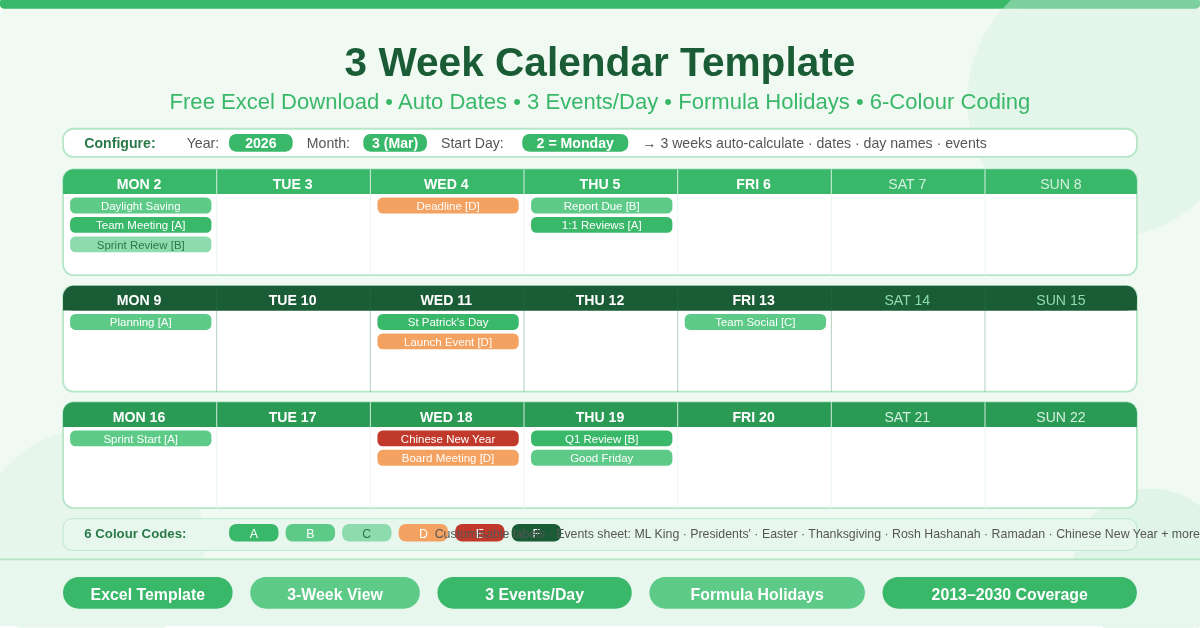
3 Weeks Calendar

This free Excel 3 Week Calendar Template displays three consecutive weeks side by side, with dates and day names calculated automatically from just three inputs — year, month, and start day. Each day supports up to 3 events pulled automatically from the Events sheet via INDEX/MATCH. A built-in holiday list covers US public holidays, religious observances, and cultural dates from 2013 through 2030, all calculated with formulas — no manual entry needed.

Choose Function in Excel Feature Image

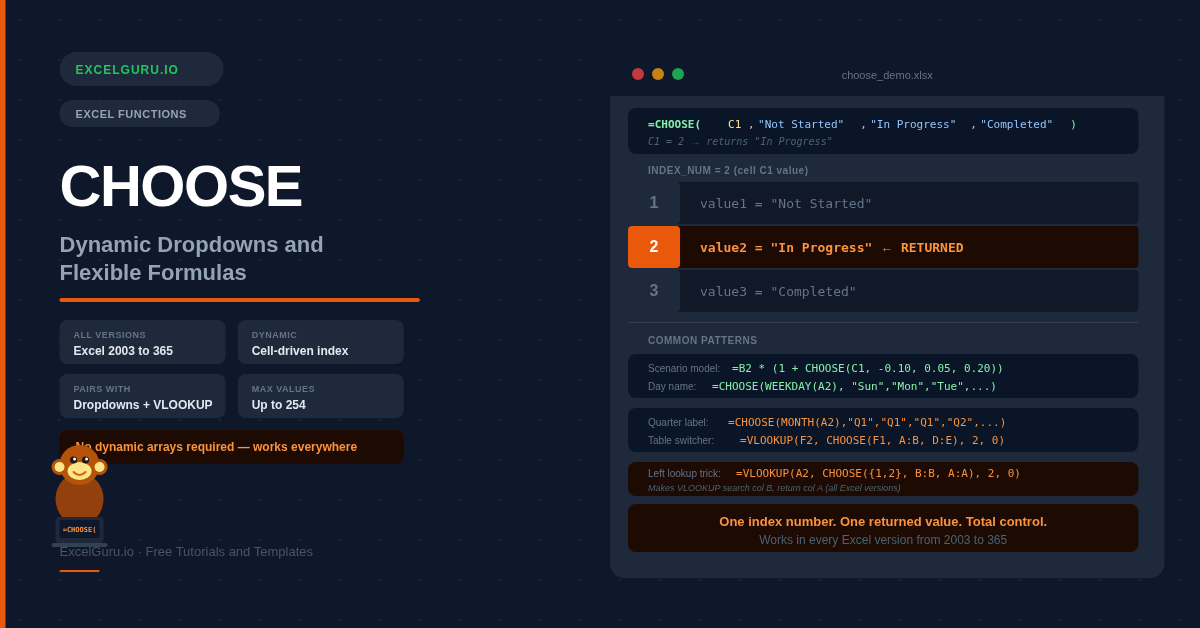
CHOOSE Function: Create Dynamic Dropdowns and Flexible Formulas

CHOOSE is one of Excel’s most versatile and most overlooked functions — it picks a value from a list by position number, and because that number can come from a dropdown or a formula, the result changes dynamically. Unlike FILTER, SORT, and XLOOKUP, CHOOSE works in every Excel version from 2003 to 365 with no dynamic array support required. This guide covers six practical examples including scenario models, day names, VLOOKUP table switching, quarter labels, and the classic left-lookup trick.

XMATCH Function in Excel Feature Image

XMATCH in Excel: A More Powerful Replacement for MATCH

XMATCH does everything MATCH does, but better. It defaults to exact match so you never accidentally return a wrong result, can find the last occurrence in a list, supports wildcards in a dedicated mode, and adds next-larger approximate matching that MATCH cannot do at all. This guide covers the full syntax, a direct comparison table, and six examples from basic position lookup through two-way INDEX+XMATCH and binary search on large datasets.

SORT Function in Excel Feature Image

SORT Function: Dynamic Data Sorting Without Touching the Original Data

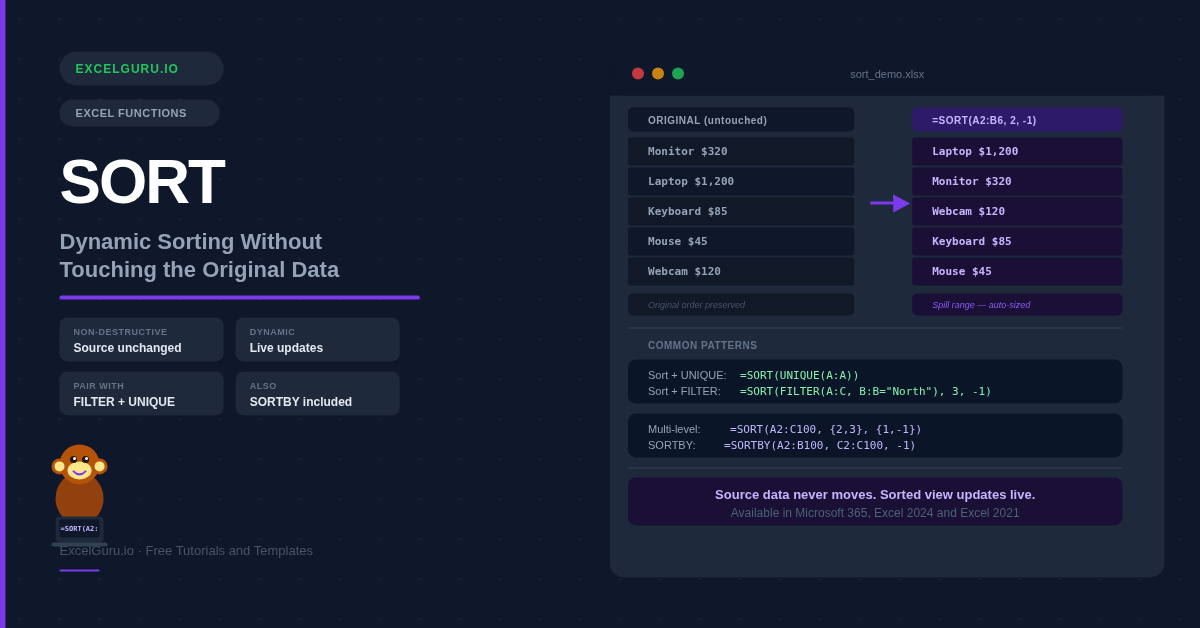
The SORT function creates a sorted copy of your data in a new location, leaves the original completely untouched, and updates automatically whenever the source changes. This guide covers the full syntax, the SORTBY companion function, and six practical examples — from simple A-Z lists to multi-column sorts, dynamic filtered views, and randomizing a list with RANDARRAY.

Stock Inventory Control Tracker Feature Image

Stock Inventory Control

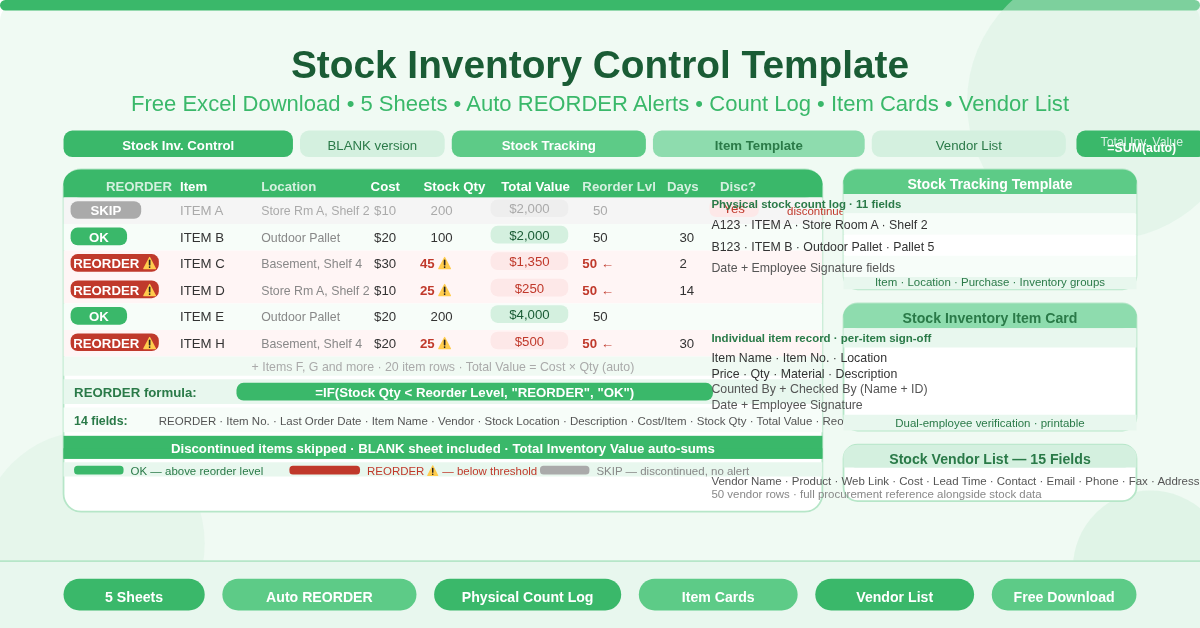
This free Excel Stock Inventory Control Template is a complete five-sheet stock management system. The main control sheet delivers auto REORDER alerts, total inventory value, and discontinued item tracking for up to 20 items. Four additional sheets cover a blank version, a physical count log with employee sign-off, an individual item card template, and a full vendor directory.

Software Inventory Tracker Feature Image

Software Inventory Tracker

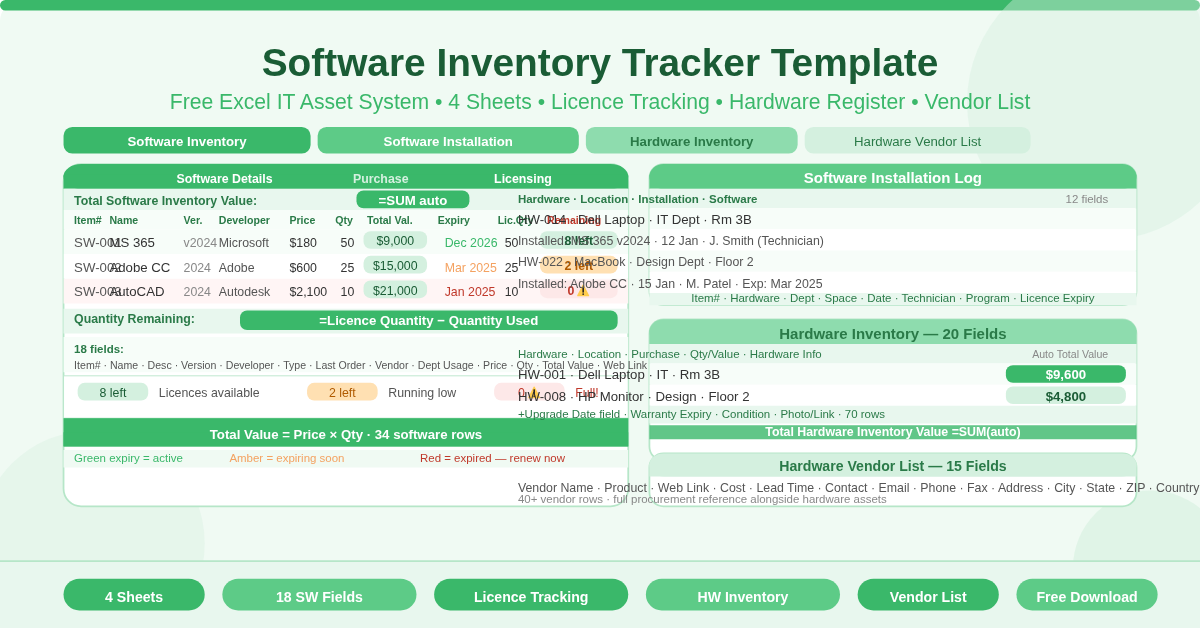
This free Excel Software Inventory Tracker Template is a complete IT asset management system in four connected sheets. Track software licenses with auto Total Value and Quantity Remaining, log hardware assets with auto inventory value and upgrade date, record software installations with technician details, and maintain a full hardware vendor directory — all in one workbook.

Professional Inventory Tracker Feature Image

Professional Inventory Tracker

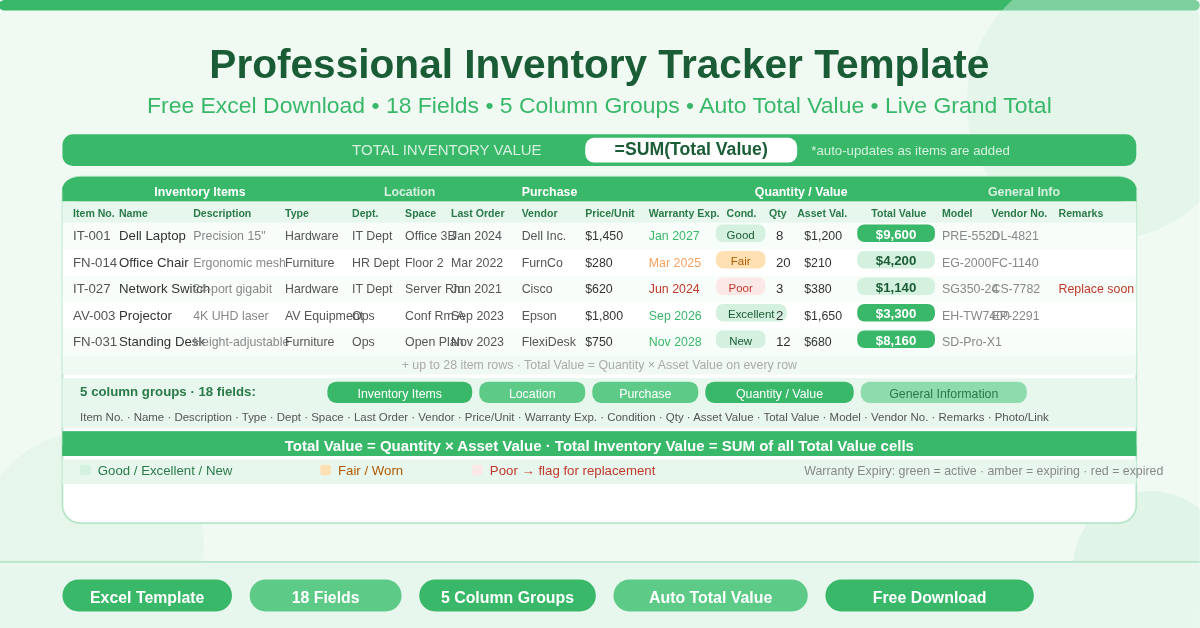
This free Excel Professional Inventory Tracker gives businesses a complete, audit-ready asset and stock register in one sheet. Eighteen fields across five column groups — Item Details, Location, Purchase, Quantity/Value, and General Information — with Total Value auto-calculated per item and Total Inventory Value summing across all items. Supports up to 28 inventory items out of the box.

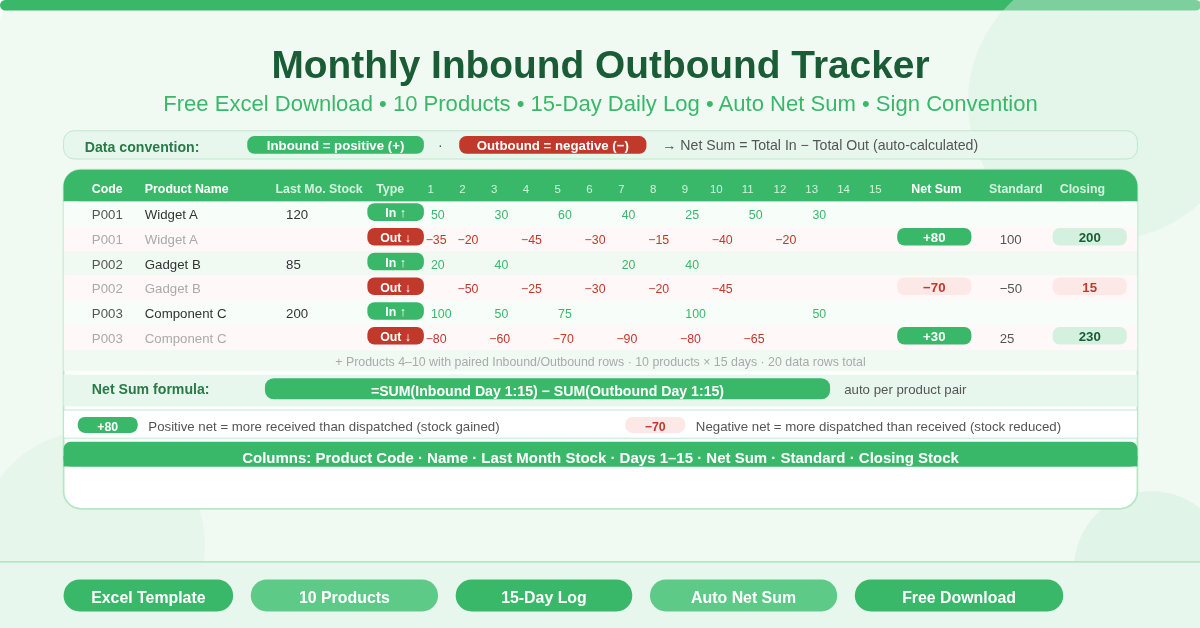
Monthly Inbound and Outbound Tracker Feature Image

Monthly Inbound and Outbound Tracker

This free Excel Monthly Inbound Outbound Tracker helps businesses record daily stock movements for up to 10 products across 15 working days. Enter daily inbound quantities as positive numbers and outbound quantities as negative numbers, and the Net Sum column calculates automatically as total inbound minus total outbound for each product.

UNIQUE Table Tutorial in Excel Blogpost Feature Image

UNIQUE Function in Excel: Extract Distinct Values Automatically

Before Excel 365, getting a distinct list from a column took complex multi-function array formulas that only experts could write. UNIQUE does it with a single formula that spills automatically, updates live, and combines effortlessly with SORT and FILTER. This guide walks through six practical examples from basic deduplication to dynamic dropdown lists powered by a spill range.

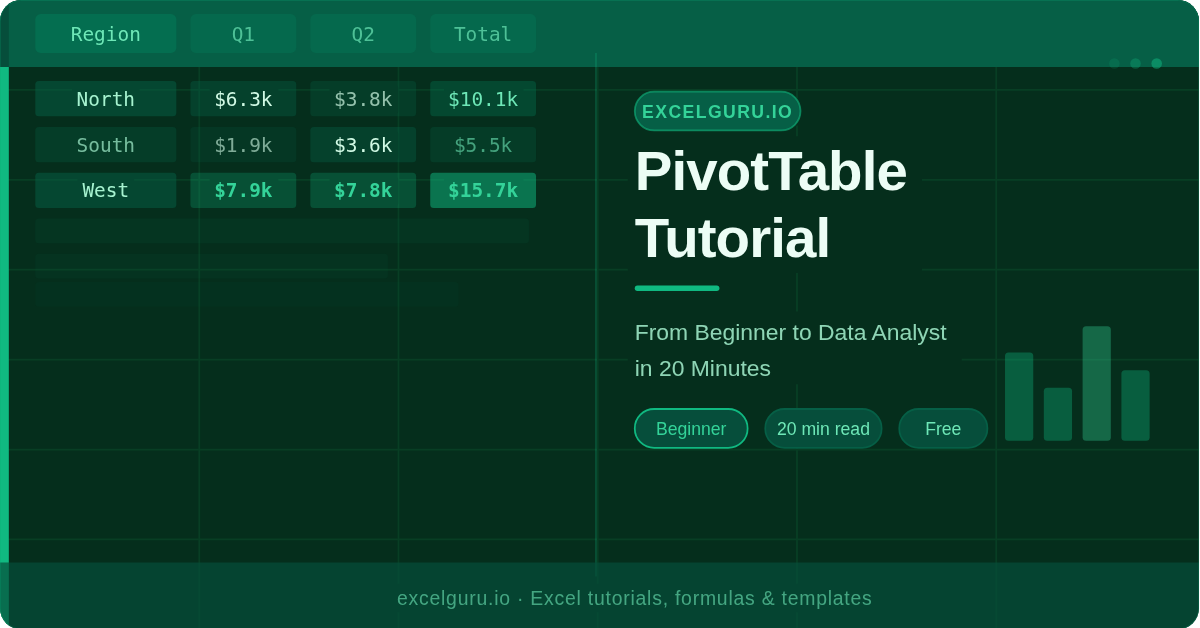
PIVOT Table Tutorial in Excel Blogpost Feature Image

PivotTable Tutorial: From Beginner to Data Analyst in 20 Minutes

Master Pivot Tables in Excel with this complete beginner-to-advanced tutorial. Learn how to summarize, analyze, and transform raw data into meaningful insights using simple, practical steps. Whether you’re starting out or aiming to become a data analyst, this guide helps you unlock the full power of Pivot Tables for smarter decision-making.

VLOOKUP Formula in Excel Blogpost Feature Image

VLOOKUP Step-by-Step: How to Find Data in Large Spreadsheets

VLOOKUP is one of the most used functions in Excel — and one of the most misunderstood. This beginner-friendly guide breaks down all four arguments, walks you through writing your first formula in four steps, and covers six practical examples from product pricing to cross-sheet lookups, plus a complete error reference table.

IFS Function in Excel Blogpost Feature Image

IFS Function in Excel: Simplify Multiple Conditions Without Nesting

Nested IF formulas get harder to read with every condition you add. The IFS function replaces the entire nesting structure with a flat, readable list — write each condition and its result in order, left to right, with no brackets to lose. This guide covers syntax, a direct nested IF vs IFS comparison, and six practical examples including grade scales, commission tiers, shipping rules, and compound AND conditions.