
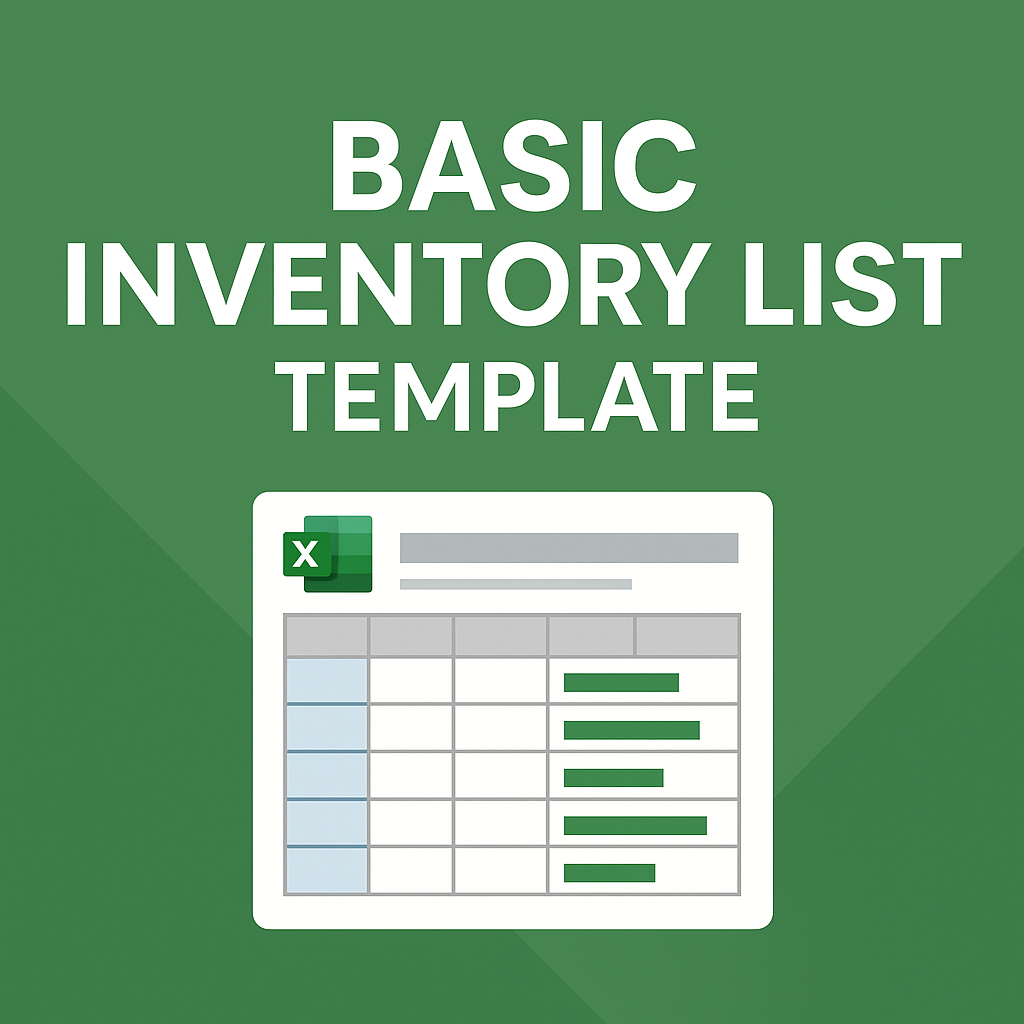
Basic Inventory List
An Excel-based Basic Inventory List Template to manage stock, track sales, and maintain up-to-date inventory balances. Ideal for small businesses and retail shops.
An Excel-based Basic Inventory List Template to manage stock, track sales, and maintain up-to-date inventory balances. Ideal for small businesses and retail shops.
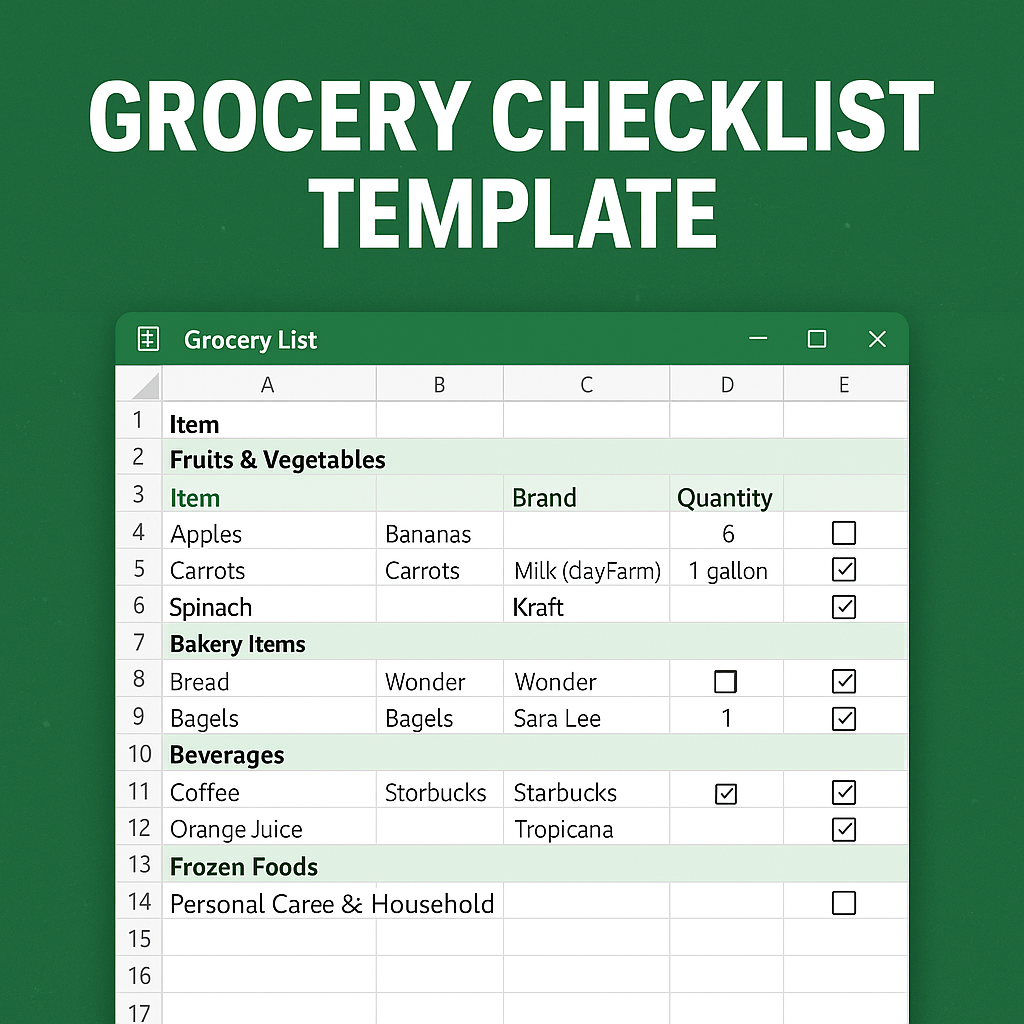
An Excel-based Grocery Checklist Template with brand preferences, quantity fields, and category organization. Ideal for families, planners, and shared households.
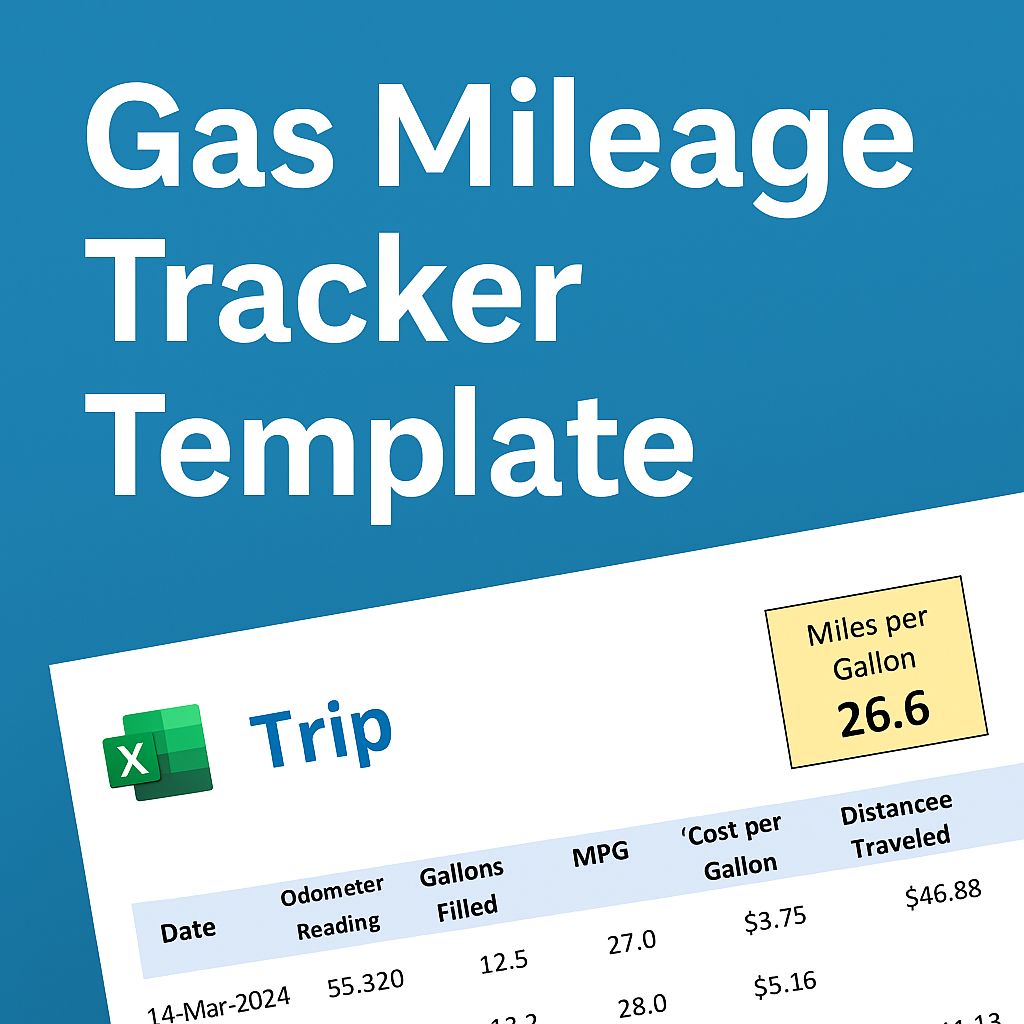
An Excel-based Gas Mileage Tracker Template that calculates miles per gallon and total fuel cost. Ideal for drivers, small businesses, and fleet managers.
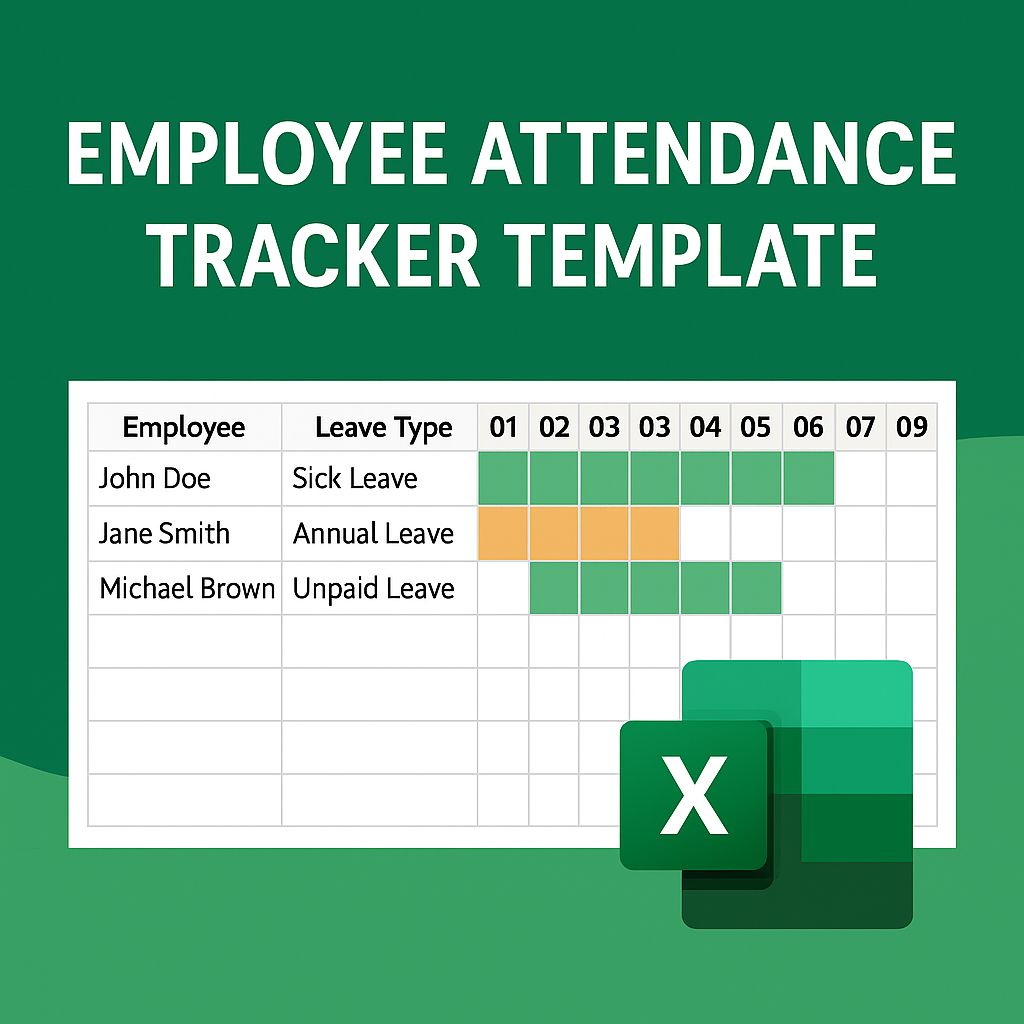
An Excel-based Employee Attendance Tracker Template with calendar views, leave tracking, employee directories, and holiday exclusions. Ideal for HR and team leads.
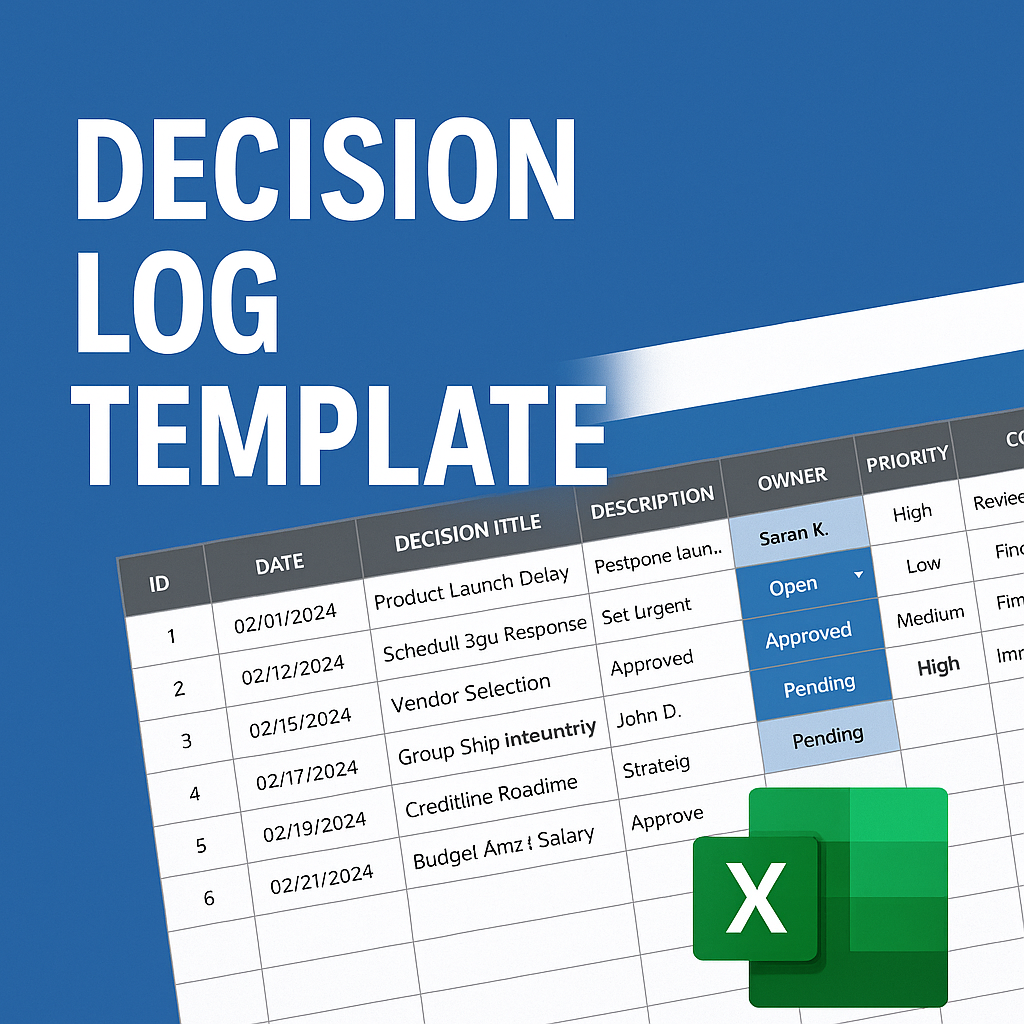
An Excel-based Decision Log Template for tracking project or business decisions. Includes dropdowns for status, priority, and action tracking.
An Excel-based Daily Sales Tracker Template with sales entry, automatic reporting, and inventory management. Ideal for retail, online, or small business use.
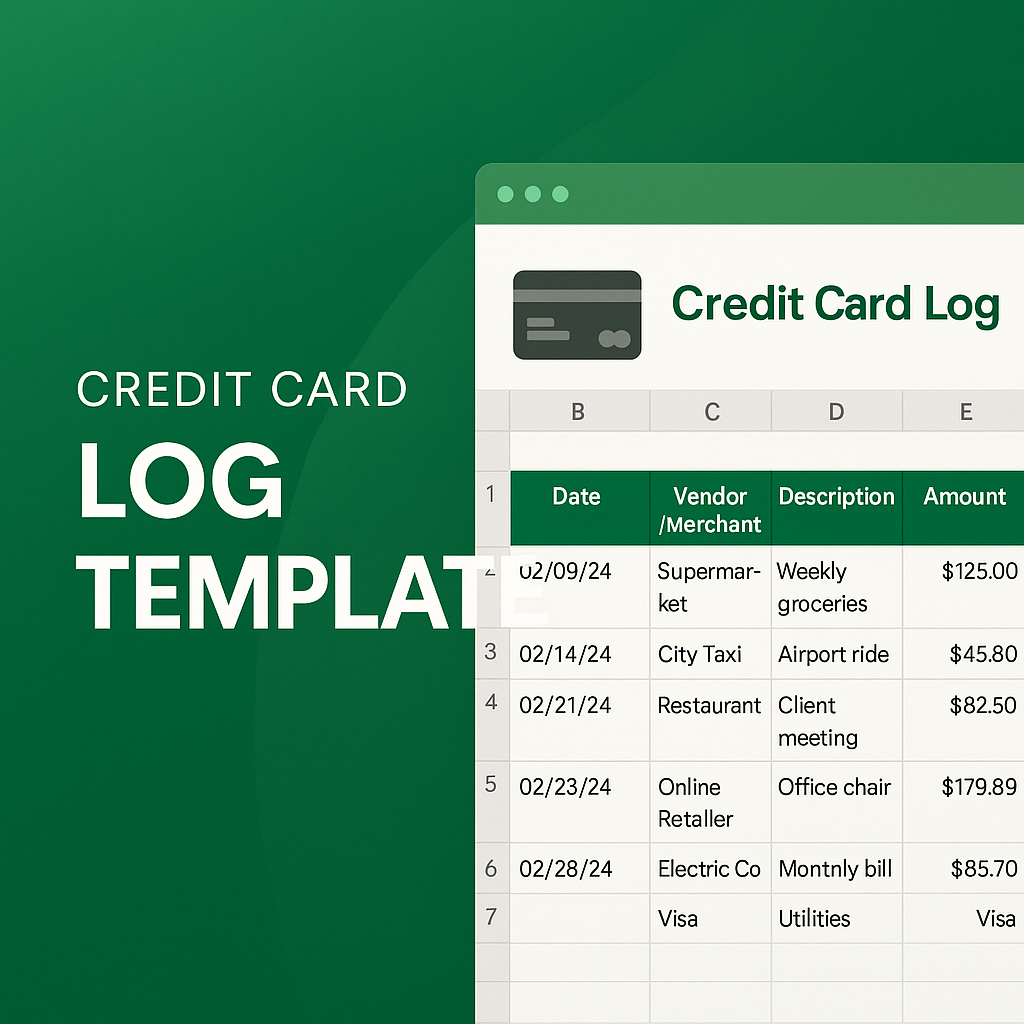
An Excel-based Credit Card Log Template for tracking daily credit card transactions. Includes fields for vendor, category, notes, and real-time totals.
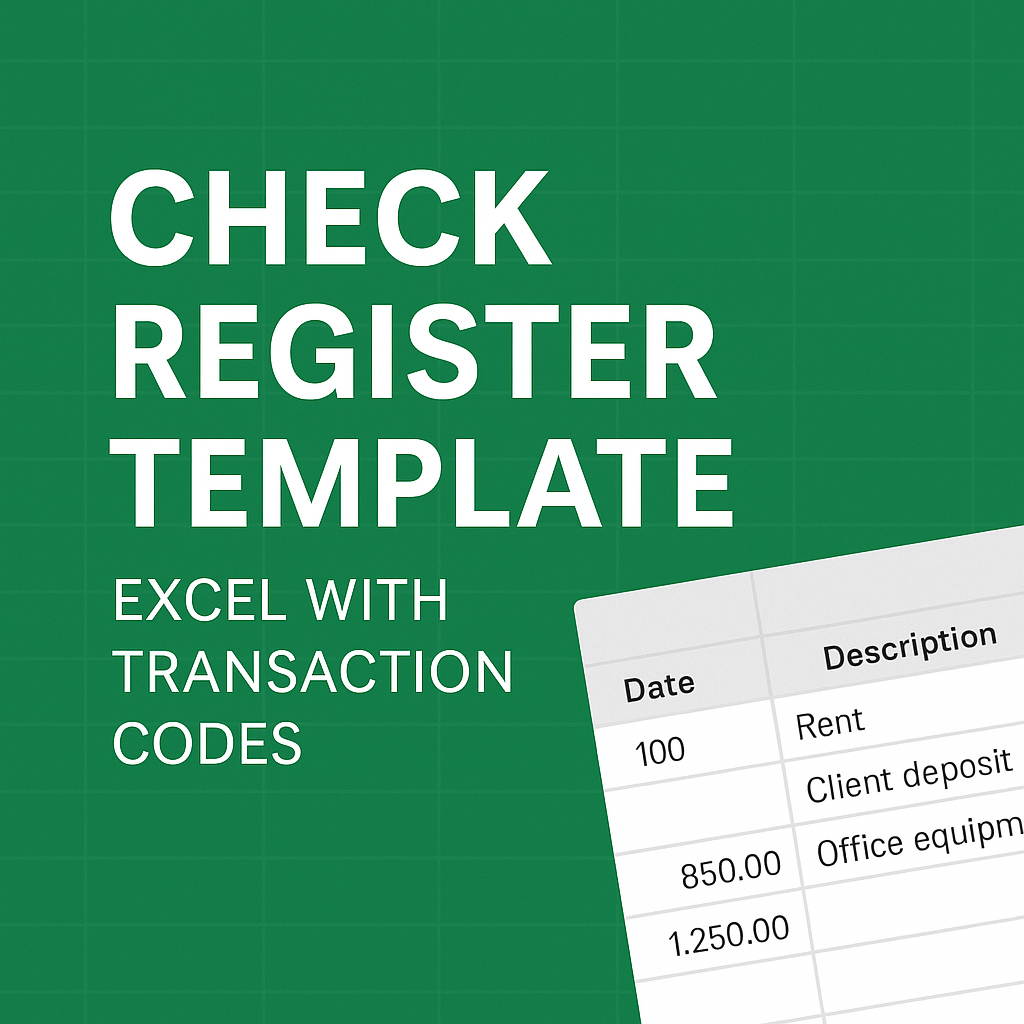
An Excel-based Check Register Template with transaction codes. Track payments, deposits, and balances with categorized entries and real-time calculations.
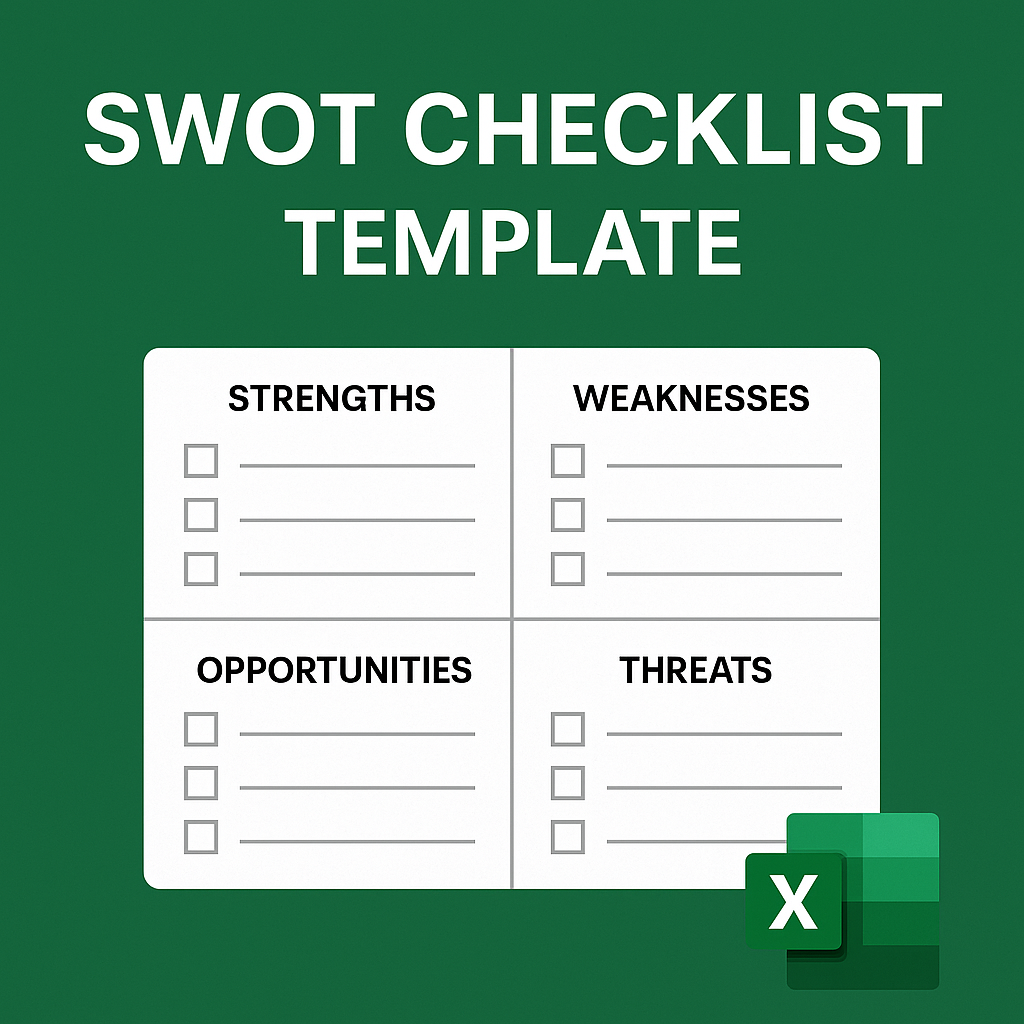
An Excel-based SWOT Checklist Template to guide strategic planning. Includes editable fields for strengths, weaknesses, opportunities, and threats.
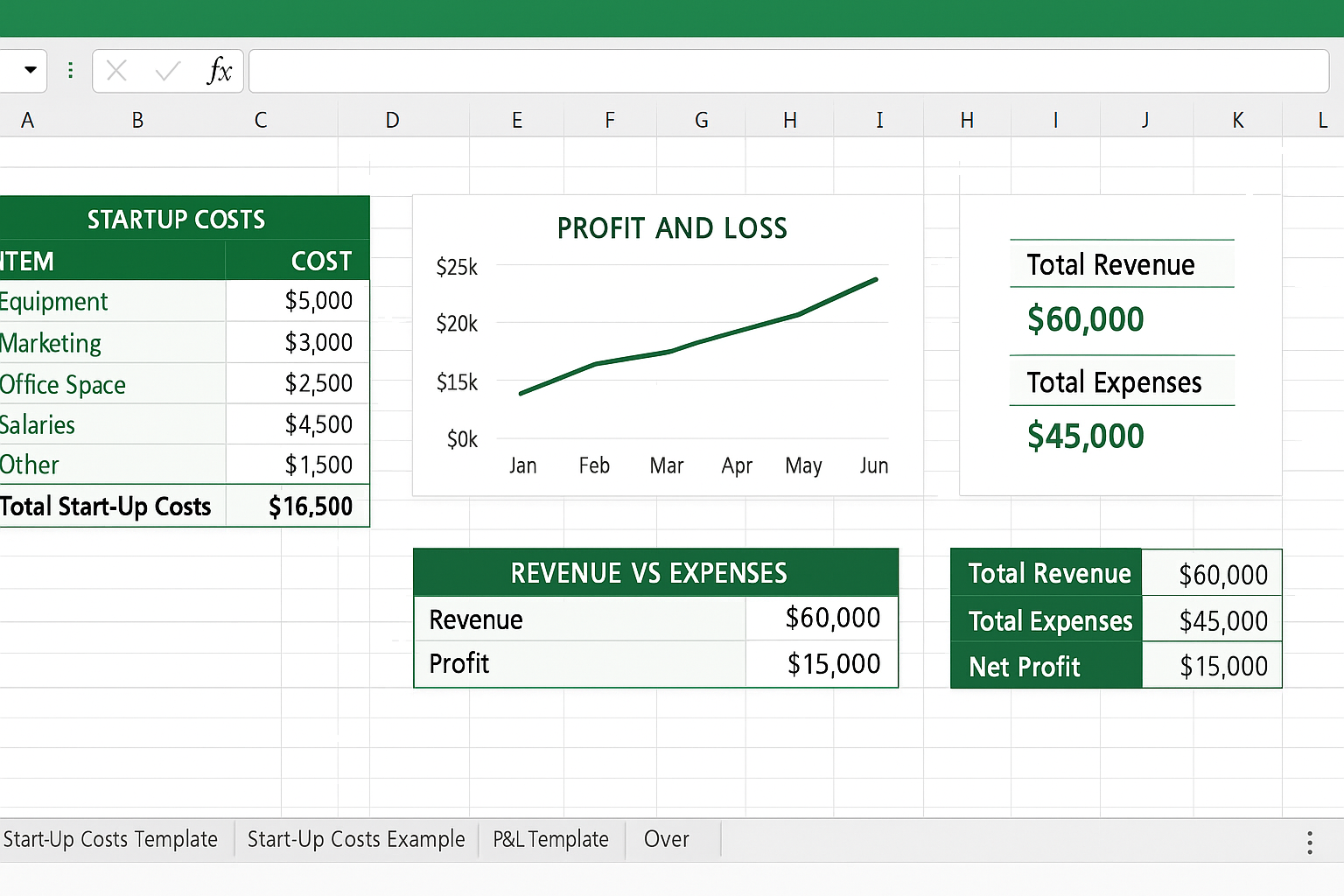
An Excel-based Business Financial Plan Template for startups. Includes startup cost forms, P&L projections, examples, and a dashboard-style overview.

An Excel-based Business Expense Budget Template with linked worksheets for planning, actual tracking, variance comparison, and visual reporting.
Unlock the full potential of Excel with this detailed guide on the VLOOKUP function. Learn how to search, retrieve, and analyze data effortlessly using VLOOKUP. This blog walks you through syntax, real-world examples, common errors, and pro tips—perfect for both beginners and experienced Excel users.