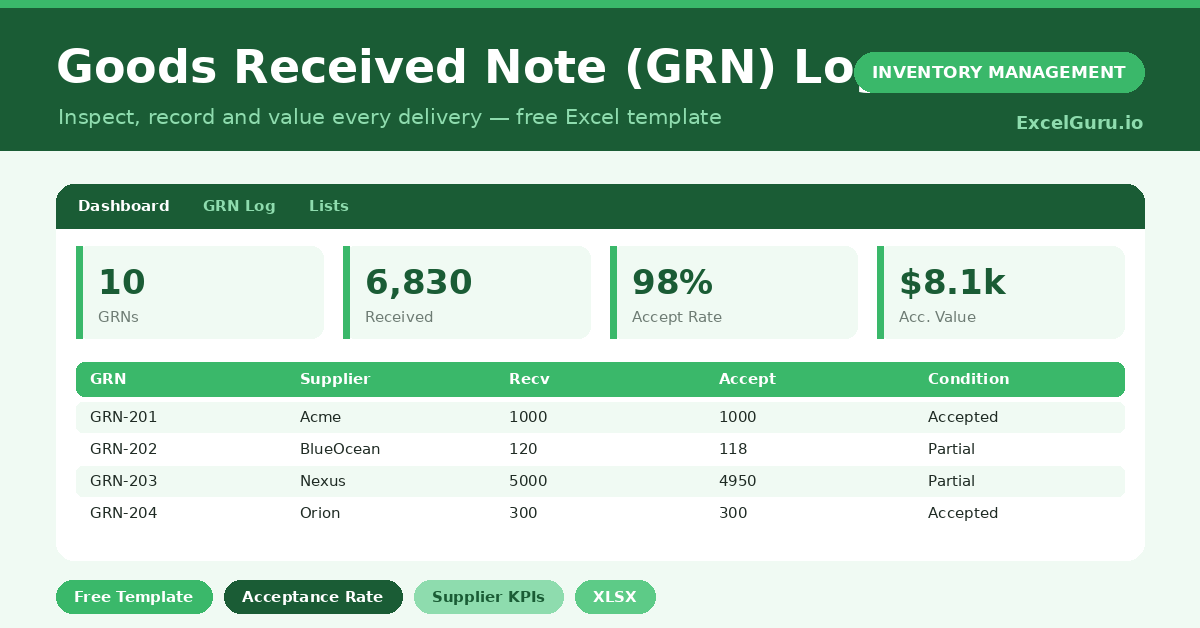
Goods Received Note (GRN) Log
Record and manage goods received from suppliers with this free Goods Received Note GRN Log Excel Template. Track GRN numbers, purchase orders, supplier details, received dates, item codes, ordered quantities, received quantities, damaged or rejected items, inspection status, and warehouse remarks in one simple Excel file. Ideal for procurement teams, warehouse staff, inventory managers, finance teams, and small businesses that need an easy way to maintain accurate receiving records and improve inventory control.