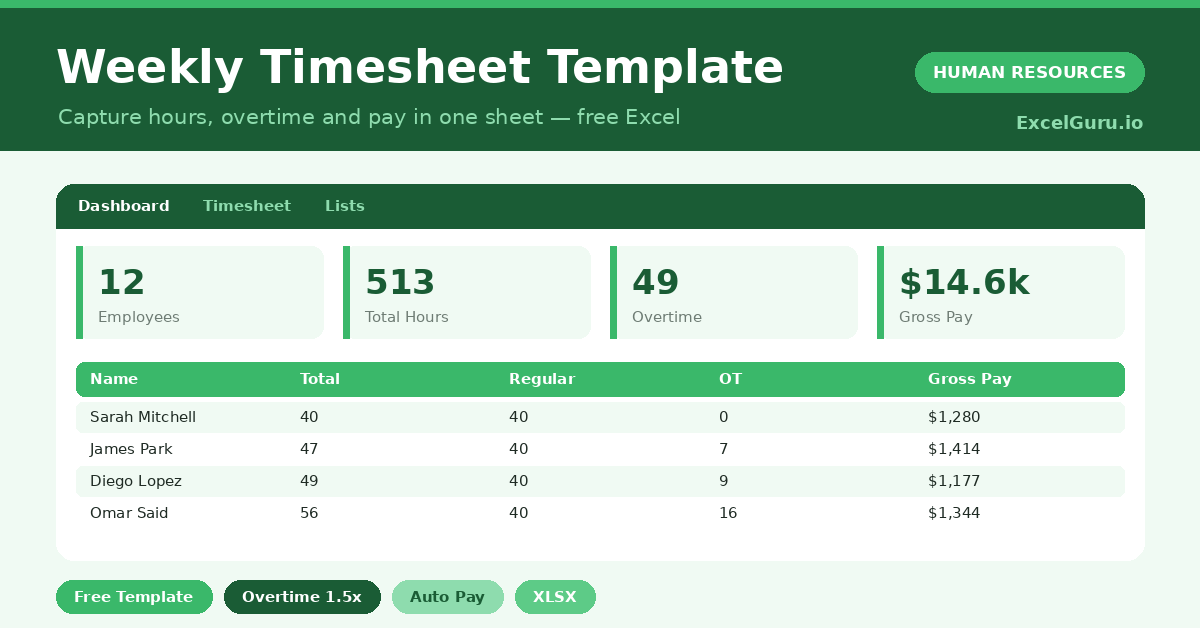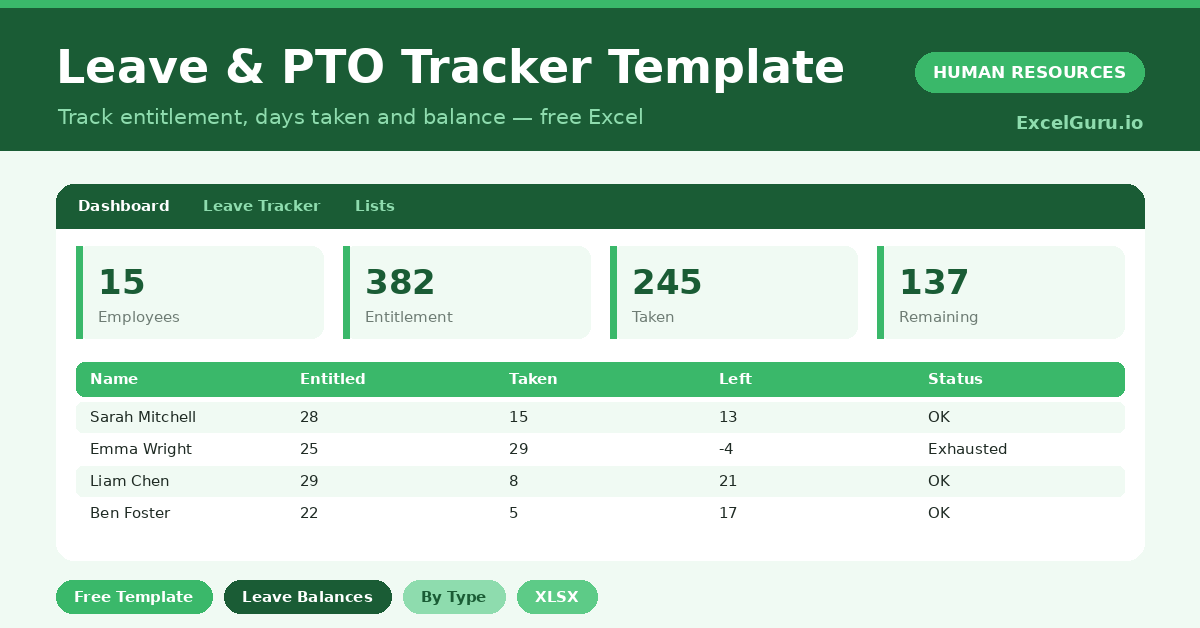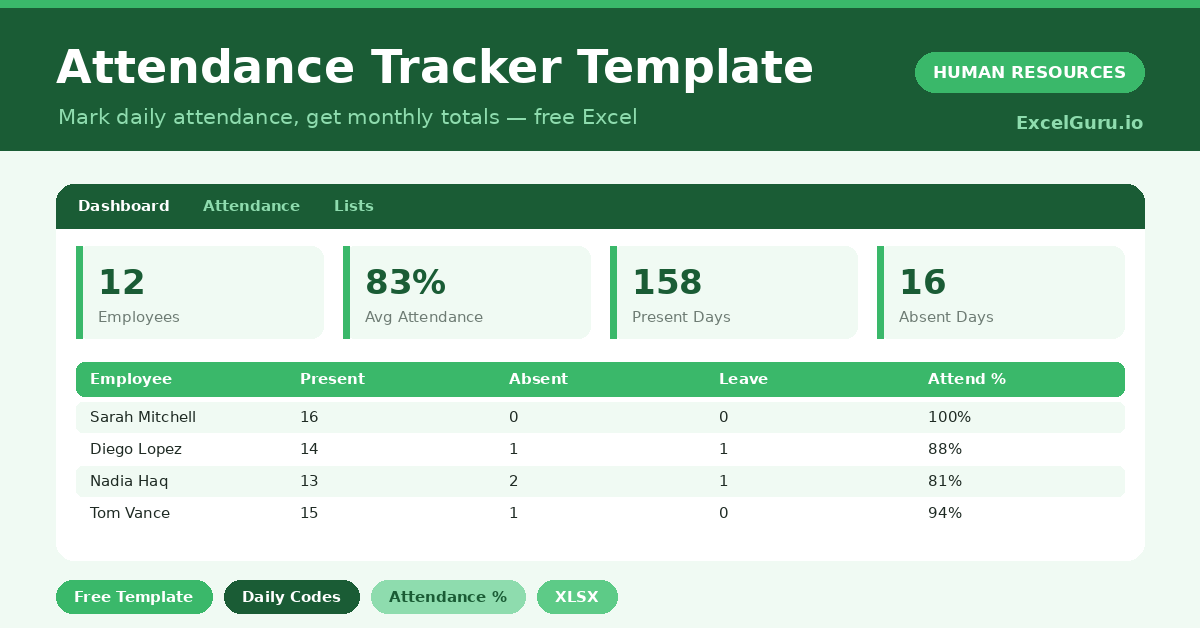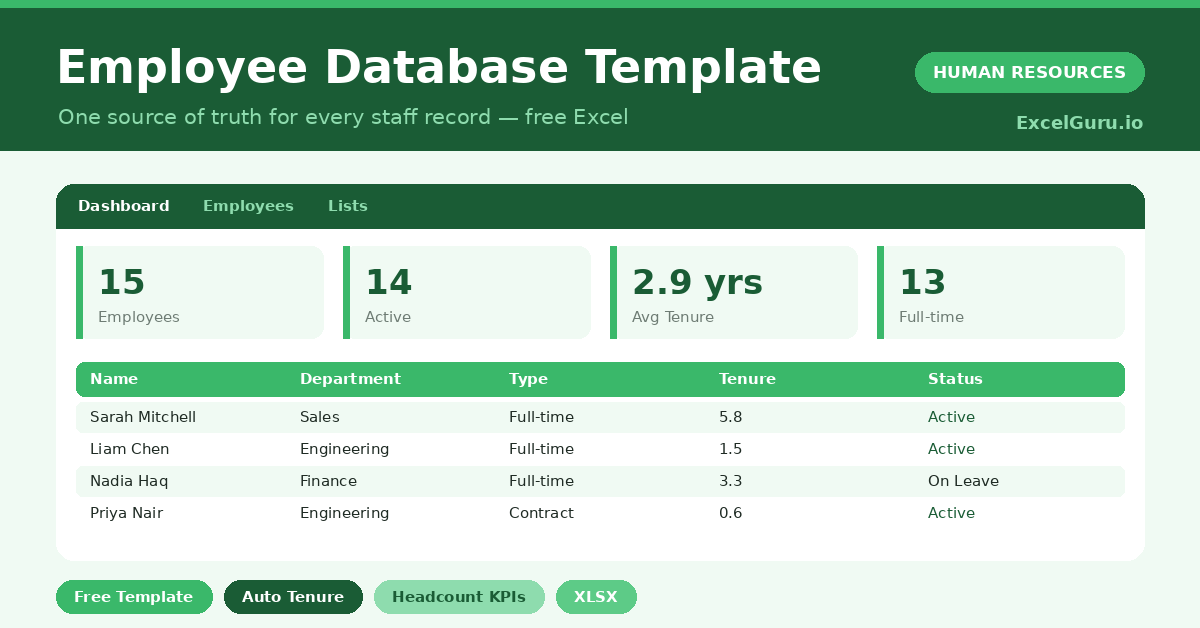
TEXTJOIN in Excel feature image for tutorial blog

TEXTJOIN in Excel: Combine Text with Delimiters (Replace CONCATENATE)

TEXTJOIN replaces CONCATENATE with a single function that accepts a range, writes the delimiter once, and skips blank cells automatically with one TRUE/FALSE argument. This guide covers six practical examples — from comma-separated lists and address building through conditional joins with IF, date formatting with TEXT(), and line-break separators using CHAR(10).

WORKDAY in Excel feature image for tutorial blog

WORKDAY Function: Calculate Project Deadlines & Delivery Dates

WORKDAY takes a start date and a number of working days, and returns the exact deadline date — automatically skipping weekends and any holidays you provide. It is the companion to NETWORKDAYS: use NETWORKDAYS to count elapsed working days, and WORKDAY to find what date falls N working days in the future or past. This guide covers forward planning, backward planning, invoice due dates, delivery chains, WORKDAY.INTL for custom working weeks, and the workday-check formula trick.

NETWORKDAYS in Excel feature image for tutorial blog

NETWORKDAYS in Excel: Calculate Working Days Excluding Weekends & Holidays

NETWORKDAYS counts the working days between two dates, automatically skipping weekends and subtracting any public holidays you provide. It is the essential function for project timelines, payroll calculations, SLA monitoring, and monthly capacity planning. This guide covers both NETWORKDAYS and NETWORKDAYS.INTL with six practical examples — from basic counts through custom weekend definitions for global businesses.

2027 Annual Calendar Vertical Feature Image

2027 Annual Calendar Vertical

This free 2027 Annual Calendar Vertical Template for Excel displays all 12 months of the year in a single, horizontal sheet. Three configuration inputs — Year, Start Month, and Start Day — control everything. Change the year to reuse it beyond 2027. Set a non-January start month for fiscal or academic calendars. Switch between Sunday and Monday week starts. Every date and day header recalculates instantly with no manual editing.

2026 Annual Calendar Vertical Feature Image

2026 Annual Calendar Vertical

This free 2026 Annual Calendar Vertical Template for Excel displays all 12 months of the year in a single, horizontal sheet. Three configuration inputs — Year, Start Month, and Start Day — control everything. Change the year to reuse it for 2027 or any future year. Set a non-January start month for fiscal or academic calendars. Switch between Sunday and Monday week starts. Every date and day header recalculates instantly.

3 Years Calendar Template Feature Image

3 Years Calendar

This free Excel 3 Year Calendar Template displays three consecutive years of monthly calendars in one view. Choose from four layout variants — side-by-side dark, side-by-side light, stacked dark, or stacked light. Enter the year, start month, and start day, and all dates calculate automatically. It is ideal for multi-year project planning, academic scheduling, and long-range business planning.

3 Week Calendar Template Feature Image

3 Weeks Calendar

This free Excel 3 Week Calendar Template displays three consecutive weeks side by side, with dates and day names calculated automatically from just three inputs — year, month, and start day. Each day supports up to 3 events pulled automatically from the Events sheet via INDEX/MATCH. A built-in holiday list covers US public holidays, religious observances, and cultural dates from 2013 through 2030, all calculated with formulas — no manual entry needed.

Choose Function in Excel Feature Image

CHOOSE Function: Create Dynamic Dropdowns and Flexible Formulas

CHOOSE is one of Excel’s most versatile and most overlooked functions — it picks a value from a list by position number, and because that number can come from a dropdown or a formula, the result changes dynamically. Unlike FILTER, SORT, and XLOOKUP, CHOOSE works in every Excel version from 2003 to 365 with no dynamic array support required. This guide covers six practical examples including scenario models, day names, VLOOKUP table switching, quarter labels, and the classic left-lookup trick.

XMATCH Function in Excel Feature Image

XMATCH in Excel: A More Powerful Replacement for MATCH

XMATCH does everything MATCH does, but better. It defaults to exact match so you never accidentally return a wrong result, can find the last occurrence in a list, supports wildcards in a dedicated mode, and adds next-larger approximate matching that MATCH cannot do at all. This guide covers the full syntax, a direct comparison table, and six examples from basic position lookup through two-way INDEX+XMATCH and binary search on large datasets.

SORT Function in Excel Feature Image

SORT Function: Dynamic Data Sorting Without Touching the Original Data

The SORT function creates a sorted copy of your data in a new location, leaves the original completely untouched, and updates automatically whenever the source changes. This guide covers the full syntax, the SORTBY companion function, and six practical examples — from simple A-Z lists to multi-column sorts, dynamic filtered views, and randomizing a list with RANDARRAY.

Stock Inventory Control Tracker Feature Image

Stock Inventory Control

This free Excel Stock Inventory Control Template is a complete five-sheet stock management system. The main control sheet delivers auto REORDER alerts, total inventory value, and discontinued item tracking for up to 20 items. Four additional sheets cover a blank version, a physical count log with employee sign-off, an individual item card template, and a full vendor directory.

Software Inventory Tracker Feature Image

Software Inventory Tracker

This free Excel Software Inventory Tracker Template is a complete IT asset management system in four connected sheets. Track software licenses with auto Total Value and Quantity Remaining, log hardware assets with auto inventory value and upgrade date, record software installations with technician details, and maintain a full hardware vendor directory — all in one workbook.