
Power PIVOTs

Master Excel Power Pivot with this collection of step-by-step tutorials covering data modeling, table relationships, DAX formulas, calculated columns, measures, KPIs, date tables, and advanced reporting techniques.

Learn how to combine multiple data sources, build scalable data models, and create high-performance PivotTables and dashboards for business analysis. Ideal for analysts, accountants, finance professionals, business intelligence users, and anyone looking to unlock Excel’s advanced data modeling capabilities. Power Pivot extends Excel with powerful data modeling and calculation features for working with large datasets and relational data.

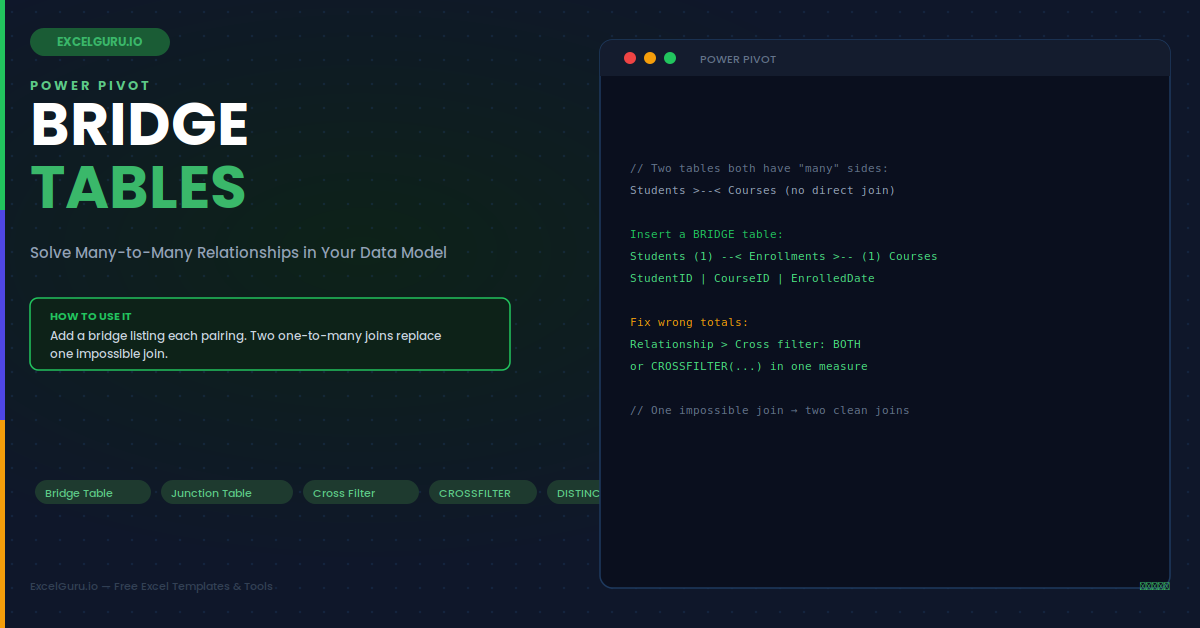
Many-to-many relationships using bridge tables in Excel tutorial showing Power Pivot data model relationships and bridge tables

Many‑to‑Many Relationships Using Bridge Tables

Understand how to handle many-to-many relationships in Excel Data Models using bridge tables. This tutorial explains why bridge tables are needed, how to create relationship tables, configure Power Pivot relationships, avoid duplicate results, and build accurate PivotTables and reports. Ideal for Excel users, BI professionals, analysts, finance teams, and anyone working with complex relational datasets in Power Pivot.
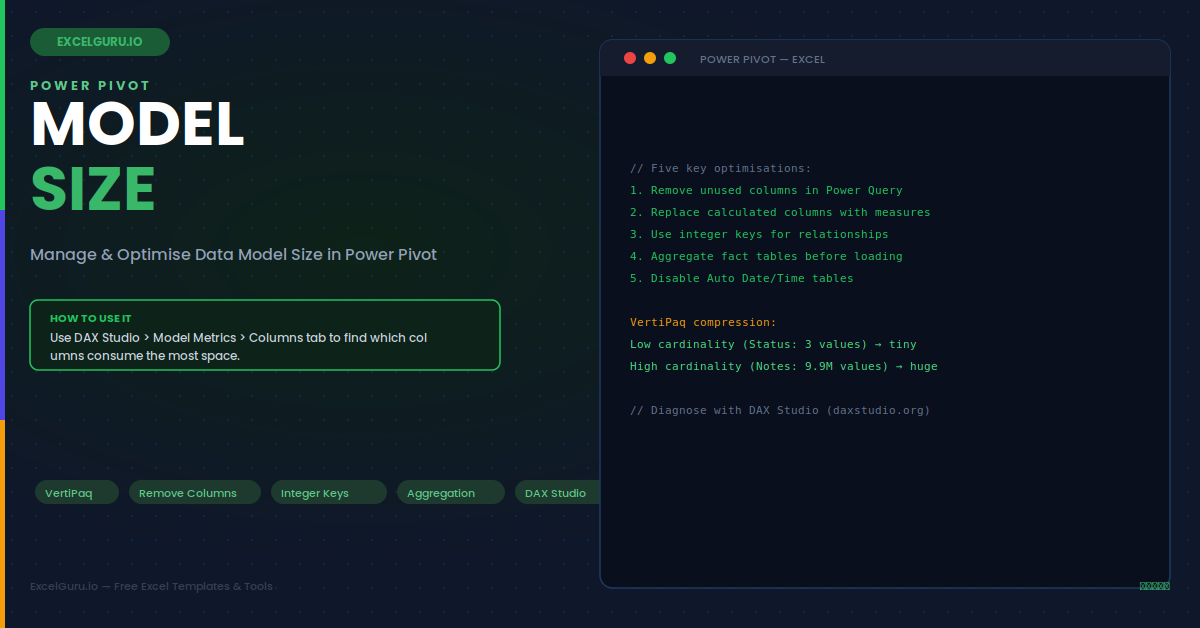
Excel Data Model size optimization tutorial showing Power Pivot tables relationships unused columns and workbook performance

Power Pivot: Manage & Optimize Data Model Size

Improve workbook speed and reduce file size with this practical guide to optimizing the Excel Data Model. This tutorial explains how to remove unnecessary columns, reduce row volume, optimize data types, avoid high-cardinality fields, manage relationships, and keep Power Pivot models efficient. Ideal for Excel users, analysts, finance teams, BI users, and professionals who work with large datasets and want faster, cleaner, and more reliable workbooks.