
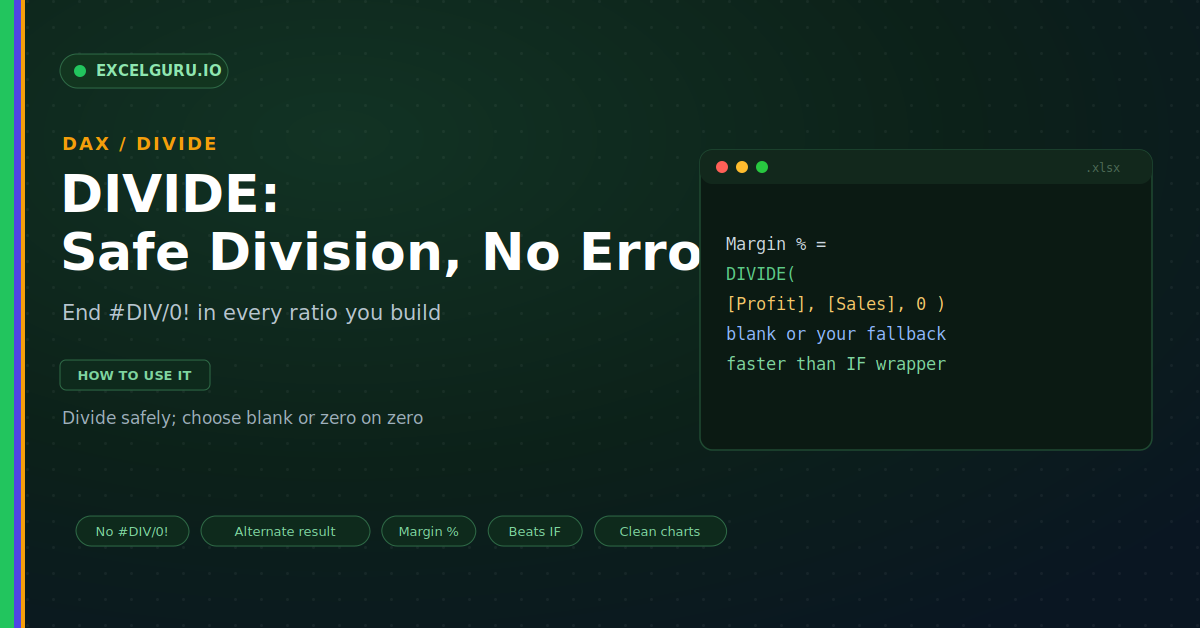
Ratios run through every report you build. Margin percent, conversion rate, average order value; all of them divide one number by another. Then one denominator turns out to be zero, and the cell breaks. That ugly #DIV/0! error spreads through totals and charts alike. The DIVIDE function removes that risk for good. It divides safely and hands back a clean result whenever the bottom is zero.
This guide shows why DIVIDE belongs in every measure. First, it explains the divide-by-zero problem. Then it covers the syntax, real examples, and the alternate result. A comparison and a full troubleshooting section follow. By the end, your ratios will never error again.
The Divide-by-Zero Problem
The slash operator divides, but it is fragile. Give it a zero on the bottom, and it errors. That single error can poison a whole column. DIVIDE avoids it entirely, as shown below.
In real data, zero denominators are common. A new product may have no sales yet. A quiet month may show no visits at all. So a safe divide is not a luxury, but a need.
What DIVIDE Does
DIVIDE performs the division you expect. However, it checks the denominator first. If the bottom is zero or blank, it stops safely. Then it returns a clean value instead of an error.
The Syntax
The function takes three parts, and the last is optional. First comes the numerator, the top of the fraction. Next comes the denominator, the bottom. Finally, an optional alternate result stands ready, as below.
Example 1: Margin Percent
Margin percent is a perfect fit for DIVIDE. You divide profit by sales to get the ratio. If a group has no sales, the bottom is zero. DIVIDE then returns blank rather than breaking.
Example 2: Set an Alternate Result
Sometimes blank is not the answer you want. You may prefer a zero for a clean chart. The third argument sets that fallback. Therefore you control exactly what shows on zero.
DIVIDE Versus IF Versus Slash
You could guard division with an IF instead. That works, but it is long and easy to fumble. DIVIDE does the same check in one call. Moreover, the engine runs it faster, as below.
Blank Versus Zero: Which to Return
The fallback choice affects your charts and averages. A blank is skipped by charts and by AVERAGE. A zero, by contrast, is counted and plotted. So the right choice depends on your goal.
Troubleshooting DIVIDE
All three problems below are the most common. Each has a clear cause and a quick fix.
I still see a divide error
This means a slash is still hiding somewhere. DIVIDE only helps where you actually use it. A stray num/den in the formula can still error. First, scan the measure for any slash operator. Then replace each one with a DIVIDE call. Check nested measures too, since the error may start deeper. Once every division uses DIVIDE, the error disappears.
It returns blank when I wanted zero
Blank is the default fallback for a reason. It suits ratios that should simply vanish. However, you may need a real zero instead. First, decide whether zero is a meaningful value here. If it is, add a third argument to DIVIDE. Set that alternate result to zero. After that, a zero denominator returns zero, not blank.
My IF-based ratio feels slow
A long IF wrapper can drag on big models. It also repeats the division logic by hand. DIVIDE is built for this exact job. So it runs faster and reads more clearly. First, find your IF-guarded divisions across the model. Then rewrite each as a single DIVIDE call. The measures shrink, and performance usually improves.
Frequently Asked Questions
- What does the DAX DIVIDE function do?+It divides two numbers safely. First, it checks the denominator. If the bottom is zero or blank, it returns a fallback. So it avoids the #DIV/0! error entirely.
- How do I stop divide-by-zero errors in DAX?+Replace the slash operator with DIVIDE. So instead of num/den, write DIVIDE(num, den). It handles a zero denominator for you. Add a third argument to choose the fallback.
- Should I use DIVIDE or an IF statement?+Use DIVIDE, since it is shorter and clearer. It performs the same zero check in one call. Moreover, the engine runs it faster. So it beats a manual IF wrapper.
- Does DIVIDE return zero or blank?+By default, it returns blank on a zero denominator. However, you can set a third argument. Pass zero to return zero instead. So you control what a "no data" case shows.