Project Risk Tracking
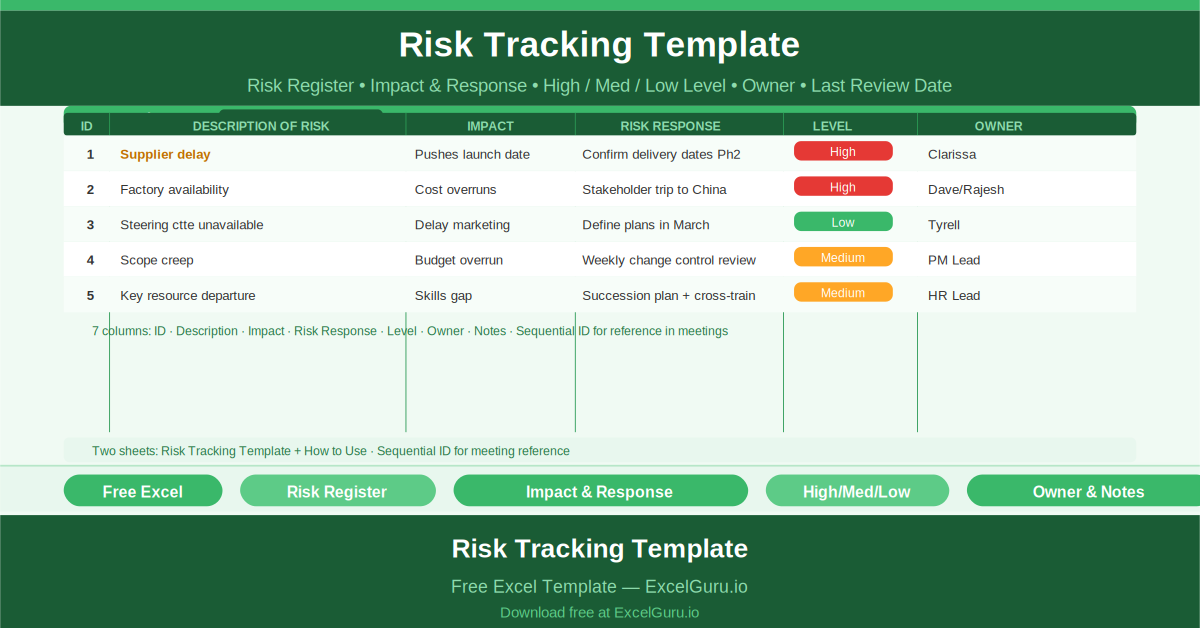
The difference between a project that manages risk well and one that is constantly surprised by
Do you lead multiple projects at once? You need a centralized tracking system. The Project Management Templates section at Excelguru provides free downloads. Grab a project task tracker in Excel with status updates. Enter task names, assignees, and due dates. The template shows pending, in-progress, and completed items. It also calculates overall project completion percentage automatically.
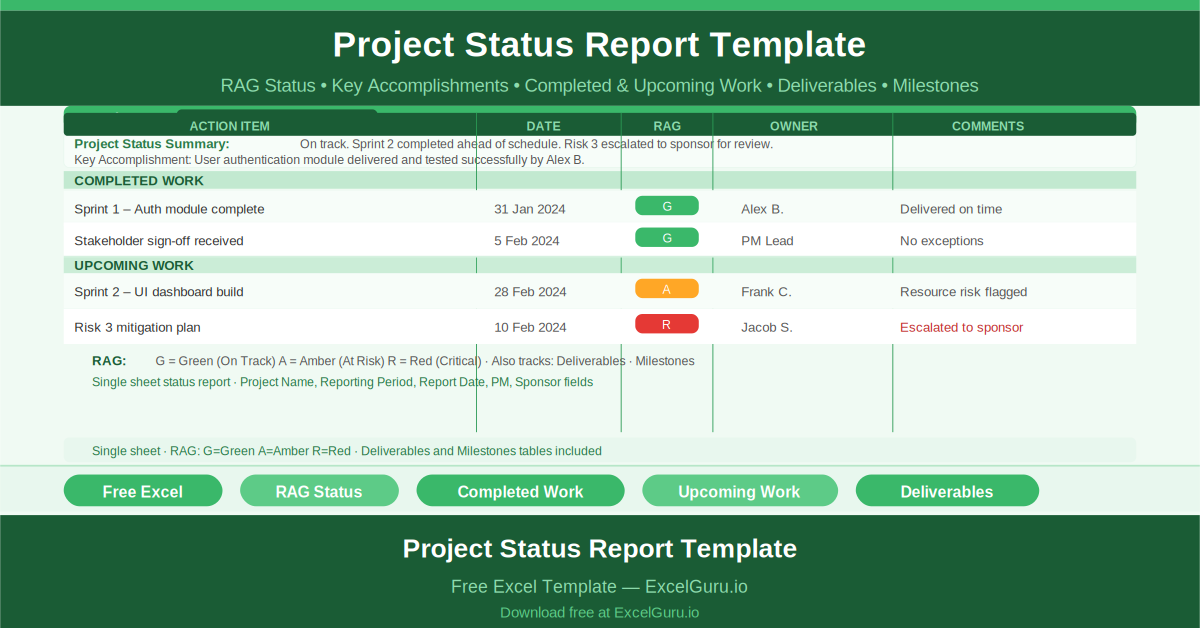
Project leads will love the project dashboard with budget vs actual view. This tool tracks hours spent, costs incurred, and remaining budget. You can spot overruns early. For milestone planning, download the project timeline with critical path analysis. Identify tasks that delay your entire project. You also get a team workload tracker with availability and a project status report template with RAG ratings. Show red, amber, or green status to stakeholders. These Excel templates for project managers and team leads target long-tail keywords like “how to track project tasks in Excel” or “free project dashboard template Excel with charts.”
Each template is fully editable. You can see every formula. You can add your own phases or team members. Stop using scattered spreadsheets or complex paid tools. Visit the Project Management Templates category. Download these free templates. Lead your projects to success today.
The difference between a project that manages risk well and one that is constantly surprised by

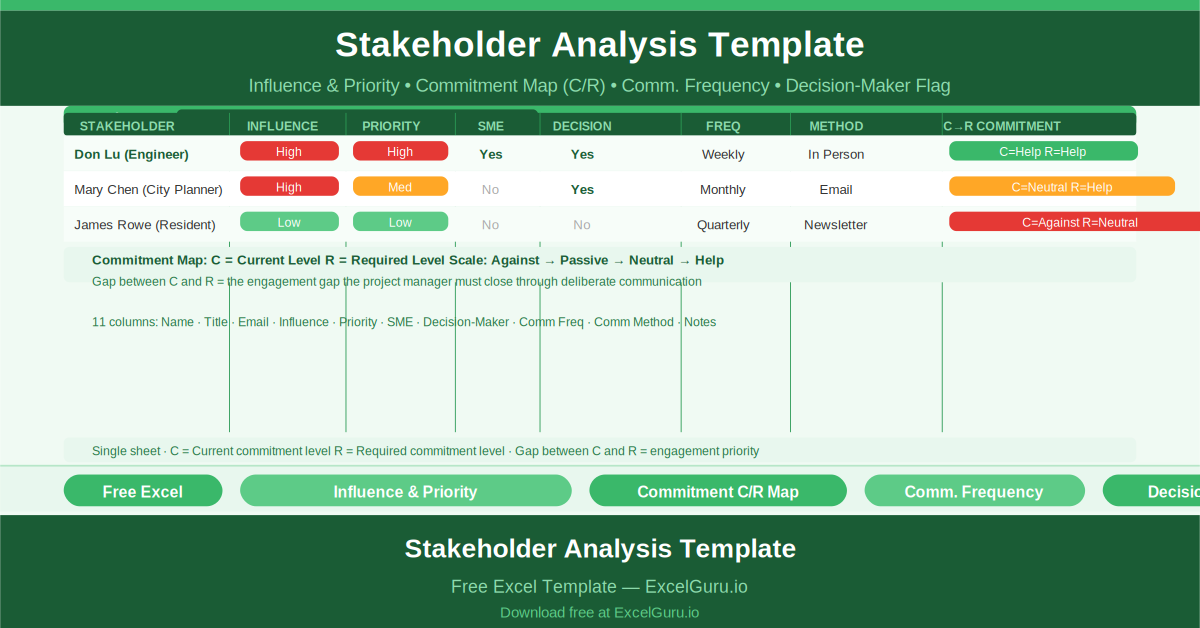
Every project has stakeholders. Not all of them are allies. Not all of them are engaged.

A project status report is not a description of what the project manager did last week.

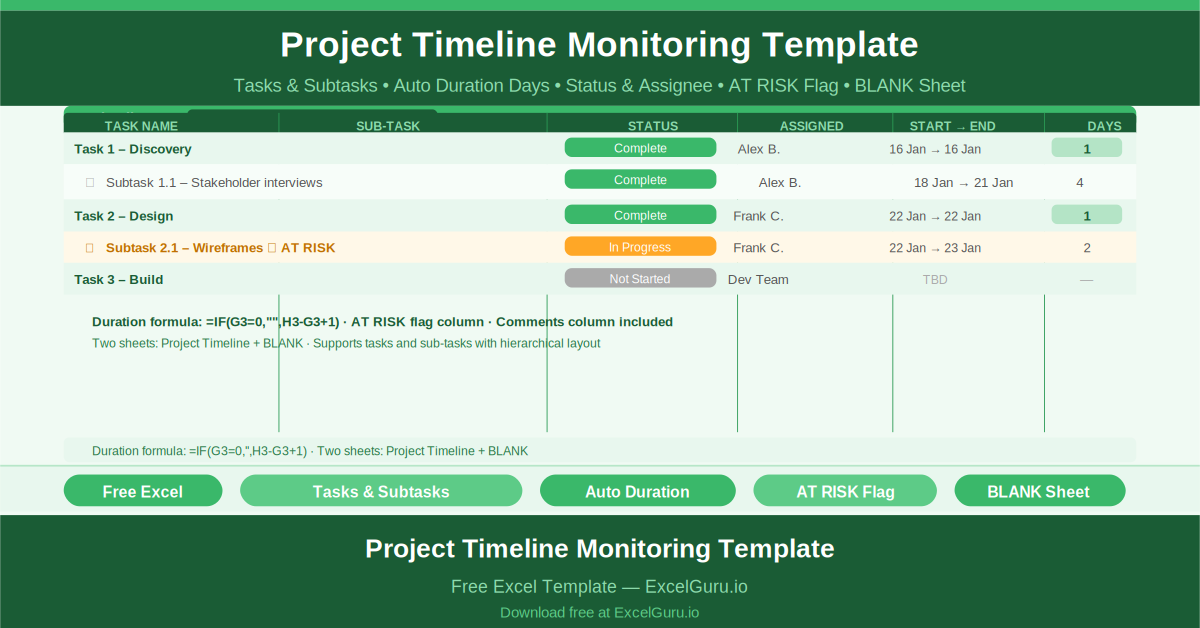
Monitor project timelines with a two‑level task hierarchy (phases and subtasks). Enter start dates and durations; the template calculates end dates and highlights overdue items in red. A Gantt‑style conditional formatting bar shows progress visually. Use the built‑in “at‑risk” flag to tag tasks that might slip. This is ideal for project coordinators who need an early warning system before small delays cascade into missed milestones.

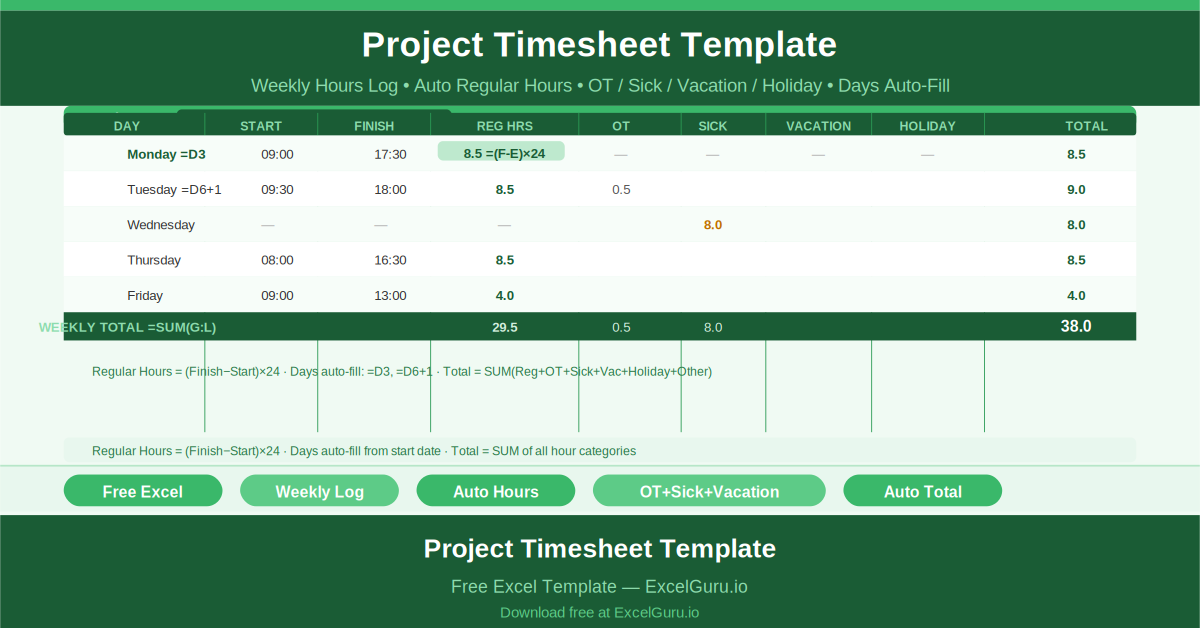
Track team hours accurately with this daily timesheet template. Workers enter start time, end time, and break duration; regular hours calculate automatically. Separate columns capture overtime, sick leave, vacation, and holiday hours. A weekly summary shows total billable vs. non‑billable time. Perfect for small agencies, contractors, or internal project teams that need to track effort for payroll, client billing, or capacity planning.

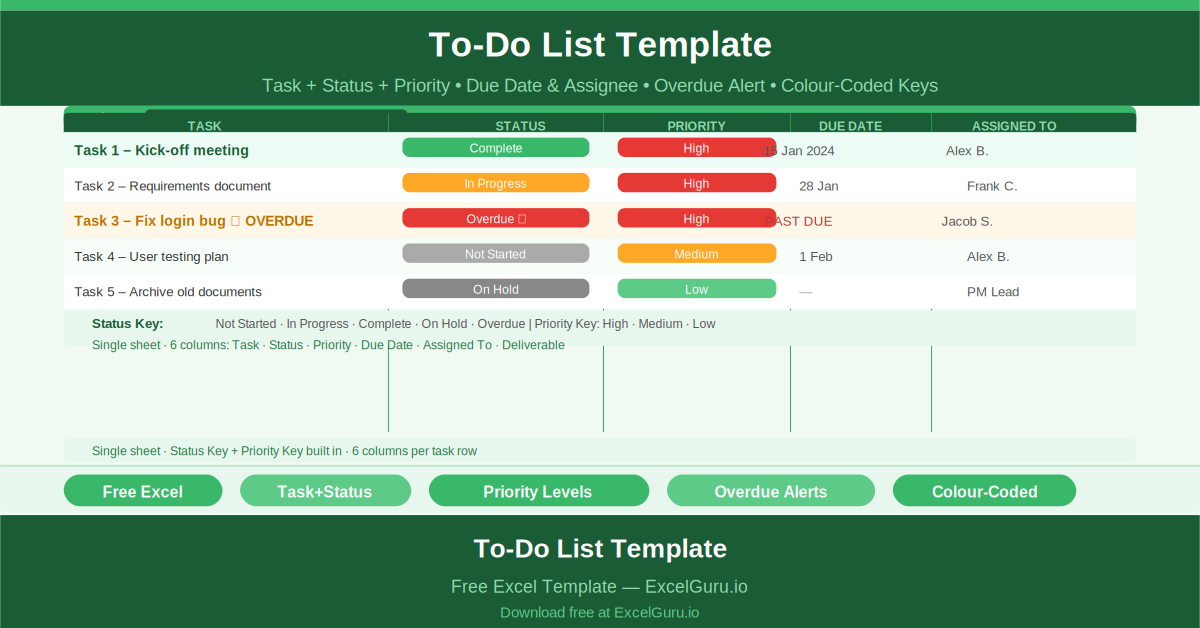
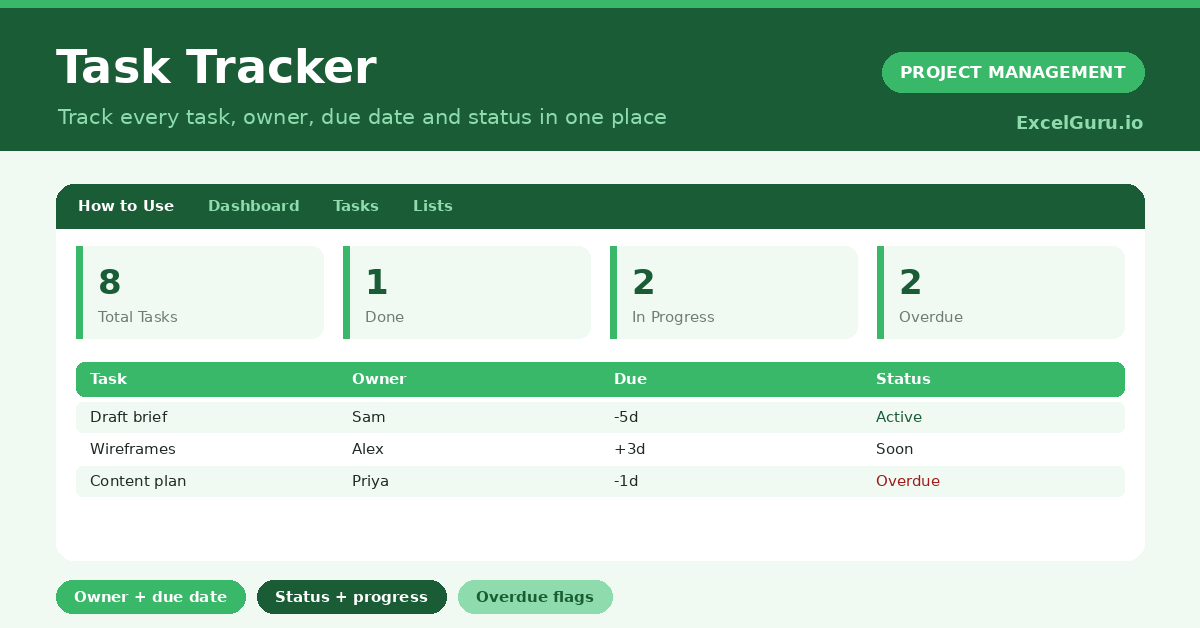
Transform a personal to‑do list into a team delivery plan. This clean, color‑coded task tracker includes columns for status (Not Started/In Progress/Done), priority, due date, assignee, and deliverable reference. Auto‑counting shows how many tasks are open per person. Use it for daily standups or weekly planning meetings. Unlike generic to‑do apps, this Excel template ties every task to a project phase and owner – simple, visual, and effective.
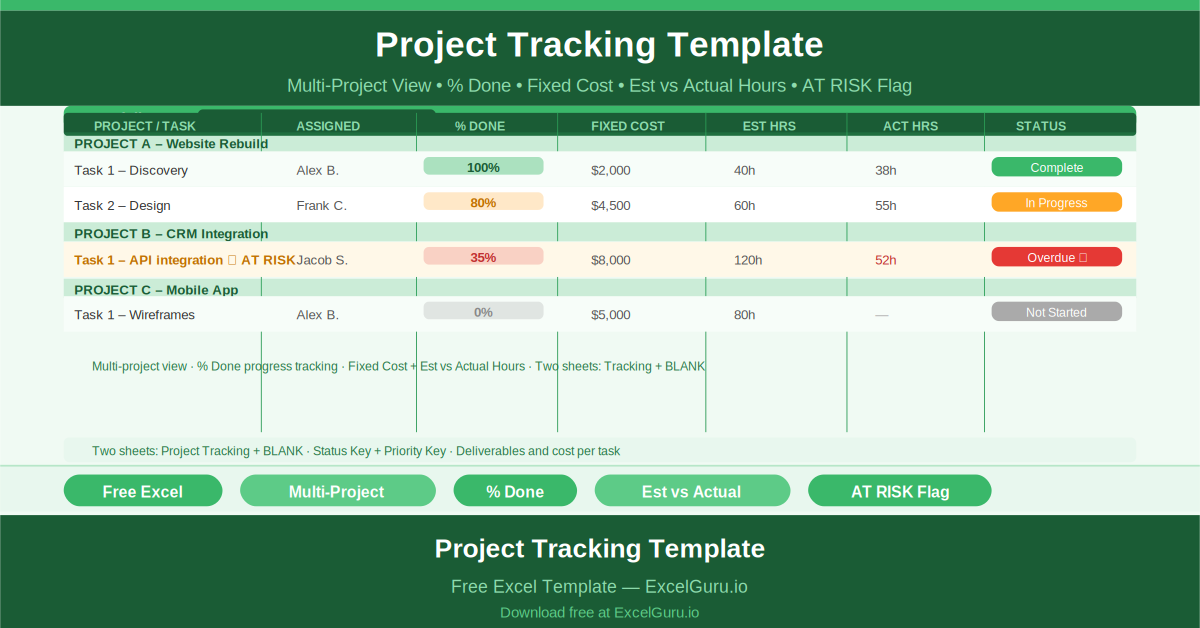
Manage multiple projects from one Excel workbook. This portfolio‑level tracker lists each project, its tasks, percentage completion, actual vs. planned costs, hours spent, and RAG status (Red/Amber/Green). Conditional formatting highlights at‑risk projects instantly. Sort by sponsor, due date, or priority. Ideal for PMOs, program managers, or consultants juggling several client engagements who need a consolidated view without expensive portfolio software.
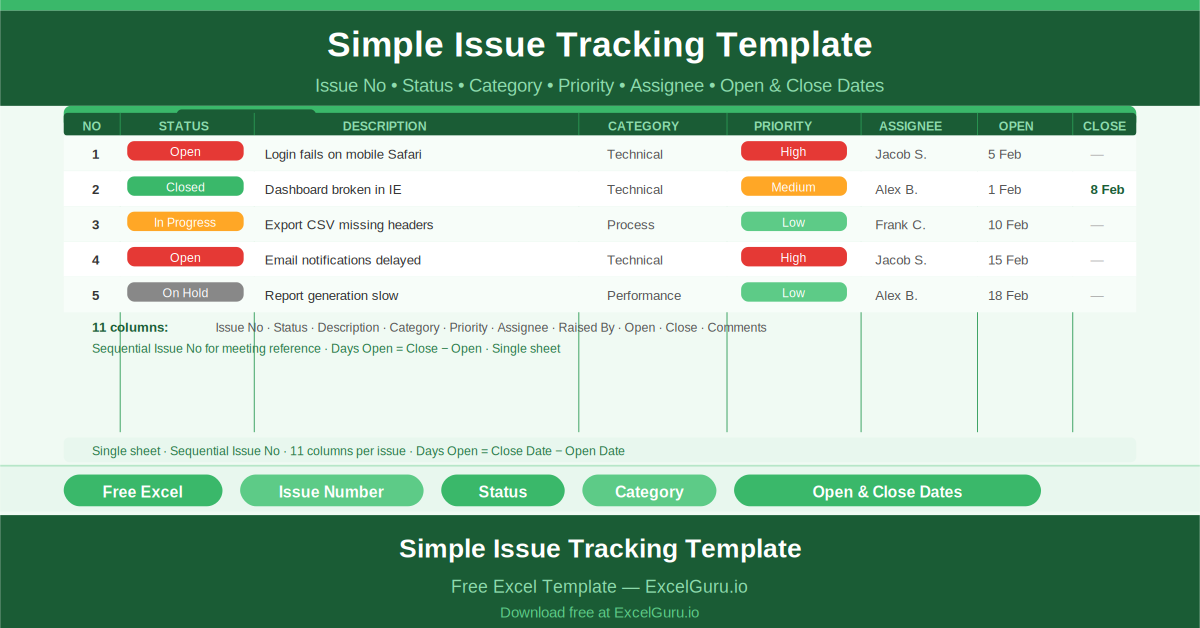
Never lose track of another project issue. This lightweight tracker logs each issue with a sequential ID, description, reporter, assignee, priority, status (Open/In Progress/Resolved/Closed), and resolution date. Auto‑calculated aging tells you how long an issue has been open. Filter by assignee or priority to focus on what matters most. It’s a no‑overhead solution for teams that need issue accountability without learning a dedicated bug tracker.

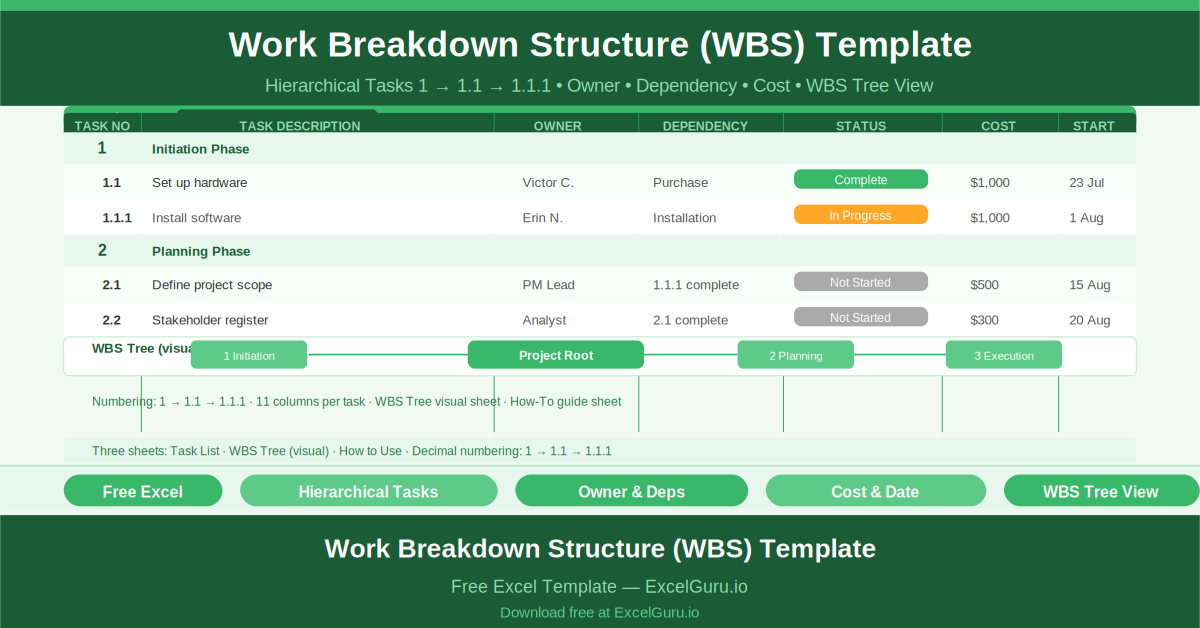
Decompose large projects into manageable, hierarchical tasks. This WBS template numbers each item automatically (1.0, 1.1, 1.1.1) and includes columns for dependencies, resources, estimated hours, and costs. A bonus visual WBS tree diagram builds itself from your data – perfect for presentations to leadership. Use it to ensure nothing is missed, assign clear ownership, and create a foundation for scheduling and budgeting.

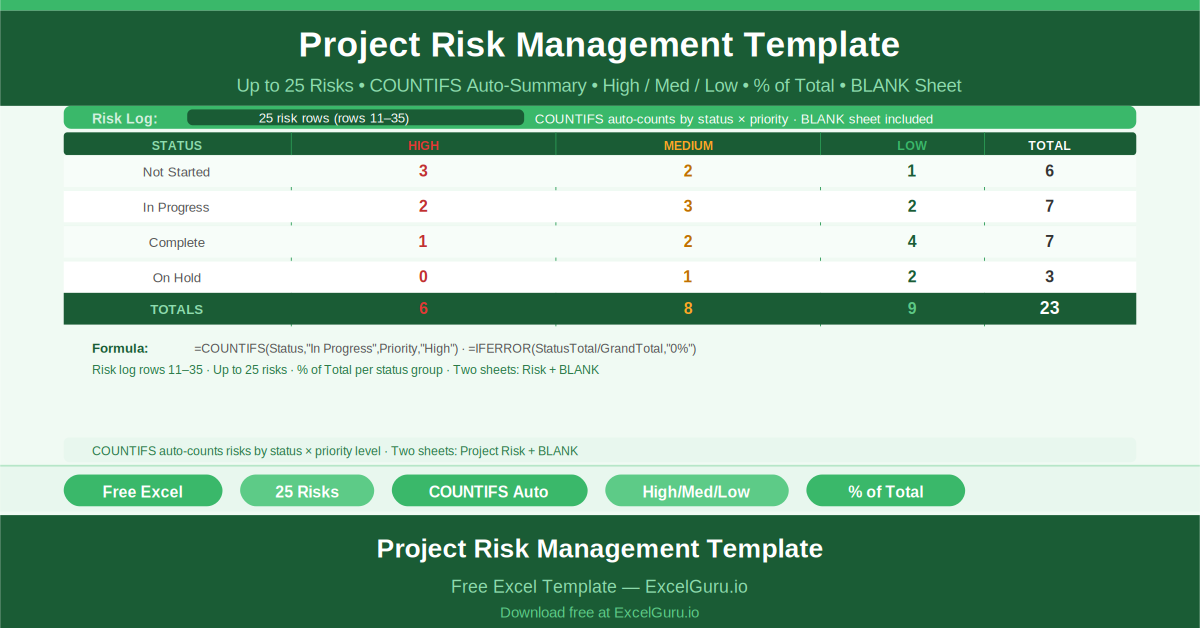
Log up to 25 risks with description, probability, impact, mitigation plan, and owner. The template automatically generates summary tables showing risk counts by status (Open/Mitigated/Closed) and priority (High/Medium/Low). A heat‑map style visual helps you focus on critical risks first. This is not just a risk log – it’s a proactive management tool that keeps your team from being surprised by preventable problems.

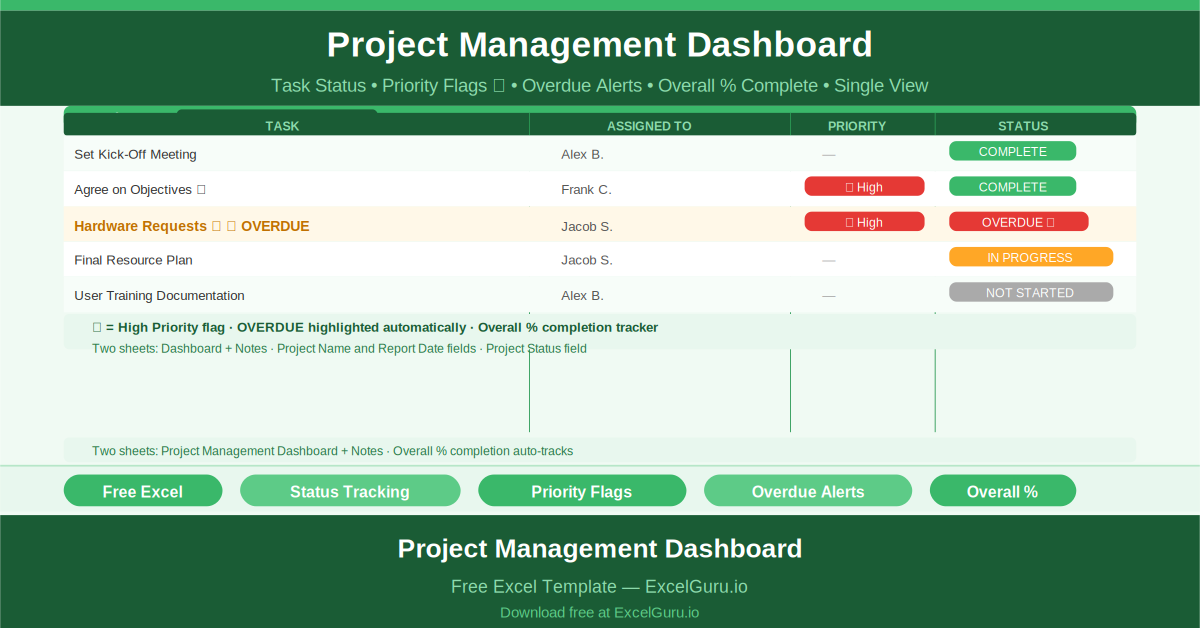
See your entire project health in one glance. This dashboard shows overall completion percentage, a full task list with owners, priority flags (High/Medium/Low), and automatic overdue alerts. A visual status chart updates as you check off tasks. Share project status with stakeholders in under 30 seconds. No formulas to write – just fill in your tasks and watch the dashboard come to life. Perfect for weekly status reviews.

Create professional, phase‑by‑phase project estimates that help you win more work. The template includes sections for labor hours, material costs, subcontractors, and contingencies. Auto‑calculated totals and formatted tables make your estimate print‑ready for clients. You can also track estimate vs. final actuals later. Whether you bid fixed‑price or T&M, this sheet ensures consistency, accuracy, and a polished presentation every time.