Python Automate

Learn how to automate Excel tasks with Python through this collection of practical tutorials. Discover how to clean and transform data, process multiple Excel files, generate reports, automate repetitive workflows, work with pandas and openpyxl, connect to databases, and build scalable Excel automation solutions.

Ideal for Excel users, data analysts, developers, finance professionals, and anyone looking to save time by combining Python with Excel.

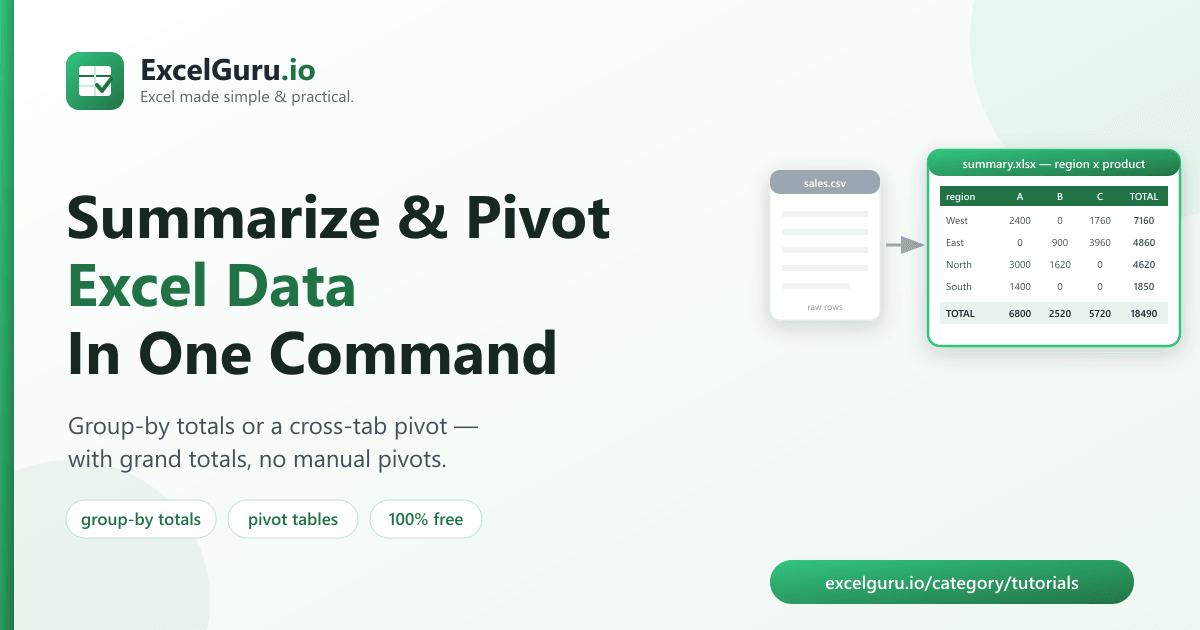
Summarize Excel data with Python tutorial showing pandas data aggregation pivot tables grouped reports and Excel automation

How to Summarize Excel Data With Python: Group-By Totals & Pivot Tables (Free Tool)

Analyse and summarize Excel data efficiently with Python and the pandas library. This tutorial explains how to import Excel files, group and aggregate data, calculate totals and statistics, create pivot tables, filter records, generate summary reports, and export the results back to Excel. Ideal for data analysts, accountants, business professionals, Python developers, and Excel users who want to automate reporting and gain insights from large datasets.
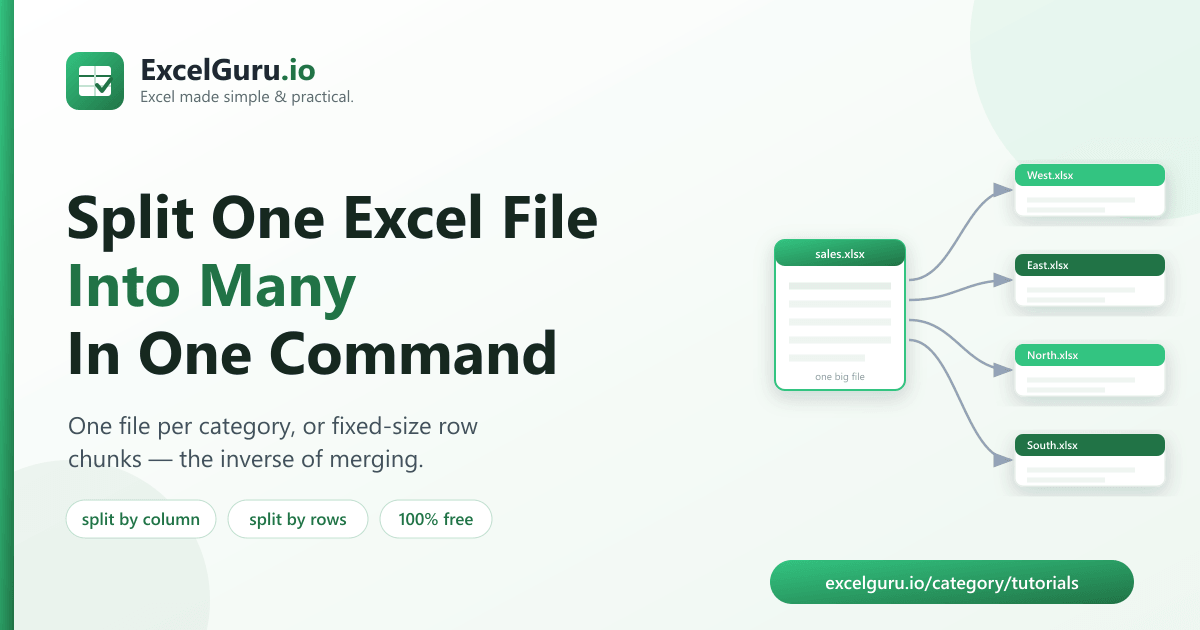
Split an Excel workbook into multiple files tutorial showing VBA Python Excel automation worksheet splitting and bulk file generation

How to Split an Excel File Into Multiple Files (Free Tool + Steps)

Automatically split large Excel workbooks into multiple files to simplify reporting, sharing, and data management. This tutorial explains how to divide data by worksheet, filter values, departments, employees, or other criteria using VBA, Python, or Excel automation techniques. You’ll also learn how to preserve formatting, file names, and folder structures while generating separate workbooks in bulk. Ideal for analysts, HR teams, finance professionals, administrators, and Excel users who frequently distribute customized reports.

Merge and automate Excel workflow tutorial showing Power Query data merging automated reporting dashboards and workflow automation

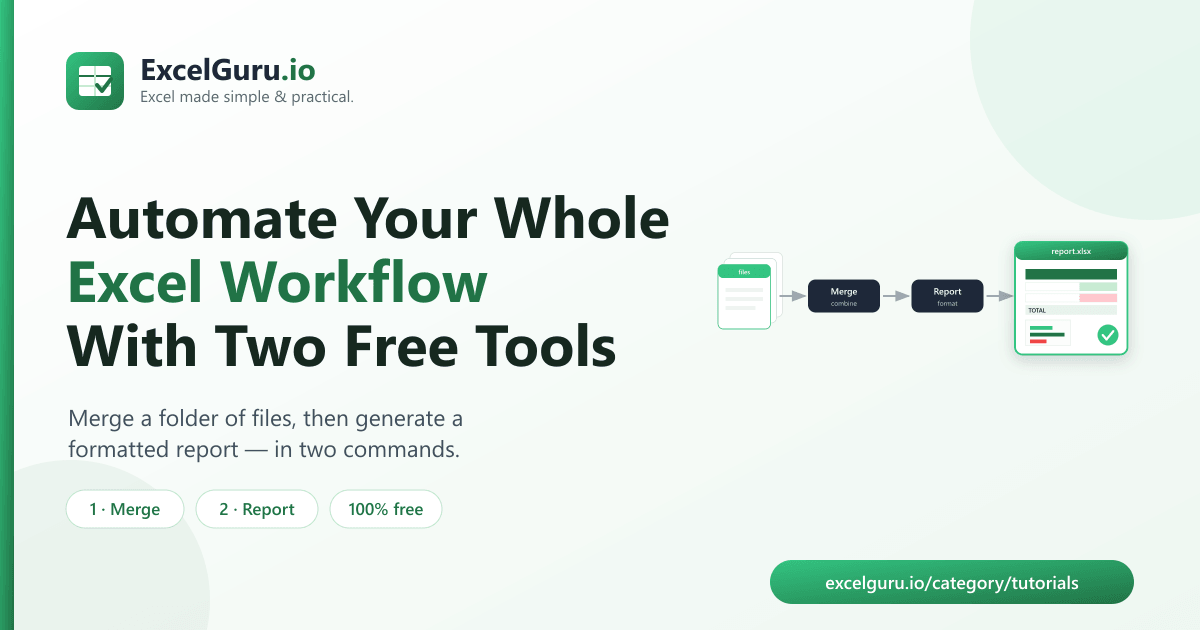
Merge and Report: Automate Your Whole Excel Workflow With Two Free Tools

Automate your end-to-end Excel reporting process by combining data preparation, transformation, analysis, and reporting into a single workflow. This tutorial explains how to merge data from multiple sources, clean and reshape datasets with Power Query, build relationships in the Data Model, create PivotTables and dashboards, and refresh everything automatically with minimal manual effort. Ideal for analysts, finance teams, operations professionals, business users, and anyone looking to save time and build scalable Excel reporting solutions.

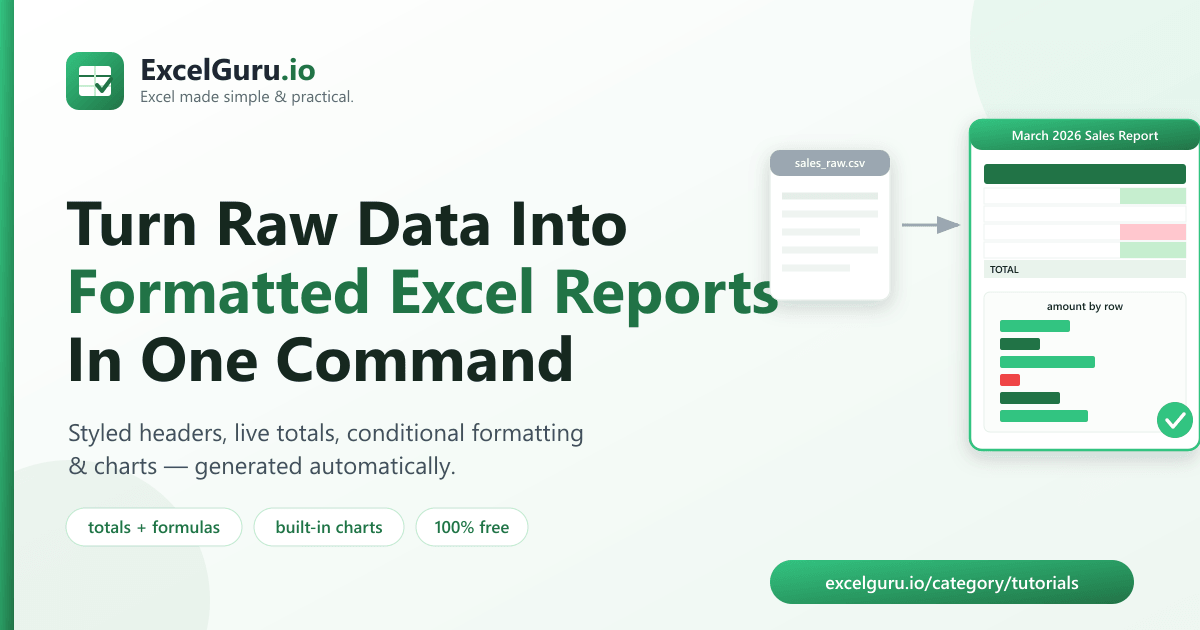
Auto generate formatted Excel reports from raw data tutorial showing Power Query PivotTables automated reporting and formatted dashboards

How to Auto-Generate Formatted Excel Reports From Raw Data (Free Python Tool)

Transform raw data into professional Excel reports automatically with built-in Excel tools and automation techniques. This tutorial explains how to import and clean raw data, apply transformations with Power Query, summarize information using PivotTables and formulas, apply consistent formatting, and refresh reports with a single click. Ideal for analysts, finance teams, managers, operations professionals, and Excel users who want to eliminate repetitive reporting tasks and create reliable, presentation-ready reports.

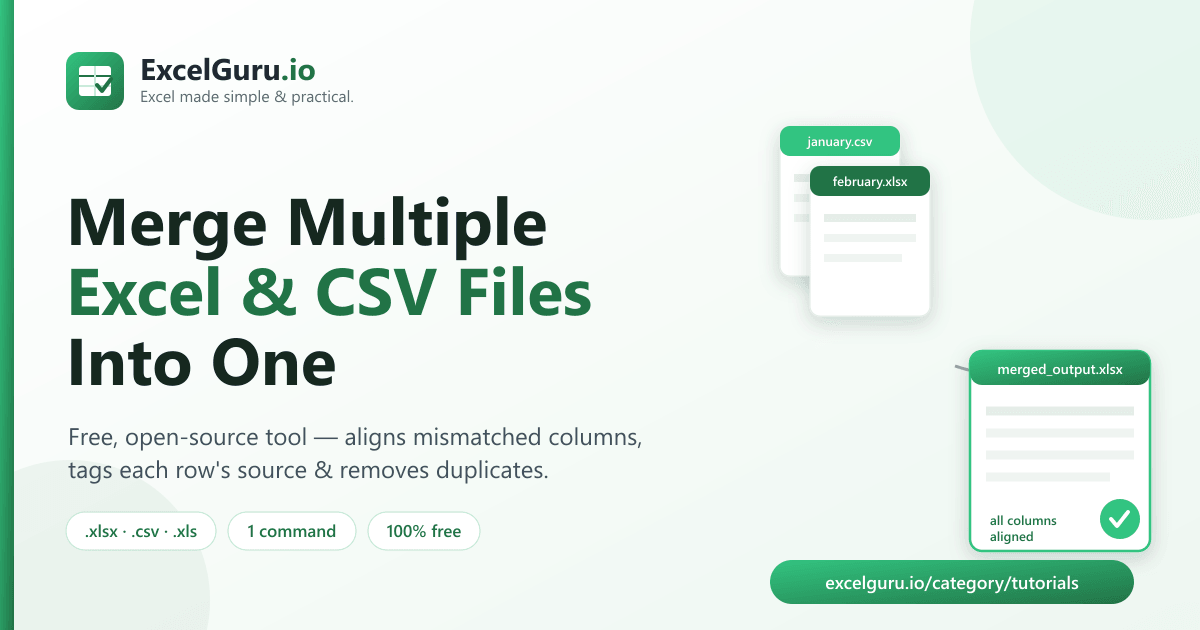
Merge multiple Excel and CSV files tutorial showing Power Query folder import data consolidation and automated refresh

How to Merge Multiple Excel & CSV Files Into One (Free Tool + Steps)

Combine multiple Excel workbooks and CSV files into a single dataset with Power Query. This tutorial explains how to import files from a folder, merge data automatically, transform and clean records, handle different file structures, refresh combined data, and create scalable reporting workflows. Ideal for Excel users, analysts, accountants, operations teams, and business professionals who regularly consolidate data from multiple sources.