Python Automate

Learn how to automate Excel tasks with Python through this collection of practical tutorials. Discover how to clean and transform data, process multiple Excel files, generate reports, automate repetitive workflows, work with pandas and openpyxl, connect to databases, and build scalable Excel automation solutions.

Ideal for Excel users, data analysts, developers, finance professionals, and anyone looking to save time by combining Python with Excel.

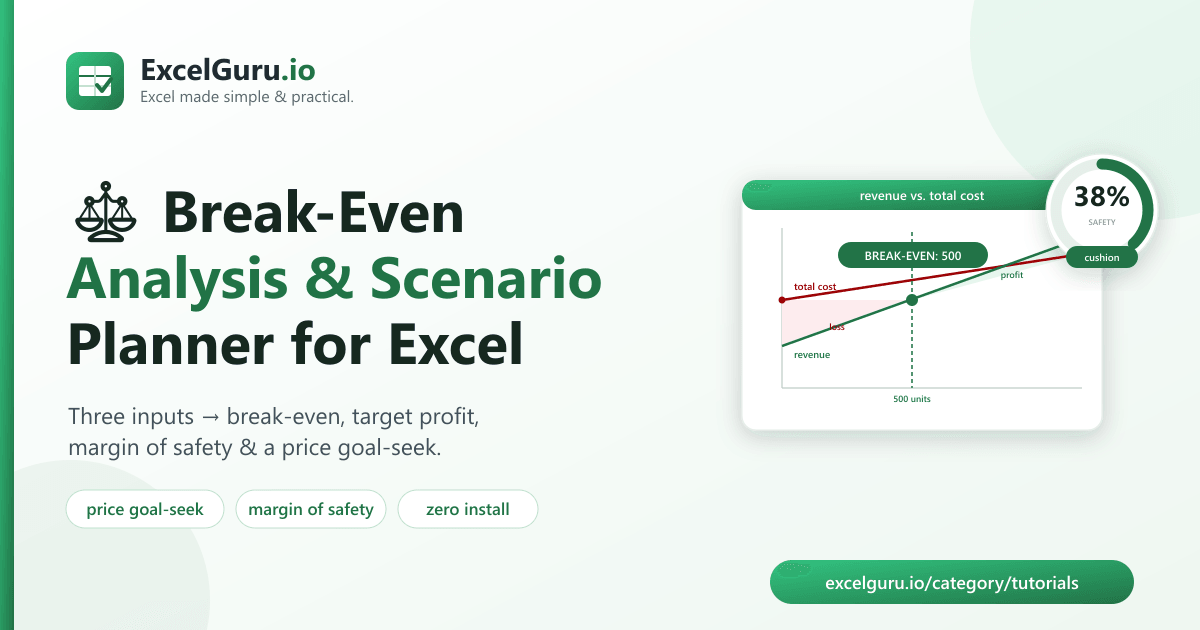
Break-even analysis in Excel tutorial showing contribution margin fixed costs variable costs break-even point and profitability charts

Break-Even Analysis in Excel: Free Calculator & Scenario Planner

Understand when your business becomes profitable with this practical Break-Even Analysis in Excel tutorial. Learn how to calculate fixed costs, variable costs, contribution margin, break-even units, break-even sales revenue, and profit scenarios using Excel formulas and charts. You’ll also discover how to build dynamic break-even models, perform sensitivity analysis, and visualize profitability with interactive graphs. Ideal for business owners, finance professionals, accountants, entrepreneurs, students, and Excel users who want to make informed pricing and financial planning decisions.

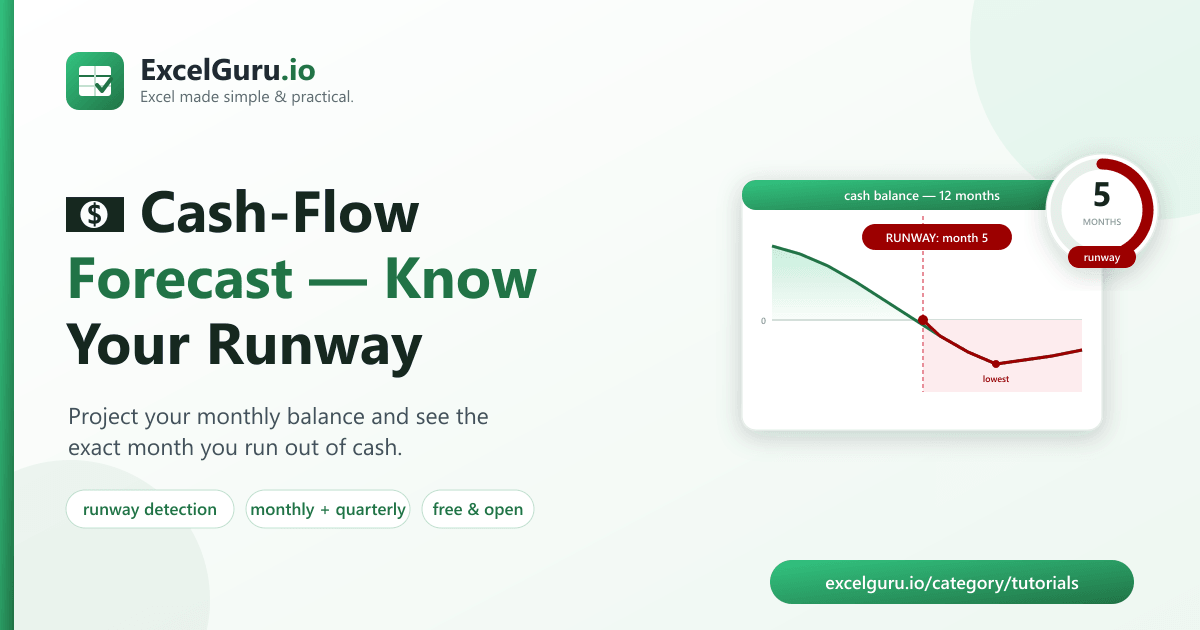
Cash flow forecasting in Excel tutorial showing projected cash inflows outflows balances financial planning and forecasting charts

Cash-Flow Forecasting in Excel: Know Your Runway (Free Tool)

Build accurate cash flow forecasts in Excel with this practical step-by-step tutorial. Learn how to project cash inflows and outflows, calculate opening and closing balances, model different financial scenarios, identify potential cash shortages, and create charts for better financial visibility. You’ll also discover best practices for forecasting, updating assumptions, and maintaining reliable cash flow models. Ideal for business owners, finance professionals, accountants, analysts, start-ups, and Excel users who want to improve budgeting, liquidity management, and financial decision-making.

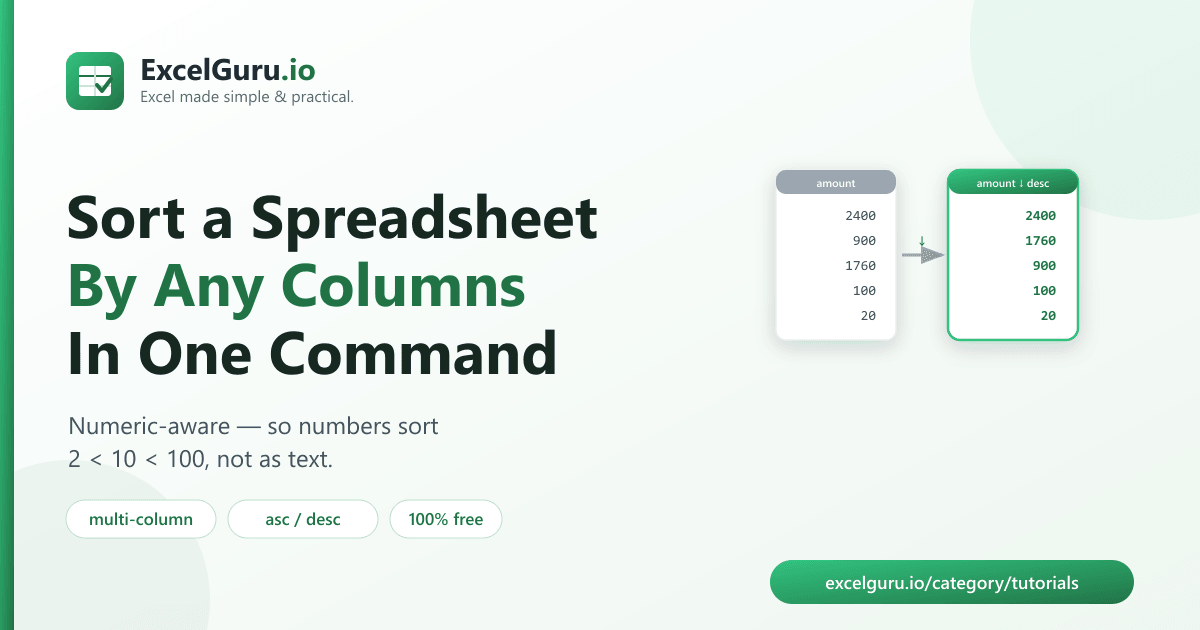
Sort Excel spreadsheet by multiple columns with Python tutorial showing pandas multi-column sorting Excel automation and data organization

How to Sort a Spreadsheet by Multiple Columns With Python (Free Tool)

Organize Excel data efficiently by sorting rows based on multiple columns using Python and the pandas library. This tutorial explains how to sort data in ascending or descending order, apply multi-level sorting, handle mixed data types, customize sort priorities, and export the sorted results back to Excel. You’ll also learn how to automate sorting for large datasets and recurring reporting tasks. Ideal for data analysts, developers, Excel users, accountants, and business professionals who want faster, more reliable spreadsheet organization.

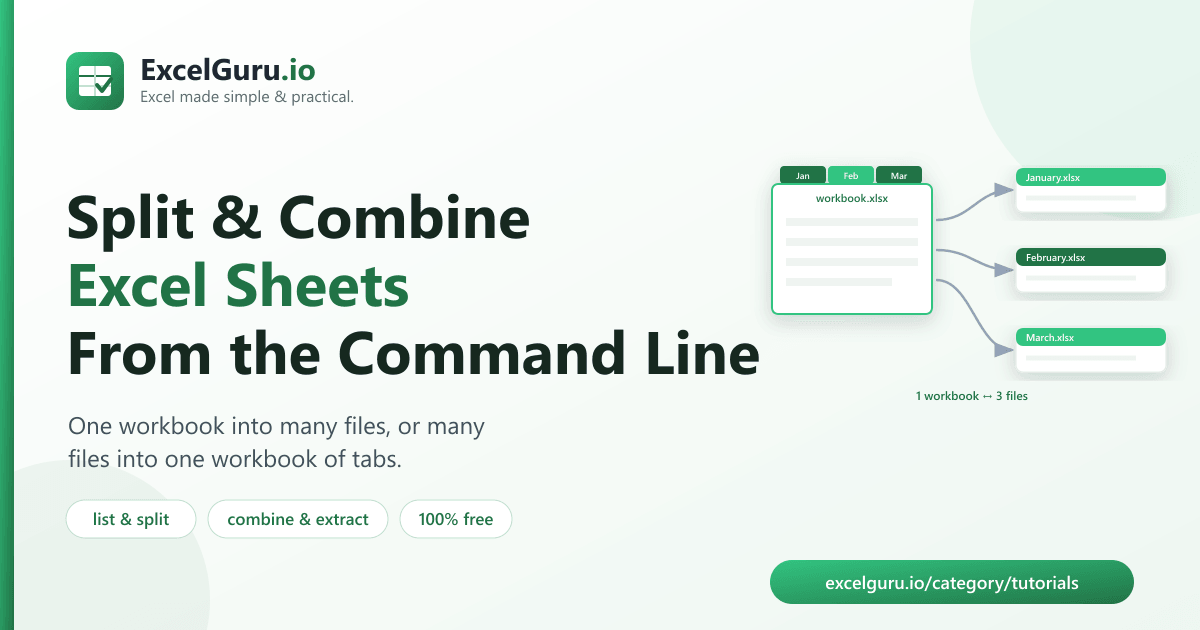
Split and combine Excel sheets with Python tutorial showing pandas openpyxl worksheet splitting workbook merging and Excel automation

How to Split & Combine Excel Sheets With Python (Free Tool)

Automate Excel workbook management with Python by splitting worksheets into separate files or combining multiple sheets into a single workbook. This tutorial explains how to use pandas and openpyxl to extract worksheets, merge data from multiple sheets, preserve formatting where possible, and export organized Excel files. You’ll also learn how to process multiple workbooks in bulk, streamline reporting, and eliminate repetitive manual tasks. Ideal for data analysts, developers, Excel users, accountants, and business professionals managing large spreadsheet collections.

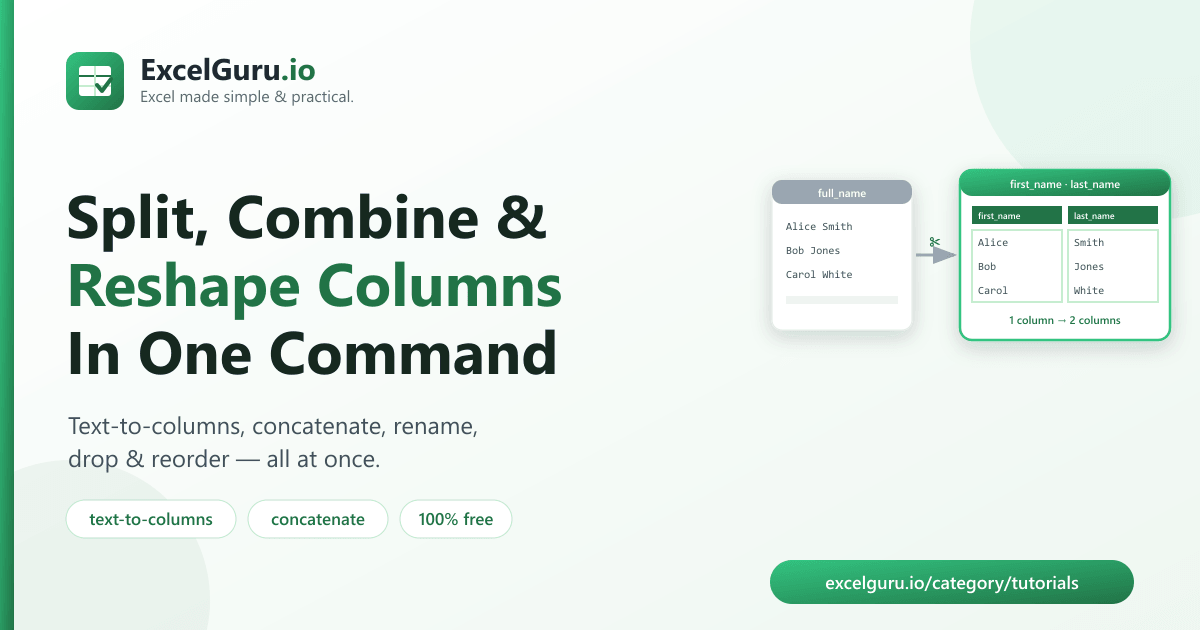
Split combine and reorder Excel columns with Python tutorial showing pandas column transformations Excel automation and data preparation

How to Split, Combine & Reorder Excel Columns With Python (Free Tool)

Transform Excel data efficiently with Python by splitting, combining, and rearranging columns using the pandas library. This tutorial explains how to separate text into multiple columns, merge values from different columns, reorder column layouts, rename headers, and export the updated dataset back to Excel. You’ll also learn practical techniques for cleaning data, preparing reports, and automating repetitive spreadsheet tasks. Ideal for data analysts, developers, Excel users, accountants, and business professionals working with large or complex datasets.

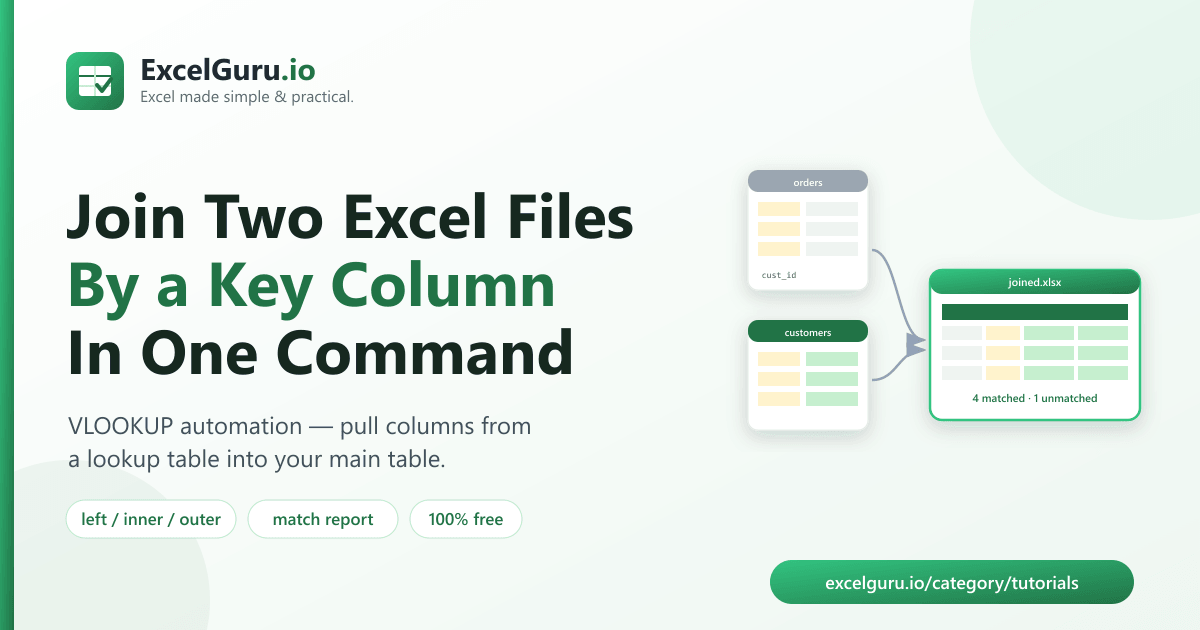
Join two Excel files by a key column with Python tutorial showing pandas merge VLOOKUP XLOOKUP style joins and Excel automation

How to Join Two Excel Files by a Key Column (VLOOKUP in Python, Free Tool)

Combine data from two Excel files using Python and pandas with powerful join and merge operations. This tutorial explains how to match records using a common key column, perform VLOOKUP-style and XLOOKUP-style lookups, handle unmatched values, choose different join types (inner, left, right, and outer), and export the merged results back to Excel. Ideal for data analysts, developers, accountants, Excel users, and business professionals who want to automate data integration and eliminate manual lookups.

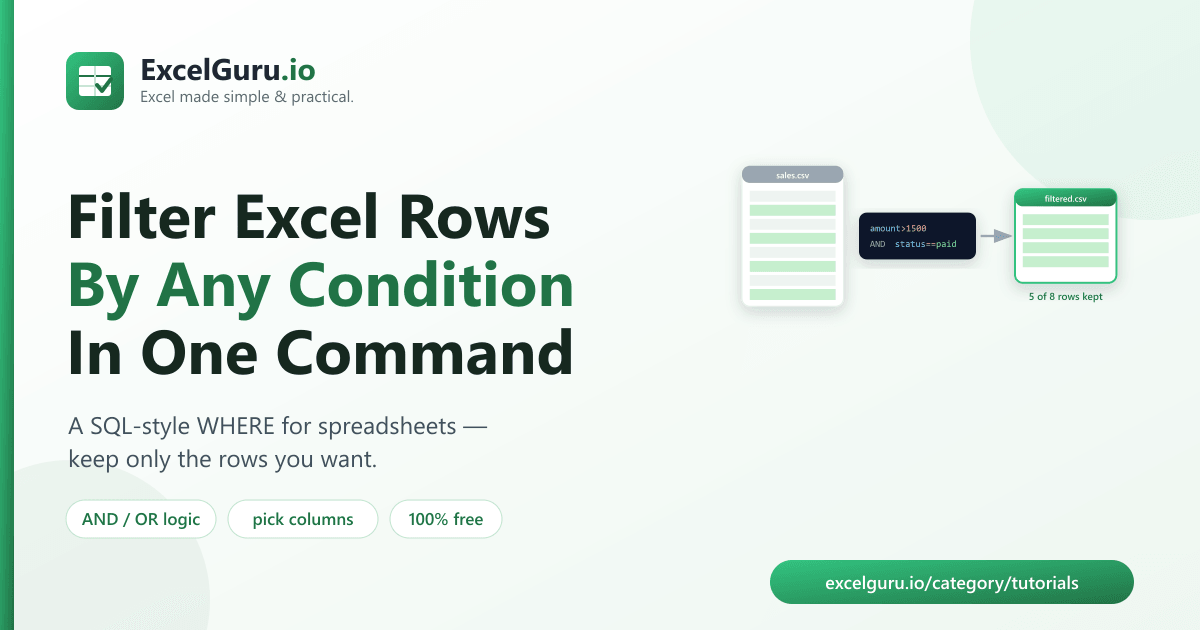
Filter rows in Excel by any condition with Python tutorial showing pandas data filtering conditional selection Excel automation and data analysis

How to Filter Rows in Excel by Any Condition With Python (Free Tool)

Filter Excel data efficiently with Python using the pandas library. This tutorial explains how to filter rows based on text, numbers, dates, multiple conditions, custom logic, and Boolean expressions. You’ll also learn how to combine filters, remove unwanted records, save filtered results to new Excel files, and automate repetitive data-processing tasks. Ideal for data analysts, developers, Excel users, accountants, and business professionals who need faster and more flexible data filtering workflows.

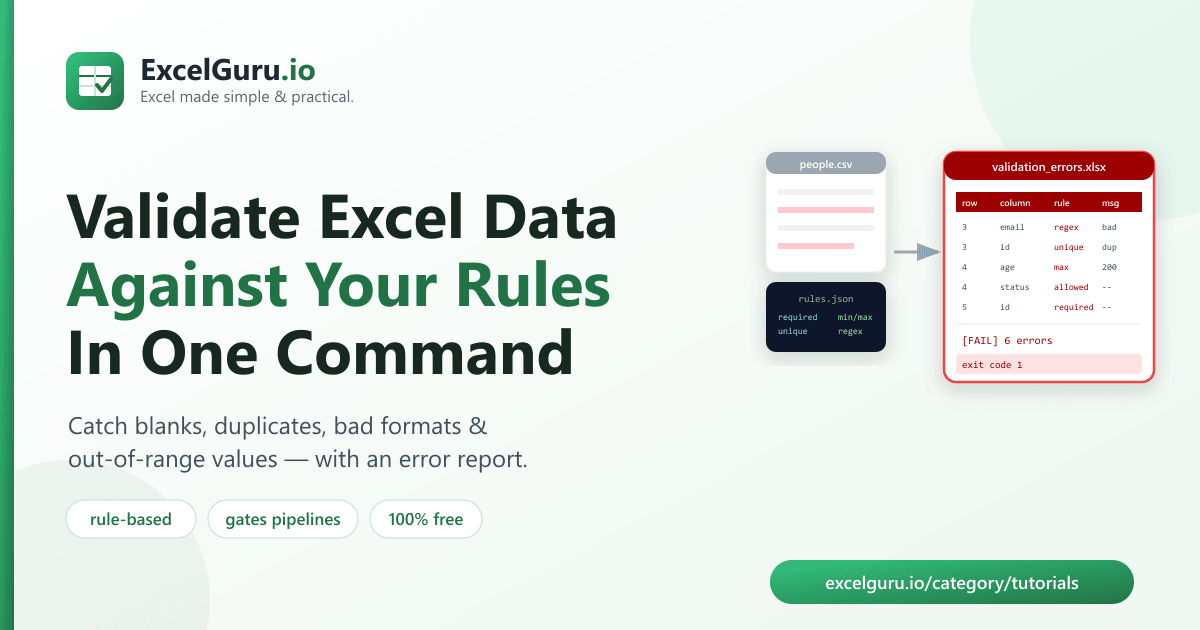
Validate Excel data with Python tutorial showing pandas data validation duplicate detection missing values and automated quality checks

How to Validate Excel Data With Python (Free Rule-Based Tool)

Improve data quality by validating Excel spreadsheets with Python. This tutorial explains how to use pandas to check for missing values, duplicate records, invalid data types, formatting inconsistencies, out-of-range values, and custom validation rules. You’ll also learn how to generate validation reports, flag errors, automate quality checks, and export clean datasets back to Excel. Ideal for data analysts, developers, accountants, auditors, and Excel users who want to automate data validation and ensure reliable reporting.

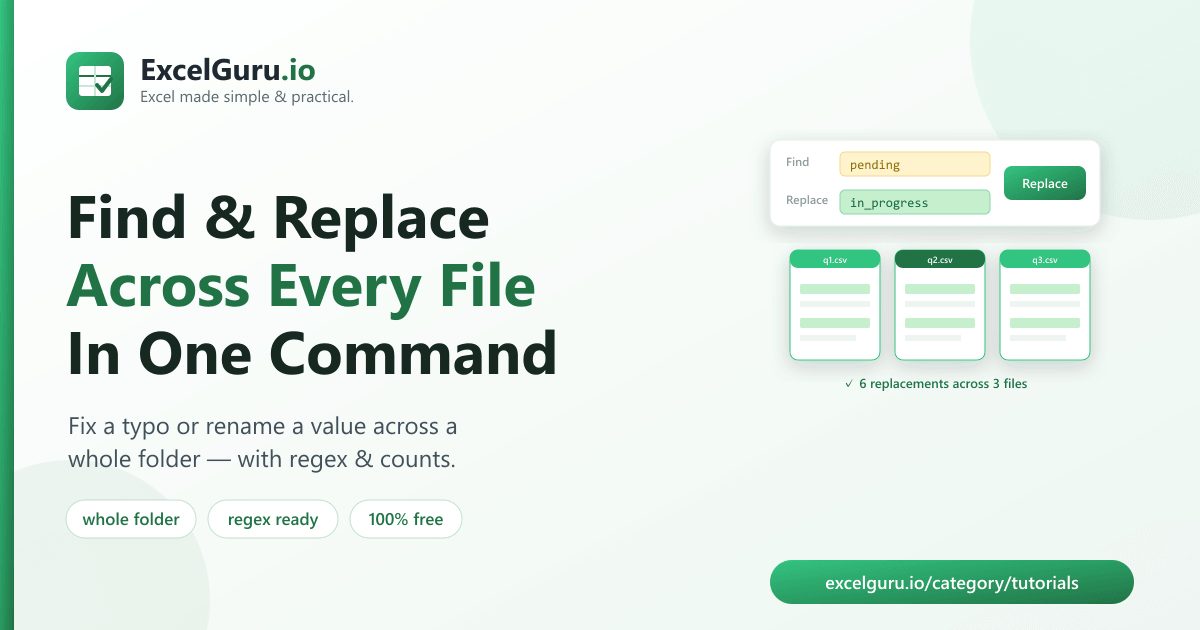
Find and replace across multiple Excel files tutorial showing VBA Python Excel automation bulk workbook editing and search replace

How to Find and Replace Across Multiple Excel Files (Free Tool)

Save hours of manual work by finding and replacing content across multiple Excel workbooks at once. This tutorial explains how to search and replace text, numbers, formulas, and formatting using Excel VBA, Python scripts, and automation techniques. You’ll also learn how to process entire folders of workbooks, preserve file integrity, create backups, and automate repetitive editing tasks. Ideal for Excel users, analysts, administrators, developers, and business professionals who manage large collections of spreadsheets.

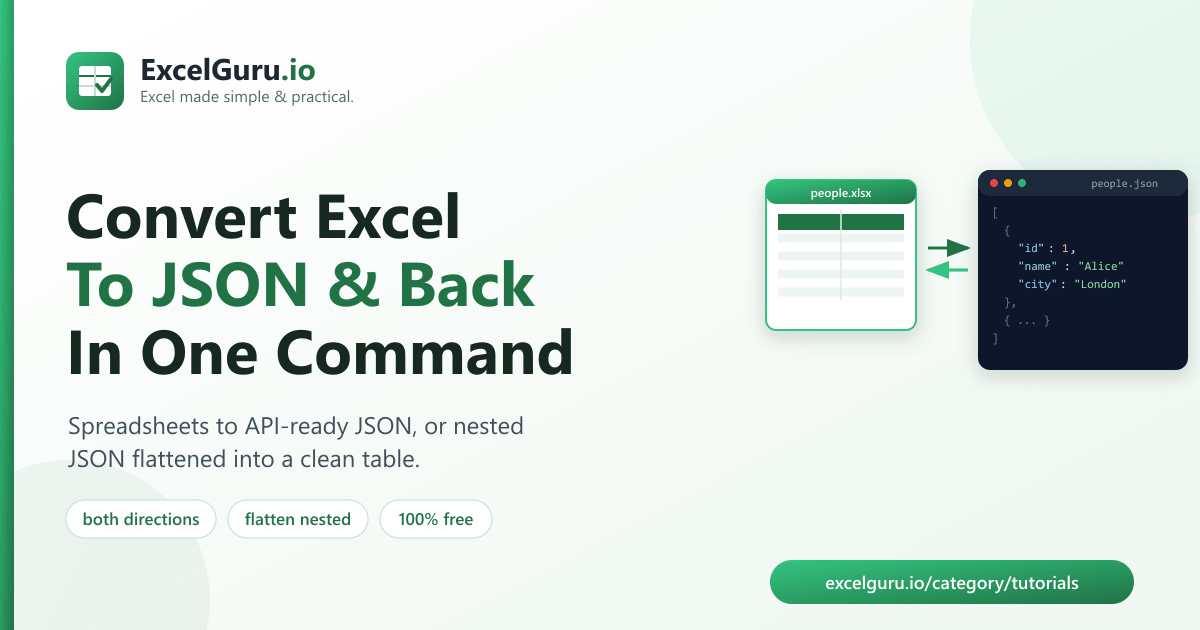
Convert Excel to JSON and back with Python tutorial showing pandas openpyxl JSON conversion Excel automation and data exchange

How to Convert Excel to JSON and Back With Python (Free Tool)

Easily convert Excel spreadsheets to JSON format and transform JSON data back into Excel using Python. This tutorial explains how to read Excel files with pandas, export worksheets as JSON, import JSON into structured Excel workbooks, preserve data types, automate conversions, and handle nested or complex datasets. Ideal for developers, data analysts, API users, automation engineers, and Excel professionals who need to exchange data between spreadsheets and applications efficiently.

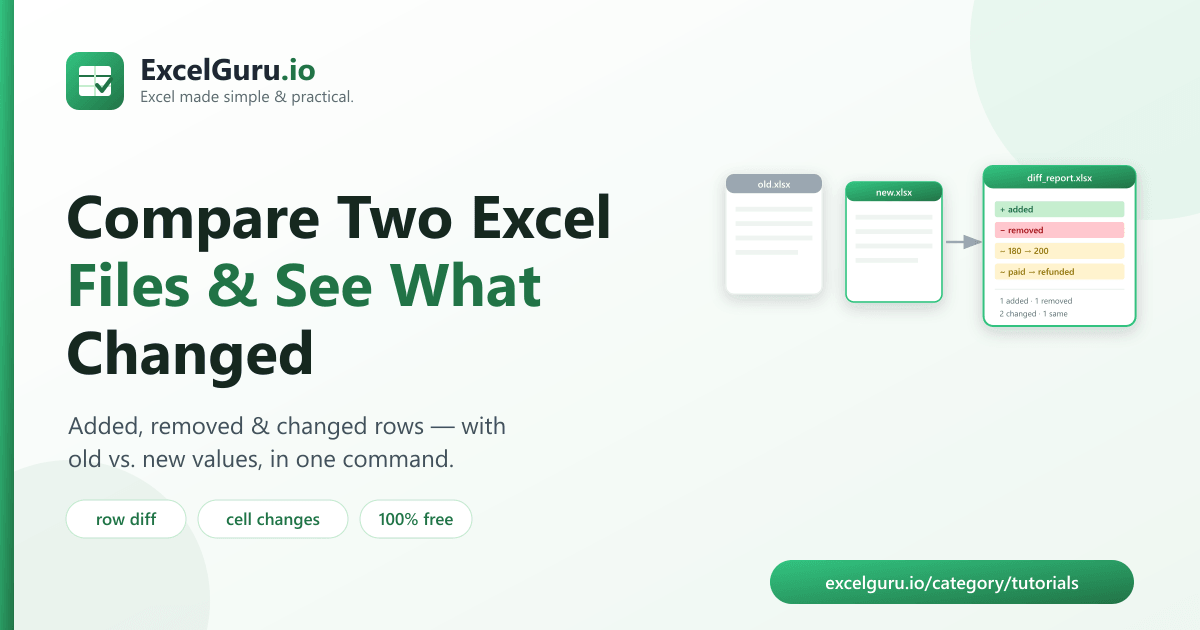
Compare two Excel files tutorial showing workbook comparison changed values formulas formatting worksheets and version differences

How to Compare Two Excel Files and See What Changed (Free Tool)

Quickly identify differences between two Excel workbooks with this step-by-step tutorial. Learn how to compare values, formulas, formatting, worksheets, and entire workbooks using Excel’s built-in comparison features, formulas, conditional formatting, Power Query, and other automation techniques. You’ll also discover methods for highlighting added, deleted, and modified records to simplify audits, reviews, and version control. Ideal for analysts, accountants, auditors, finance teams, and Excel users who regularly work with multiple workbook versions. Excel’s Spreadsheet Compare tool can highlight differences cell by cell, including changes to formulas, values, formatting, and named ranges.

Summarize Excel data with Python tutorial showing pandas data aggregation pivot tables grouped reports and Excel automation

How to Summarize Excel Data With Python: Group-By Totals & Pivot Tables (Free Tool)

Analyse and summarize Excel data efficiently with Python and the pandas library. This tutorial explains how to import Excel files, group and aggregate data, calculate totals and statistics, create pivot tables, filter records, generate summary reports, and export the results back to Excel. Ideal for data analysts, accountants, business professionals, Python developers, and Excel users who want to automate reporting and gain insights from large datasets.