
Key takeaways
- The reliable way to convert between Excel/CSV and JSON is a script, not copy-paste or a sketchy online converter.
- Excel ⇄ JSON Converter is free and open-source (MIT), built in Python with
pandas. - It works both directions and detects which from the file extension.
- Nested JSON like
contact.emailis flattened into columns automatically. - Supports JSON Lines (NDJSON) with
--linesfor streaming/log formats.
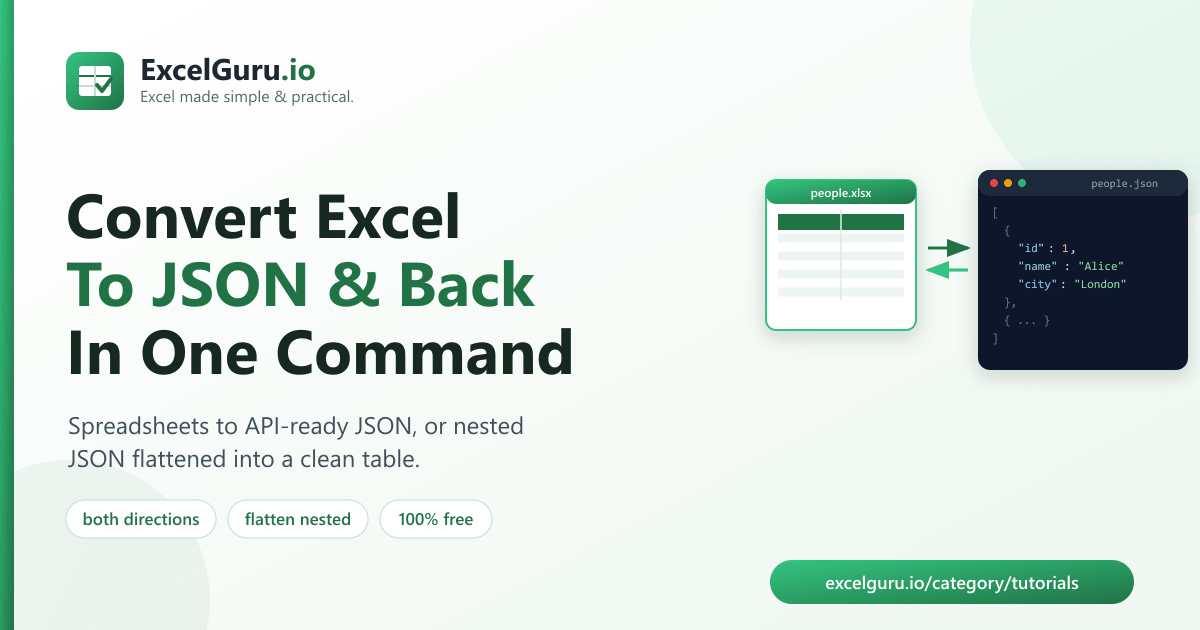
To convert Excel to JSON, run a free tool called Excel ⇄ JSON Converter, which turns a spreadsheet into a JSON array in one command — and converts JSON back into a spreadsheet just as easily. It auto-detects the direction from the file extension and flattens nested JSON into clean columns, so you never have to reformat data by hand.
Why converting between spreadsheets and JSON is a constant chore
Spreadsheets and JSON are the two formats data lives in. Your data is in Excel, but an API, a web app, or a config file needs JSON. Or an API returns JSON and you need it in a spreadsheet to read and edit. Doing this by hand — or pasting sensitive data into a random online converter — is slow and risky.
A local script converts either way in one command, keeps your data private, and handles the awkward parts (like nested objects) for you.
How to install the tool (2 minutes)
You need Python 3.9 or newer. Clone the repository and install its dependencies:
git clone https://github.com/Synth88Labs/excel-tool-json.git
cd excel-tool-json
pip install -r requirements.txt
Get Excel ⇄ JSON Converter on GitHub (free)
How to convert Excel to JSON — step by step
Convert a spreadsheet to JSON
Point the tool at a .csv or .xlsx file; it writes a JSON array:
python convert_json.py people.xlsx -o people.jsonEach row becomes an object:
[
  { "id": 1, "name": "Alice", "email": "alice@example.com", "city": "London" }
]
Convert JSON back to a spreadsheet
Give it a .json file; it writes an Excel or CSV file. Nested objects are flattened into
dotted columns:
python convert_json.py people.json -o people.xlsxSo { "contact": { "city": "London" } } becomes a column named contact.city.
Convert to JSON Lines (NDJSON)
For streaming formats and log pipelines, output one object per line with --lines:
python convert_json.py people.csv -o people.jsonl --lines.csv/.xlsx input converts to JSON; a
.json/.jsonl input converts from JSON.
Which direction does what
| Input | Output | What happens |
|---|---|---|
.csv / .xlsx | .json | Rows become an array of objects |
.csv / .xlsx | .jsonl (with --lines) | One JSON object per line |
.json / .jsonl | .xlsx / .csv | Objects become rows; nested keys flattened to columns |
Real work use cases
- Feeding APIs and apps — turn a spreadsheet into JSON a system can import.
- Reading API responses — convert a JSON export into a spreadsheet you can filter and edit.
- Config & seed data — maintain data in Excel, ship it as JSON.
- Log processing — read JSON Lines logs into a table for analysis.
- Data handoffs — give developers JSON and non-technical teammates a spreadsheet, from one source.
Common mistakes to avoid
- Deeply nested arrays. Flattening works cleanly for nested objects; lists inside a record are kept as-is, so restructure very complex JSON first.
- Expecting a fixed direction. The tool converts based on the input extension — name your files accordingly.
- Encoding surprises. Output JSON is UTF-8 and preserves non-English characters; make sure whatever reads it also uses UTF-8.
- Huge files in memory. Like most converters, it loads the file into memory — for very large data, split it first.
Frequently asked questions
How do I convert an Excel file to JSON?
Run python convert_json.py yourfile.xlsx -o output.json. The tool reads the sheet and
writes a JSON array where each row is an object.
How do I convert JSON to Excel or CSV?
Run python convert_json.py yourfile.json -o output.xlsx (or output.csv).
Nested objects are flattened into dotted column names.
Can it handle nested JSON?
Yes. Nested objects like {"contact": {"city": "London"}} become a column named
contact.city when converted to a spreadsheet.
Does it support JSON Lines (NDJSON)?
Yes. Add --lines when writing JSON to emit one object per line, and the tool reads
.jsonl input automatically.
Is Excel ⇄ JSON Converter free?
Yes. It's open-source under the MIT license, free for personal and commercial use. The source is on GitHub.
Do I need Excel installed?
No. It reads and writes files with Python libraries, so it works without Microsoft Excel installed.
Is my data sent anywhere?
No. It runs entirely on your machine — nothing is uploaded, unlike online converters.
Summary
Moving data between spreadsheets and JSON shouldn't mean copy-paste or risky online tools. Excel ⇄ JSON Converter turns Excel/CSV into JSON and back in one command — both directions, nested objects flattened, JSON Lines supported. It's free, open-source, private, and works without Excel installed.