
Key takeaways
- The fastest way to clean a messy CSV or Excel file is a repeatable script, not manual find-and-replace.
- Excel Data Cleaner is free and open-source (MIT), built in Python with
pandas. - It standardizes headers like
" Order ID "into cleanorder_id. - It trims whitespace, drops empty rows/columns, and removes duplicates automatically.
--coerce-numbersturns number-like text into real numbers so totals and charts work.
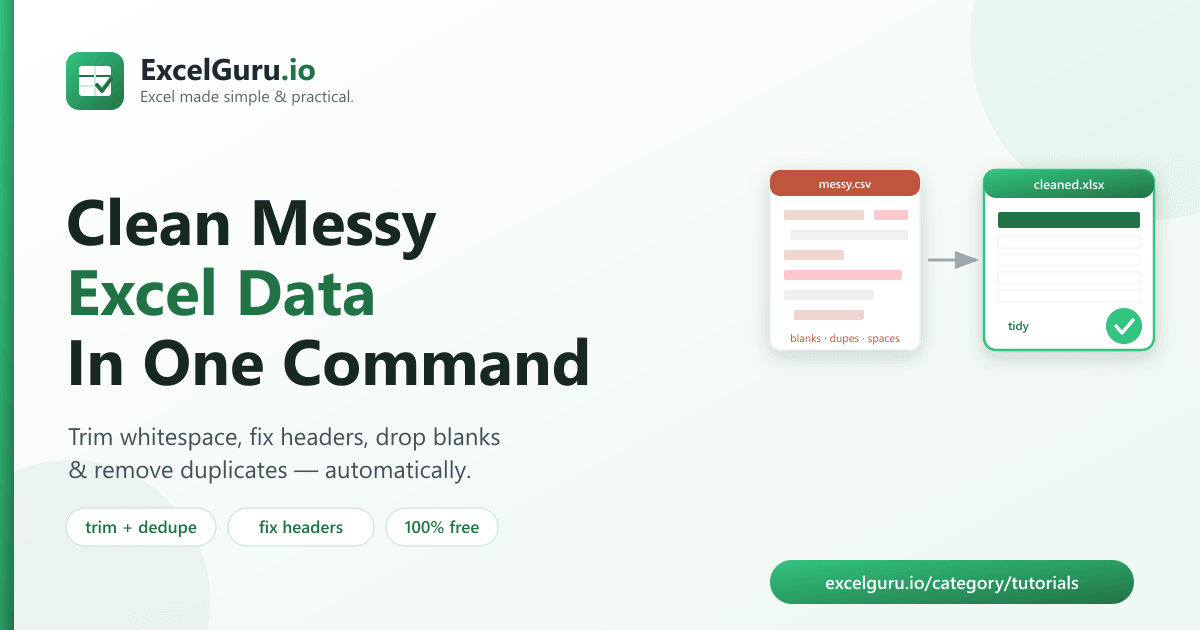
To clean messy Excel data, run a free tool called Excel Data Cleaner, which trims stray
whitespace, standardizes header names, drops empty rows and columns, and removes duplicates — in
one command. It also converts number-like text such as "1,200" or
"$450" into real numbers, and prints a report of everything it changed.
Why messy data breaks your spreadsheets
Exports are rarely clean. Column names arrive with stray spaces and inconsistent capitalization,
text cells have leading or trailing whitespace, blank rows sneak in at the bottom, the same record
appears twice, and numbers show up as text like "1,200" — which Excel won't sum.
Each of these quietly breaks something: lookups fail because "Acme " ≠ "Acme",
totals come out wrong, and duplicates inflate your counts. Cleaning it by hand is slow and easy to
miss. A script fixes every issue the same way, every time.
How to install the tool (2 minutes)
You need Python 3.9 or newer. Clone the repository and install its dependencies:
git clone https://github.com/Synth88Labs/excel-tool-cleaner.git
cd excel-tool-cleaner
pip install -r requirements.txt
Get Excel Data Cleaner on GitHub (free)
How to clean messy Excel data — step by step
Step 1 — Point the tool at your file
Any CSV or Excel file works. By default the tool trims whitespace, standardizes headers, and drops empty rows and columns:
python clean_excel.py messy.csv -o cleaned.xlsxStep 2 — Remove duplicates and fix numbers (optional)
Add --dedupe to drop duplicate rows and --coerce-numbers to convert
number-like text into real numbers:
python clean_excel.py messy.csv -o cleaned.xlsx --dedupe --coerce-numbersStep 3 — Read the cleaning report
The tool prints exactly what it changed, so you can trust the result:
Cleaning report
---------------
Rows:    6 -> 4
Columns: 4 -> 4
Empty rows dropped:    1
Duplicate rows removed: 1
Headers standardized:  4
Cells trimmed:         4
Numbers coerced: 6--keep-headers if your headers must stay exactly as-is, or
--no-trim to leave whitespace untouched. The tool is safe by default and never edits
your original file — it always writes to the output path you choose.
What gets cleaned
| Problem in the raw file | What the cleaner does |
|---|---|
" Order ID " header | Standardizes to order_id |
" acme corp " | Trims and collapses to acme corp |
| Fully blank rows / columns | Dropped |
| Duplicate rows | Removed with --dedupe |
"1,200", "$450" | Converted to 1200, 450 with --coerce-numbers |
Real work use cases
- Prepping exports for analysis — clean a raw dump before loading it into Excel, Power BI, or a notebook.
- Fixing CRM and form data — standardize inconsistent names, spacing, and casing.
- Deduplicating mailing lists — remove repeat rows before a send.
- Making numbers usable — convert text-formatted amounts so totals and charts work.
- Standardizing headers — get consistent column names before importing into a database.
Common mistakes to avoid
- Coercing numbers you shouldn't.
--coerce-numberswill turn"007"into7— leave it off for ID/code columns where leading zeros matter. - Assuming near-duplicates are caught.
--deduperemoves only fully identical rows; rows that differ by a stray character remain (clean first, then dedupe). - Overwriting your source. Always write to a new file with
-o. - Renaming headers you depend on. If downstream steps expect exact header names, use
--keep-headers.
Frequently asked questions
How do I clean a messy CSV file automatically?
Run python clean_excel.py messy.csv -o cleaned.xlsx. The tool trims whitespace,
standardizes headers, and drops empty rows and columns, then writes a clean file.
How do I remove extra spaces from Excel data?
The cleaner trims leading/trailing spaces and collapses double spaces in every text cell by default — no extra flag needed.
How do I standardize column headers?
By default the tool converts headers to clean snake_case (for example
" Order ID " becomes order_id). Use --keep-headers to
disable this.
Can it convert text that looks like numbers into real numbers?
Yes. Add --coerce-numbers and values like "1,200" or "$450"
become the numbers 1200 and 450.
Is Excel Data Cleaner free?
Yes. It's open-source under the MIT license, free for personal and commercial use. The source is on GitHub.
Do I need Excel installed?
No. It reads and writes files with Python libraries, so it works without Microsoft Excel installed.
Will it change my original file?
No. It always writes to the output path you specify with -o, leaving your source file
untouched.
Summary
Messy exports quietly break lookups, totals, and counts. Excel Data Cleaner tidies a messy CSV or Excel file in one command — trimming whitespace, standardizing headers, dropping blanks, removing duplicates, and fixing number-like text. It's free, open-source, and works without Excel installed.