
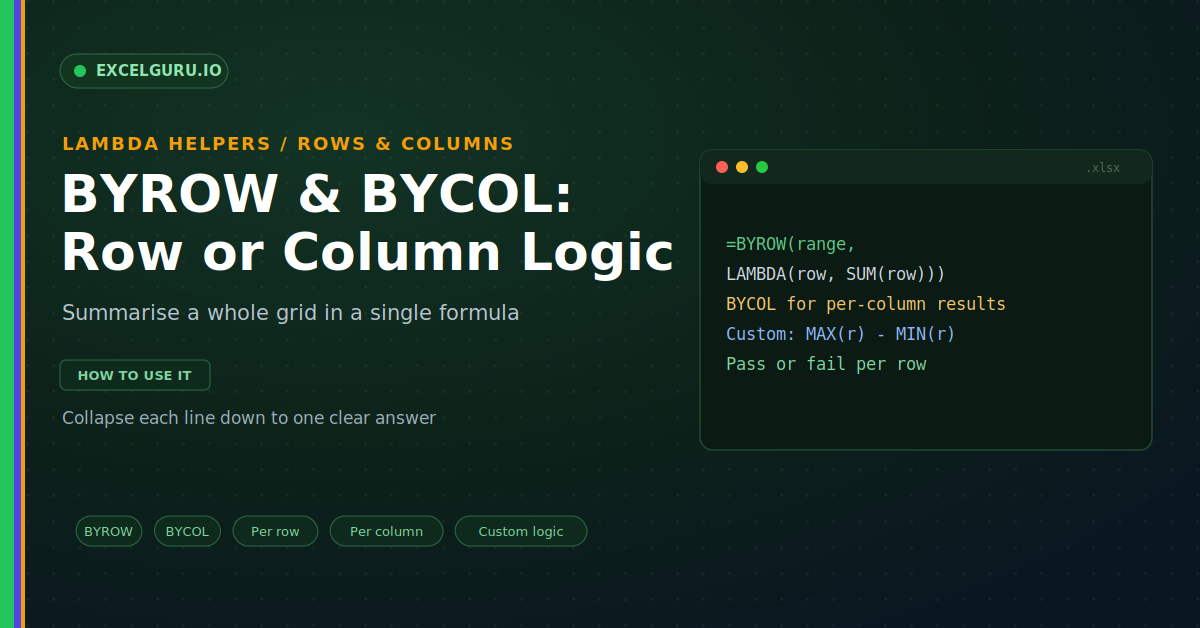
You often need one answer for each row of a grid. Think of a total mark per student across five subjects. Or a monthly average across several regions. The old way was to write a formula in the first row, then drag it down. That works for a simple SUM, but not for custom logic. The BYROW and BYCOL functions solve this. They apply a LAMBDA to each whole row or column, and return one value for each.
These two helpers are a natural pair. BYROW works across rows, and BYCOL works down columns. This guide explains both with realistic examples. By the end, you will summarise a grid in a single formula.
What BYROW and BYCOL Do
BYROW takes a range and a LAMBDA. It then feeds each row to that LAMBDA. The LAMBDA returns one value per row. So a wide grid collapses into a single column, as below.
BYCOL works the very same way, but sideways. It hands each column to the LAMBDA instead. Then it returns one value per column. As a result, the grid collapses into a single row.
The Syntax
Both functions share an identical structure. You give the range first, then a LAMBDA. The LAMBDA takes one parameter, the row or column. So the pattern stays simple and consistent.
BYROW: One Result Per Row
A total per student is the classic example. Each row holds one student's subject marks. BYROW sums each row into a single figure. So every student gets a total in one formula.
BYCOL: One Result Per Column
BYCOL suits a summary across categories. Picture sales laid out with regions in columns. You want the average for each region. BYCOL returns one average per column, as below.
Example: Custom Logic Per Row
The real power is your own logic. The LAMBDA can do far more than SUM. Suppose you want the score range per student. That means the highest mark minus the lowest, as below.
Example: Count or Test Per Row
You can also count or test each row. Maybe you want blanks per row for data checks. Or a pass flag when every value clears a bar. So BYROW turns each row into a quick verdict.
Pairs Well With Other Helpers
BYROW and BYCOL join a family of helpers. Each one applies a LAMBDA to arrays. Knowing the group helps you choose fast. So here is how they compare.
Troubleshooting BYROW and BYCOL
All three problems below are the most common. Each has a clear cause and a quick fix.
The result is a single number
The LAMBDA must reduce each line to one value. If it returns the whole row, the shape breaks. So the output looks wrong or errors out. First, check the calculation inside the LAMBDA. Wrap the row in SUM, MAX, or a similar reducer. Then confirm it returns just one number. After that, the column of results appears.
The results run the wrong way
It is easy to mix up the two functions. BYROW gives a column, and BYCOL gives a row. So the wrong choice flips your output. First, decide whether you want per-row or per-column results. Then pick BYROW for rows and BYCOL for columns. After that, the summary lines up as expected.
A #SPILL! error appears
Both functions spill their results into cells. Those cells must be empty to receive them. So content in the way blocks the spill. First, click the cell to see the spill outline. Then clear anything inside that range. Also keep the formula out of a Table. After that, the results land cleanly.
Frequently Asked Questions
- What do BYROW and BYCOL do?+They apply a LAMBDA to each row or column. BYROW returns one value per row. BYCOL returns one value per column. So a grid collapses in a single formula.
- How is BYROW different from MAP?+MAP works on each cell and keeps the shape. BYROW works on each whole row. So BYROW returns one value per row. It reduces a line, while MAP transforms cells.
- Can I use custom logic in BYROW?+Yes, the LAMBDA can hold any logic. For example, use MAX minus MIN for a range. It just needs to return one value. So each row reduces to a single result.
- Why does my BYROW return one number?+Because the LAMBDA is not reducing each row. It must return a single value per row. So wrap the row in SUM or MAX. After that, a full column of results appears.