Power Query

Master Excel Power Query with this collection of step-by-step tutorials covering data import, transformation, cleaning, merging, filtering, automation, and ETL (Extract, Transform, Load) processes.

Learn how to connect to multiple data sources, automate repetitive tasks, reshape datasets, combine files, and refresh reports with a single click. Ideal for Excel users, analysts, accountants, business professionals, and anyone looking to streamline data preparation and build efficient reporting workflows.

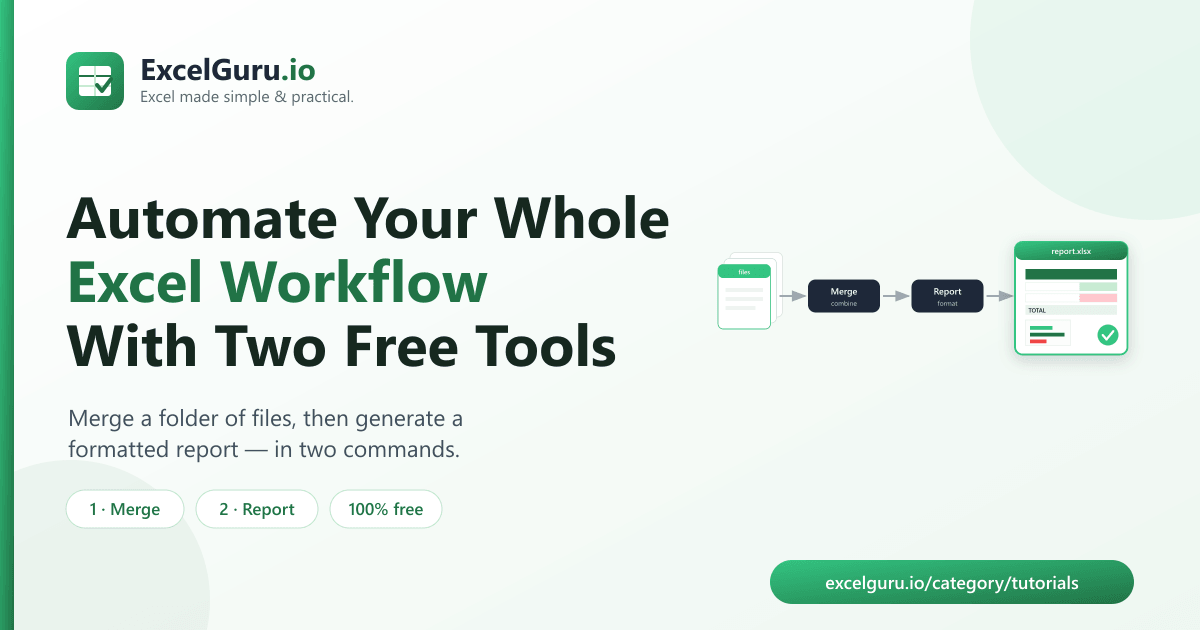
Merge and automate Excel workflow tutorial showing Power Query data merging automated reporting dashboards and workflow automation

Merge and Report: Automate Your Whole Excel Workflow With Two Free Tools

Automate your end-to-end Excel reporting process by combining data preparation, transformation, analysis, and reporting into a single workflow. This tutorial explains how to merge data from multiple sources, clean and reshape datasets with Power Query, build relationships in the Data Model, create PivotTables and dashboards, and refresh everything automatically with minimal manual effort. Ideal for analysts, finance teams, operations professionals, business users, and anyone looking to save time and build scalable Excel reporting solutions.
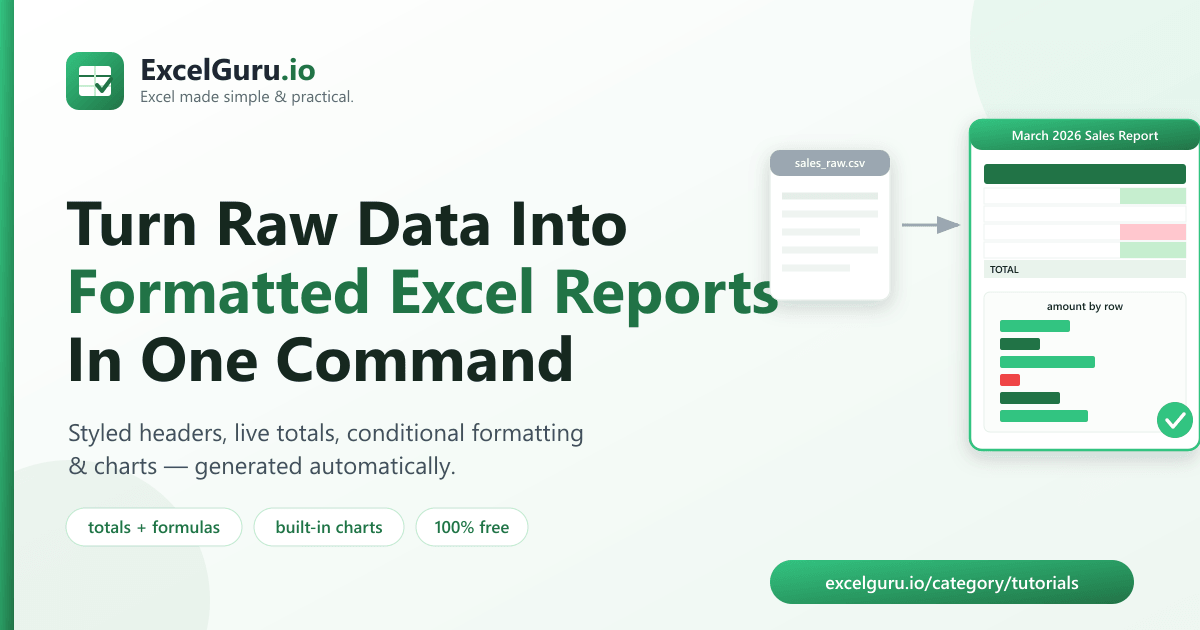

Auto generate formatted Excel reports from raw data tutorial showing Power Query PivotTables automated reporting and formatted dashboards

How to Auto-Generate Formatted Excel Reports From Raw Data (Free Python Tool)

Transform raw data into professional Excel reports automatically with built-in Excel tools and automation techniques. This tutorial explains how to import and clean raw data, apply transformations with Power Query, summarize information using PivotTables and formulas, apply consistent formatting, and refresh reports with a single click. Ideal for analysts, finance teams, managers, operations professionals, and Excel users who want to eliminate repetitive reporting tasks and create reliable, presentation-ready reports.

Read data from SQL Server in Excel tutorial showing database connections Power Query SQL queries and data refresh

Read Data from SQL Server (Database Connection)

Connect Excel directly to SQL Server and work with live database data. This tutorial explains how to create a SQL Server connection, authenticate securely, import tables or custom queries, transform data with Power Query, refresh connections automatically, and build reports from database records. Ideal for analysts, database administrators, developers, finance teams, and business professionals who need to analyse SQL Server data in Excel.

Transform JSON data into Excel tables tutorial showing Power Query JSON import nested data expansion and table transformation

Transform JSON Data into Tables

Convert JSON data into organized Excel tables with Power Query. This tutorial explains how to import JSON files or API responses, expand nested objects and arrays, transform data into tabular format, clean and reshape records, and load the results into Excel for analysis. Ideal for Excel users, analysts, developers, data professionals, and Microsoft 365 users working with web services, APIs, or structured data sources.

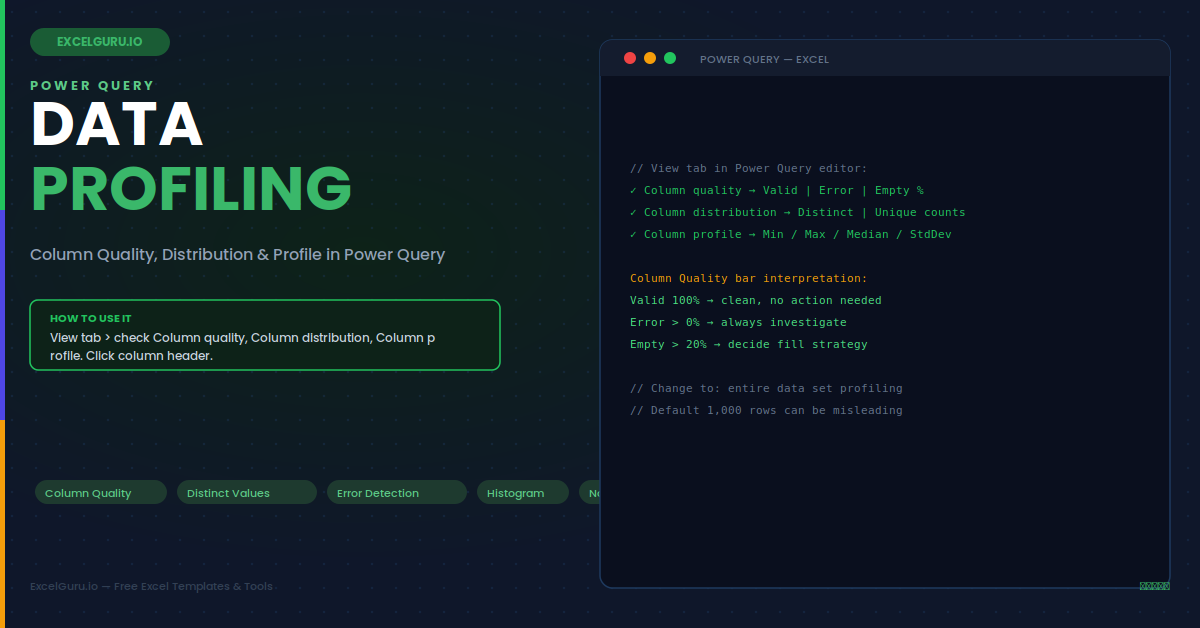
Power Query data profiling in Excel tutorial showing column quality value distribution errors blanks and data patterns

Power Query: Data Profiling – Column Quality, Distribution & Profile

Improve data cleaning and validation with Power Query data profiling in Excel. This tutorial explains how to use column quality, column distribution, and column profile tools to identify errors, empty values, duplicates, data type issues, unusual patterns, and inconsistent records before loading data into Excel. Ideal for Excel users, analysts, finance teams, operations teams, and professionals who want cleaner, more reliable datasets.