
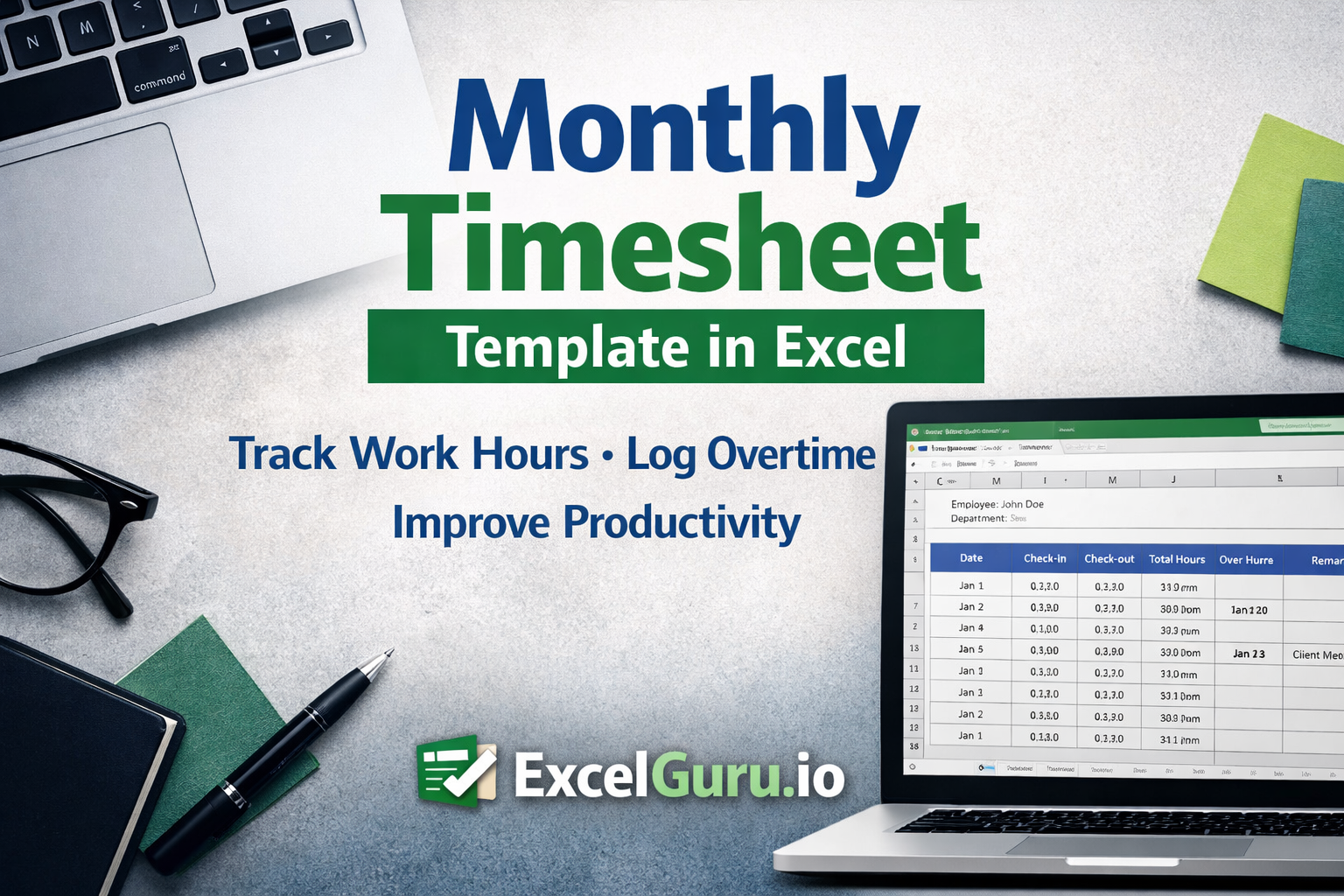
Managing employee work hours, tracking productivity, and maintaining accurate attendance records are essential for any organization or freelancer. The Monthly Timesheet Template Excel is designed to simplify this process by providing a structured and easy-to-use format for recording daily working hours throughout the month.
This template is ideal for businesses, HR teams, freelancers, and project managers who want a reliable and organized way to monitor time usage without relying on complex systems. With a clean layout and logical structure, it ensures that all time-related data is captured efficiently and can be reviewed at any point.
Template Description
The Monthly Timesheet Template Excel provides a comprehensive view of an individual’s working hours across an entire month. Instead of tracking time daily in separate sheets, this template consolidates all entries into one structured format, making it easier to review, analyze, and report.
It allows users to record start time, end time, total hours worked, and additional details such as overtime or remarks. This ensures that both regular working hours and extra efforts are clearly documented. The template is designed to reduce manual errors while improving visibility into time utilization.
Worksheet Overview
The worksheet is structured in a way that captures daily entries while maintaining a monthly perspective. Each row typically represents a day of the month, allowing users to input their working hours consistently. Columns are allocated for recording key details such as check-in time, check-out time, total hours worked, and any additional notes.
At the top section, there is usually space to include employee or user details such as name, department, or project. This makes the template suitable for both individual use and organizational deployment. The layout is intentionally kept simple so that users can quickly input data without confusion while still maintaining a professional format.
Use Cases of This Template
The flexibility of this template makes it suitable for a wide range of users. In a corporate environment, HR teams can use it to track employee attendance and calculate total working hours for payroll processing. Managers can review timesheets to understand productivity patterns and identify areas where time is being over or underutilized.
For freelancers and consultants, the template becomes a powerful tool for tracking billable hours across multiple clients. It helps ensure accurate invoicing and provides a clear record of work completed. Similarly, small business owners can use it to monitor team performance without investing in expensive time-tracking software.
Even individuals can benefit from this template by using it as a personal productivity tracker, helping them understand how their time is distributed throughout the month.
Benefits of Using This Template
One of the biggest advantages of this template is its simplicity combined with effectiveness. It eliminates the need for complex tools while still delivering accurate time tracking. Since it is built in Excel, it offers complete flexibility for customization and easy integration with existing workflows.
Another key benefit is improved accuracy in tracking work hours, which directly impacts payroll calculations and project costing. It also enhances transparency, as all recorded data can be easily reviewed and verified. Over time, this can help organizations identify inefficiencies and optimize resource allocation.
Additionally, being a downloadable and reusable file, it provides a cost-effective solution for businesses of all sizes.
Also check out other human resources related excel templates.
How to Modify This Template
The template is fully customizable, allowing users to adapt it according to their specific requirements. You can easily adjust the number of columns or add new ones to capture additional data such as break time, project codes, or approval status.
If your organization follows a different working structure, you can modify the time format or include separate sections for overtime calculations. The template can also be enhanced using Excel features such as formulas for automatic hour calculation or conditional formatting to highlight missing entries or overtime hours.
For businesses managing multiple employees, the sheet can be duplicated for each individual or converted into a centralized tracking system by combining multiple sheets into one workbook.
Who Should Use This Template
This template is particularly useful for HR professionals, team managers, freelancers, consultants, and small business owners who need a straightforward method to track time. It is also beneficial for organizations that are transitioning from manual tracking methods to a more structured and digital approach without investing in advanced software solutions.
Download Monthly Timesheet Template
If you are looking for a simple yet effective way to track monthly work hours and improve time management, this template is the perfect solution.
Download the Monthly Timesheet Template Excel from ExcelGuru.io and start managing your time more efficiently today.