
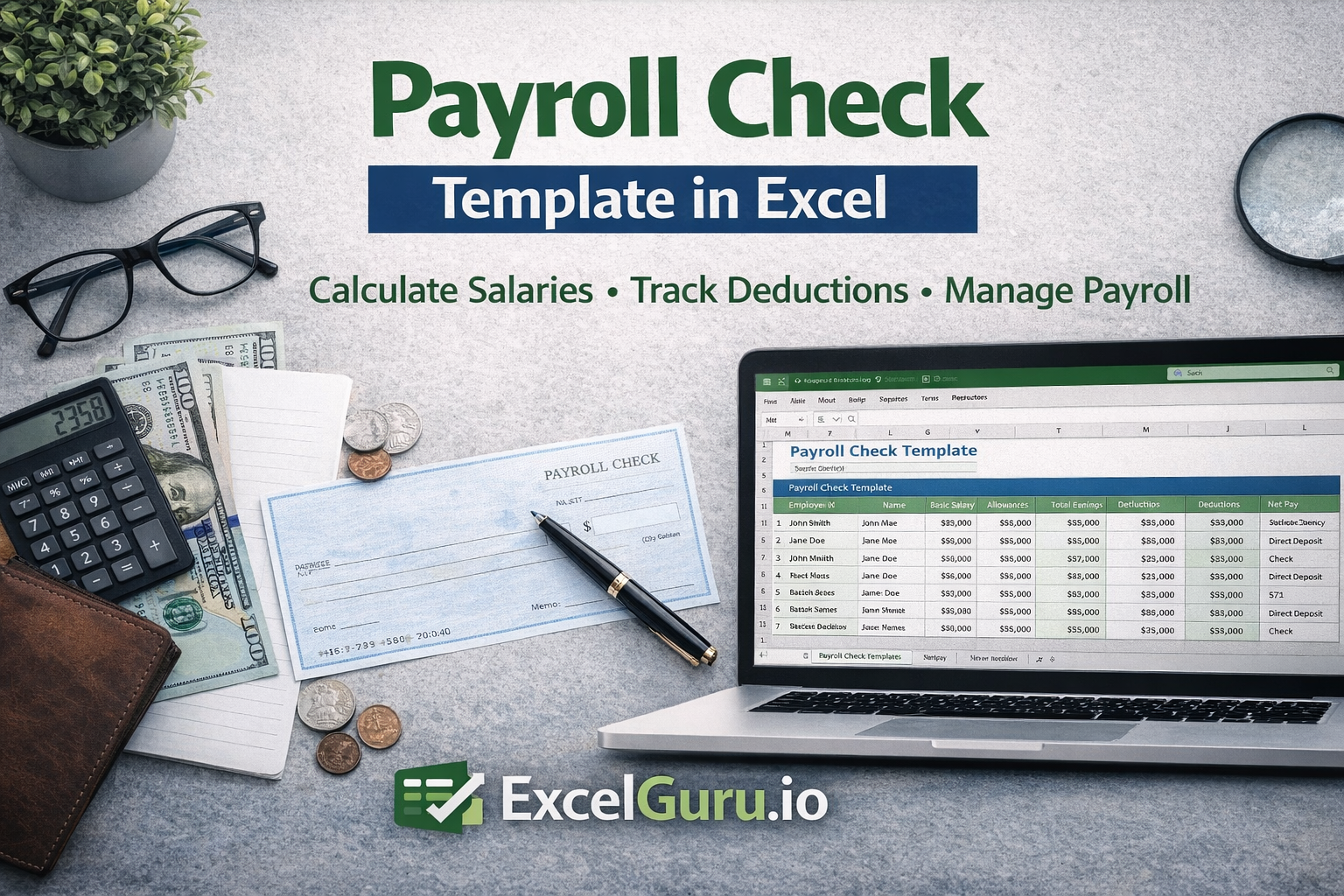
Managing payroll is one of the most critical functions in any organization, as it directly impacts employee satisfaction, financial accuracy, and compliance. Even small errors in payroll processing can lead to significant issues, including employee dissatisfaction and financial discrepancies. The Payroll Check Template Excel is designed to simplify payroll management by providing a structured and reliable format to calculate and record employee payments.
This template is ideal for businesses, HR teams, and accountants who want a straightforward and efficient way to manage payroll without relying on complex or expensive software systems. It provides clarity, accuracy, and consistency, ensuring that every payroll cycle is handled smoothly.
Also check out other human resources related excel templates.
Template Description
The Payroll Check Template Excel is a comprehensive tool that allows users to record salary details, deductions, and net pay in a structured manner. It helps streamline payroll calculations by organizing all relevant information in one place, reducing the chances of errors and improving transparency.
The template is designed to capture essential payroll elements such as gross salary, deductions, allowances, and final payable amounts. This ensures that every component of an employee’s compensation is clearly documented and easily verifiable. By maintaining all payroll data within a single sheet, users can quickly review and validate payment details before processing.
Worksheet Overview
The worksheet is structured to reflect a typical payroll calculation flow, starting from employee details and moving towards final payment computation. Each row generally represents an employee, while columns are used to capture different salary components such as basic pay, allowances, deductions, and net salary.
The layout is designed to provide a clear breakdown of earnings and deductions, making it easy to understand how the final salary is calculated. This structured approach not only improves accuracy but also enhances transparency, as every calculation step is visible and traceable.
In addition, the template can include sections for payment dates, payment methods, or remarks, allowing users to maintain a complete record of payroll transactions.
Use Cases of This Template
This template is highly useful across different business environments. HR departments can use it to process monthly salaries and ensure that all employee payments are calculated accurately. Accountants can rely on it to maintain payroll records and support financial reporting.
For small and medium-sized businesses, this template provides a cost-effective alternative to payroll software, allowing them to manage employee payments efficiently without additional investment. Freelancers and consultants who manage payments for teams or subcontractors can also use it to track compensation and ensure timely payouts.
Even startups can benefit from this template by establishing a structured payroll system from the beginning, helping them maintain financial discipline as they grow.
Benefits of Using This Template
One of the primary benefits of this template is improved accuracy in payroll calculations. By organizing all salary components in a structured format, it reduces the likelihood of manual errors and ensures consistency across payroll cycles.
The template also enhances transparency, as employees and management can clearly see how salaries are calculated. This builds trust and reduces disputes related to payments. Additionally, the use of Excel allows for easy customization, enabling organizations to adapt the template to their specific payroll structures and policies.
Another key advantage is efficiency. With all payroll data in one place, users can process payments faster and maintain organized records for future reference.
How to Modify This Template
The template is fully customizable, allowing users to tailor it according to their payroll requirements. You can add or remove columns based on your compensation structure, such as including additional allowances, bonuses, or specific deductions.
Formulas can be incorporated to automate calculations for gross pay, deductions, and net salary, reducing manual effort and improving accuracy. Conditional formatting can also be applied to highlight discrepancies or unusual values, making it easier to identify errors.
For organizations managing multiple payroll periods, the template can be duplicated for each month or consolidated into a single workbook for better tracking and reporting.
Who Should Use This Template
This template is ideal for HR professionals, accountants, payroll administrators, business owners, and freelancers who need a simple yet effective way to manage employee payments. It is particularly useful for organizations that want to maintain control over payroll processes without relying on external systems.
Download Payroll Check Template
If you are looking for a reliable and easy-to-use solution to manage payroll and ensure accurate employee payments, this template is the perfect choice.
Download the Payroll Check Template Excel from ExcelGuru.io and streamline your payroll process with confidence.