
Key takeaways
- The reliable way to remove duplicates is to define which columns make a row a duplicate — not just exact whole-row matches.
- Excel Duplicate Finder is free and open-source (MIT), built in Python.
- Match by key column(s) — e.g. same
email, even if other fields differ. - Keep first, last, or none of each duplicate group.
- Export a duplicate report to see every duplicated row before you commit.
To find and remove duplicates in Excel, run a free tool called Excel Duplicate Finder, which detects duplicate rows by the columns you choose and removes them in one command. Keep the first, last, or none of each group — and export a report of every duplicate so you can review exactly what was found.
Why "Remove Duplicates" in Excel isn't enough
Excel's built-in Remove Duplicates works, but it's blunt: it deletes rows in place, gives you no record of what it removed, and it's easy to pick the wrong columns and lose data you meant to keep. And "duplicate" often means same email or same ID — not every column matching.
A command-line tool makes it precise and safe: choose the key columns, decide which copy to keep, get a report of the duplicates, and write the clean data to a new file.
How to install the tool (2 minutes)
You need Python 3.9 or newer. Clone the repository and install its dependencies:
git clone https://github.com/Synth88Labs/excel-tool-dedupe.git
cd excel-tool-dedupe
pip install -r requirements.txt
Get Excel Duplicate Finder on GitHub (free)
How to remove duplicates — step by step
Step 1 — Remove duplicates by a key column
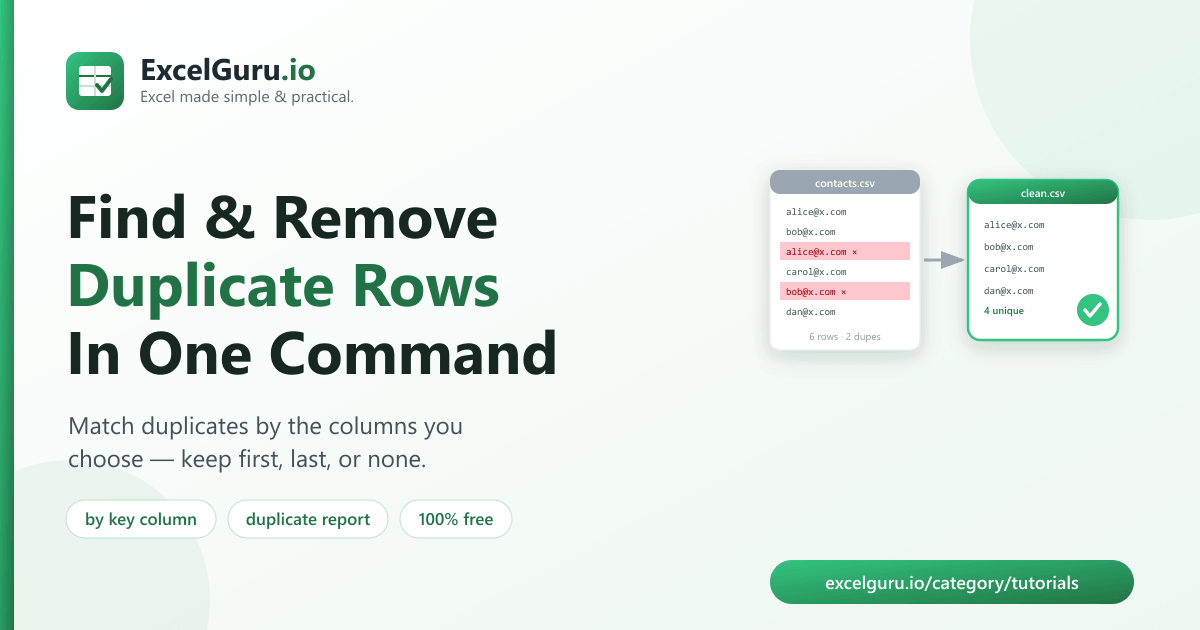
Remove rows with a duplicate email, keeping the first of each:
python dedupe_excel.py contacts.csv --by email -o clean.csvUse several columns to define a duplicate more precisely, e.g. same first and last name:
python dedupe_excel.py people.csv --by first_name,last_nameStep 2 — Choose which copy to keep
# keep the last occurrence instead of the first
python dedupe_excel.py contacts.csv --by email --keep last

# drop every row that has a duplicate (keep only truly unique rows)
python dedupe_excel.py contacts.csv --by email --keep none
Step 3 — Get a report of the duplicates
python dedupe_excel.py contacts.csv --by email --report duplicates.xlsx -o clean.csvThe report contains every row involved in a duplicate group, so you can review before trusting the result.
Keep first vs. last vs. none
--keep | What it does | Use when… |
|---|---|---|
first (default) | Keeps the first row of each group | The earliest record is the one to keep |
last | Keeps the last row of each group | The most recent record wins |
none | Drops every row that has any duplicate | You only want rows that are truly unique |
Real work use cases
- Clean a mailing list — remove repeat email addresses before a send.
- Deduplicate records — collapse repeated customers, products, or IDs.
- Audit for duplicates — export the report to see what's duplicated and why.
- Merge then dedupe — combine files, then remove the overlaps.
- Keep the latest — with
--keep last, retain the most recent entry per key.
Common mistakes to avoid
- Messy keys hide duplicates. "Alice@x.com " ≠
"alice@x.com". Trim and lowercase the key column first so real duplicates match. - Choosing too few key columns. Deduping by name alone can remove two different people who share a name — add another column to be safe.
- Deduping by all columns when you meant a key. With no
--by, only exact whole-row copies are removed — specify the key columns for real-world duplicates. - Not reviewing first. Run with
--reportonce to see what would be removed before you rely on the clean file.
Frequently asked questions
How do I remove duplicate rows in Excel by one column?
Run python dedupe_excel.py file.csv --by column -o clean.csv. Rows with a duplicate value
in that column are removed, keeping the first by default.
Can I keep the last duplicate instead of the first?
Yes. Add --keep last. Use --keep none to drop every duplicated row entirely.
How do I see which rows are duplicates?
Add --report duplicates.xlsx to export a file containing every row that's part of a
duplicate group.
Can I match duplicates on multiple columns?
Yes. Pass a comma-separated list to --by, e.g. --by first_name,last_name.
Is Excel Duplicate Finder free?
Yes. It's open-source under the MIT license, free for personal and commercial use. The source is on GitHub.
Do I need Excel installed?
No. It reads and writes files with Python libraries, so it works without Microsoft Excel installed.
Does it change my original file?
No. It writes the clean data to a new file and leaves the source untouched.
Summary
Excel's Remove Duplicates is blunt and leaves no trail. Excel Duplicate Finder removes duplicate rows by the columns you choose in one command — keep first, last, or none, with an optional report of every duplicate. It's free, open-source, safe by default, and works without Excel installed.