
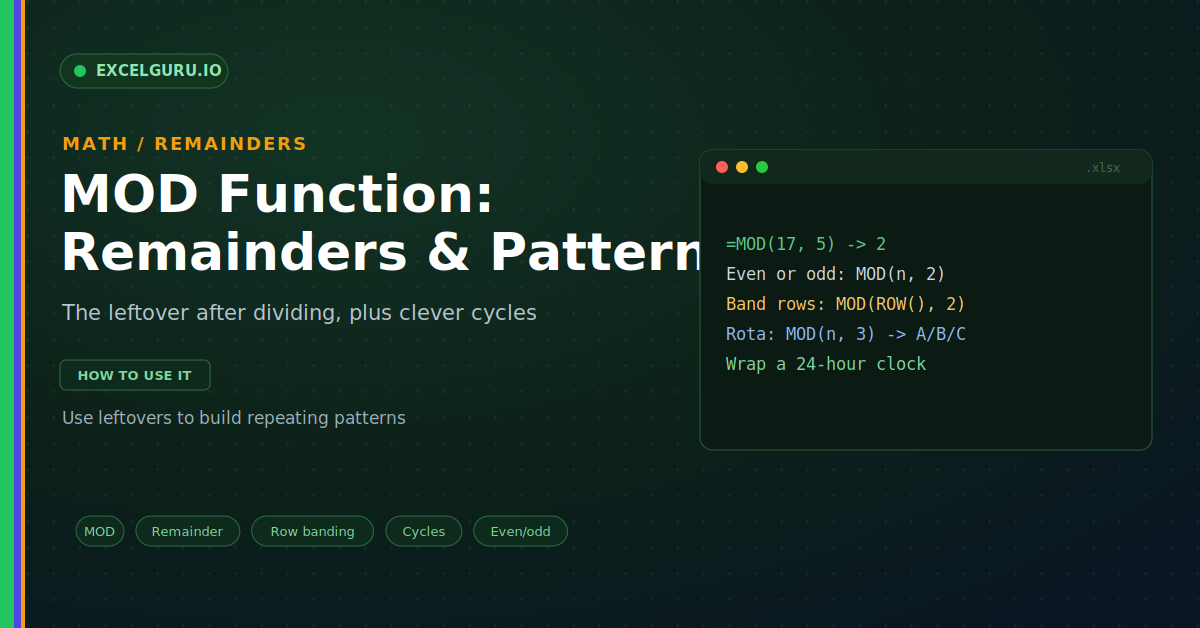
Division usually gives you a neat answer. Twenty divided by four is five, clean and simple. But real numbers rarely divide so tidily. Seventeen items packed in boxes of five leaves some over. That leftover is the remainder, and it is often the useful part. The MOD function returns exactly that. It also powers clever tricks, from alternating row colours to repeating schedules.
MOD stands for modulo, a classic maths idea. It answers one question: what is left after dividing? This guide explains it with realistic, practical examples. By the end, you will use remainders to build smart patterns.
What MOD Does
MOD divides one number by another. Then it returns only the remainder. The whole-number part is thrown away. So it captures what does not divide evenly, as below.
A quick example makes it clear. Seventeen divided by five is three, with two left over. MOD ignores the three and returns the two. As a result, you get the leftover on its own.
The Syntax
The MOD syntax could not be simpler. You give the number, then the divisor. Excel returns the remainder of that division. So the order is number first, divisor second.
Example: Test for Even or Odd
Checking even or odd is a common need. An even number divides by two with nothing left. So its remainder is zero. MOD makes this test a one-liner.
Example: Highlight Every Nth Row
MOD is the secret behind row banding. You pair it with the ROW function. Then a conditional formatting rule shades the pattern. So a plain table gets clean, striped rows, as below.
Example: Build Repeating Cycles
MOD is brilliant for repeating patterns. Its remainder cycles through the same values. So it can assign a rolling shift rota. Three shifts, A, B, and C, repeat forever, as below.
Example: Wrap Values Around a Limit
MOD can wrap numbers around a range. This is how clock arithmetic works. Hours past 24 loop back to the start. So it keeps a value inside a fixed window.
MOD Pairs With QUOTIENT
MOD has a natural partner in QUOTIENT. MOD gives the remainder of a division. QUOTIENT gives the whole-number part. Together, they split a division completely.
Troubleshooting MOD
All three problems below are the most common. Each has a clear cause and a quick fix.
A #DIV/0! error appears
MOD cannot divide by zero, just like normal division. So a divisor of zero triggers this error. First, check the second argument in your formula. Confirm it never lands on zero. If a cell could be blank, guard against it. Wrap the formula in an IF that checks the divisor first. After that, the error disappears.
Negative numbers give an odd result
MOD in Excel follows the sign of the divisor. So =MOD(-3, 5) returns 2, not -3. This surprises people used to other tools. First, decide how you want negatives handled. For a positive result, keep a positive divisor. If you need a different rule, adjust with a small formula. After that, the sign behaves as you expect.
Decimals are not dividing cleanly
MOD works with decimals as well as whole numbers. So the remainder can also be a decimal. This can look strange at first glance. First, remember MOD respects the exact values. Then round the inputs if you want whole-number behaviour. Use ROUND on the number or divisor as needed. After that, the results look tidy.
Frequently Asked Questions
- What does the MOD function do?+It returns the remainder after dividing two numbers. For example, =MOD(17, 5) returns 2. The whole-number part is discarded. So it captures what is left over.
- How do I highlight every other row with MOD?+Use =MOD(ROW(), 2) = 0 as a formatting rule. It returns TRUE on every even row. So conditional formatting shades those rows. Change the 2 to band every third row.
- Why does MOD return a strange value for negatives?+Because MOD follows the sign of the divisor. So =MOD(-3, 5) returns 2. Keep a positive divisor for a positive result. Otherwise, adjust with a small formula.
- What is the difference between MOD and QUOTIENT?+MOD returns the remainder of a division. QUOTIENT returns the whole-number part. So together they split a division fully. One gives the leftovers, the other the groups.