
Exponents show up more often than you might think. Compound interest grows money by a power of time. The area of a square uses a side raised to two. Population and sales forecasts lean on exponential growth. Typing out long multiplications is slow and error-prone. The POWER function handles all of this cleanly. It raises any number to any exponent, and even calculates roots.
POWER is a core maths function in every version of Excel. It replaces messy repeated multiplication with one clear call. This guide explains it with realistic examples. By the end, you will handle exponents and roots with confidence.
What POWER Does
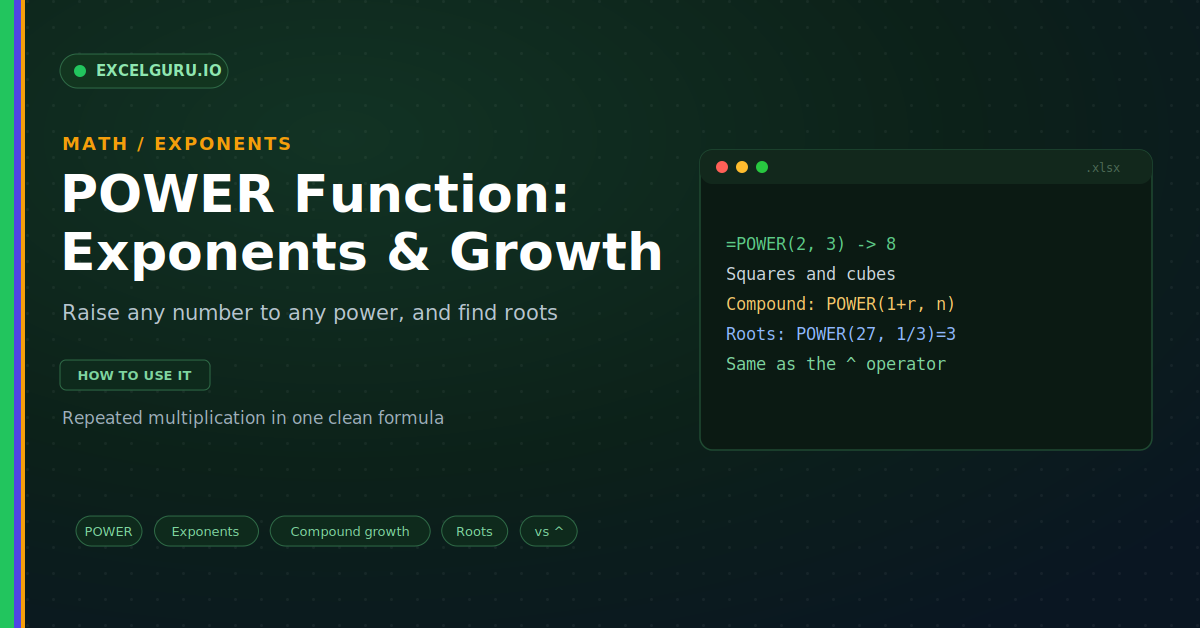
POWER raises a base number to an exponent. The exponent says how many times to multiply. So two to the third power means two times two times two. That gives eight, as below.
The base is the number you start with. The exponent is the power you raise it to. Together they describe repeated multiplication. As a result, big growth fits into a tiny formula.
The Syntax
The POWER syntax has just two parts. You give the number, then the power. Excel returns the number raised to that power. So the order is base first, exponent second.
Example: Squares and Cubes
Geometry is a natural home for POWER. The area of a square needs the side squared. The volume of a cube needs the side cubed. So POWER handles both with ease.
Example: Compound Growth
Compound interest is the star use of POWER. Money grows by a rate, year after year. Each year builds on the last, which is exponential. So POWER captures the whole climb, as below.
Example: Calculate Roots
Here is a trick many people miss. A fractional exponent gives a root. One half means a square root. One third means a cube root, as below.
POWER Versus the Caret Operator
Excel also has a shortcut for exponents. The caret sign does the same job. So POWER(2, 3) equals 2 caret 3. The choice comes down to clarity.
Troubleshooting POWER
All three problems below are the most common. Each has a clear cause and a quick fix.
A #NUM! error appears
This often comes from a root of a negative. A negative base with a fractional power has no real answer. So Excel returns a number error. First, check whether the base could go negative. Then wrap it in ABS if a magnitude will do. Otherwise, rethink the maths for that case. After that, the error clears.
The caret gives an unexpected result
Operator order can trip up the caret. In Excel, -2 caret 2 returns 4, not -4. The sign is applied in a surprising way. First, add brackets to make the intent clear. Write POWER(-2, 2) or use (-2)^2. Then the base and sign group correctly. After that, the result matches your intent.
The number is too large
Exponents grow results very fast. A big base and exponent can overflow. So Excel may show an error for huge values. First, sanity-check the size of the exponent. A small change can explode the result. Then scale the numbers down if you can. After that, the calculation stays within range.
Frequently Asked Questions
- What does the POWER function do?+It raises a number to an exponent. For example, =POWER(2, 3) returns 8. That means two multiplied by itself three times. So it handles exponents in one formula.
- Is POWER the same as the caret sign?+Yes, both raise a number to a power. So =POWER(2, 3) equals 2^3. The caret is quicker to type. POWER can read more clearly in long formulas.
- Can POWER calculate roots?+Yes, use a fractional exponent for a root. So =POWER(27, 1/3) gives the cube root, 3. An exponent of 1/2 gives a square root. So any root fits this pattern.
- How do I calculate compound interest with POWER?+Use Principal times POWER(1 + rate, years). The rate compounds once per year here. So 1000 at 5 percent for 10 years grows to about 1629. Adjust the rate for other periods.