
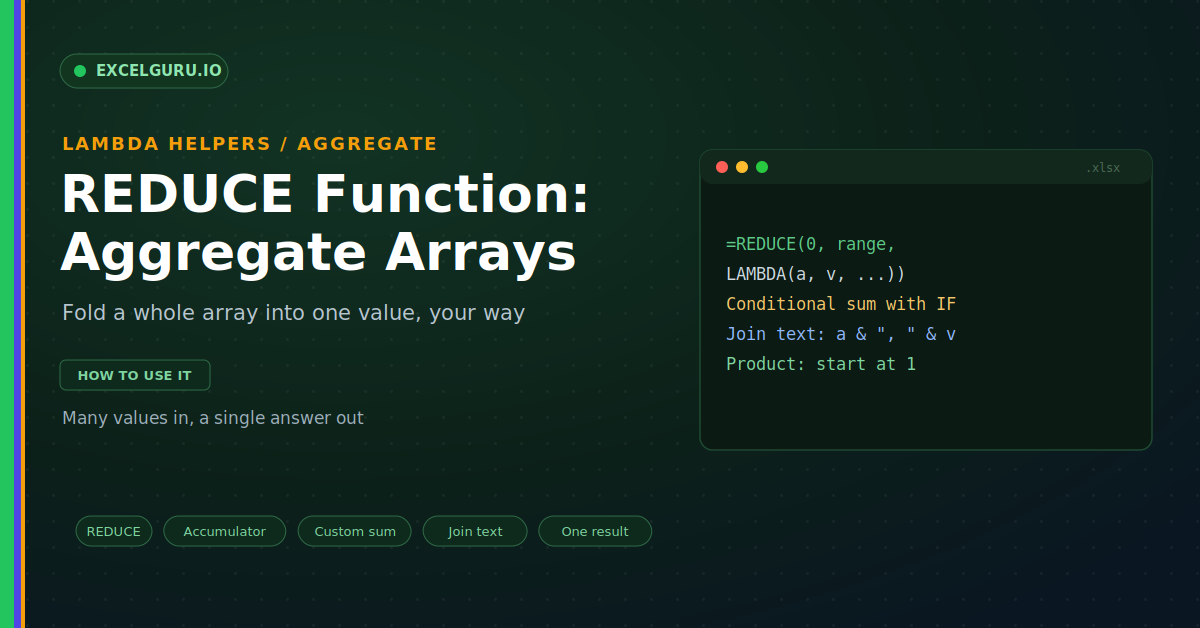
Excel has plenty of functions that give a single answer. SUM adds a range, and COUNT tallies it. But what if your rule does not fit a built-in function? Perhaps you want to add only weekday sales. Or join a list of names into one sentence. Or multiply every value together. For custom aggregation like this, you need REDUCE. It folds an entire array into one value, using logic you define.
REDUCE is a LAMBDA helper built for aggregation. It walks through an array and combines the values as it goes. Then it returns a single, final result. This guide explains it with realistic examples you can reuse.
What REDUCE Does
REDUCE takes many values and returns one. It processes the array item by item. Each step updates a running result, called the accumulator. At the end, it hands back that final value, as below.
This is aggregation with your own rules. A plain SUM can only add. REDUCE can add, join, multiply, or test. So it handles logic no single function offers.
The Syntax
The REDUCE syntax mirrors SCAN closely. You give a starting value, then the array. Finally, you add a LAMBDA with two parameters. So the order is initial, array, then the function.
Example: A Conditional Sum
Say you want to total only the large orders. A normal SUM cannot filter as it adds. REDUCE can test each value first. So it adds the value only when the rule passes.
Example: Join Text Into One String
REDUCE is not limited to numbers. It can combine text just as well. You can join a column into one sentence. So a list of tags becomes a tidy label, as below.
Example: Multiply Every Value
There is no simple PRODUCT for custom cases. REDUCE covers that gap neatly. Start the accumulator at one, not zero. Then multiply each value into it.
This pattern scales to real finance work. You can chain growth rates into one factor. You can also fold a list of discounts together. So a single REDUCE can model a full sequence.
REDUCE Versus SCAN
REDUCE and SCAN look almost identical. Both use an initial value and an accumulator. The one difference is the output. So the choice depends on what you need, as below.
Pairs Well With Other Helpers
REDUCE sits among a small group of helpers. Each pairs a LAMBDA with an array. Together they replace many awkward formulas. So it helps to see the whole set.
Troubleshooting REDUCE
All three problems below are the most common. Each has a clear cause and a quick fix.
The result is wrong from the start
A bad initial value throws off the answer. Starting a product at zero returns zero every time. So the seed must match your operation. First, use 0 to begin a sum. Then use 1 to begin a product. Use an empty string to begin joined text. After that, the result comes out right.
The formula returns a blank or error
The LAMBDA must return the accumulator each pass. If it does not, the chain breaks. So a missing return gives a blank or error. First, check that every path returns a value. An IF should cover both the true and false sides. Then confirm the two parameters are in order. After that, the fold completes cleanly.
I expected several results, not one
REDUCE always returns a single value. So it never spills a column of steps. First, confirm you wanted just a summary. If you need every step, switch to SCAN. SCAN shares the same structure exactly. So the change is quick and painless.
Frequently Asked Questions
- What does the REDUCE function do?+It folds a whole array into one value. It processes each item with your own logic. Then it returns the final result. So it handles custom aggregation that SUM cannot.
- What initial value should I use?+Start a sum at 0. A product should begin at 1. An empty string works for joining text. So the seed must match the operation.
- How is REDUCE different from SCAN?+REDUCE returns only the final result. SCAN returns every step as a series. So use REDUCE for a summary figure. Use SCAN for the full running trail.
- Can REDUCE combine text?+Yes, it can join text just as well as numbers. Start with an empty string as the seed. Then add each item with a separator. So a column becomes one joined string.