pub » Page 32 of 70 » excelguru.io

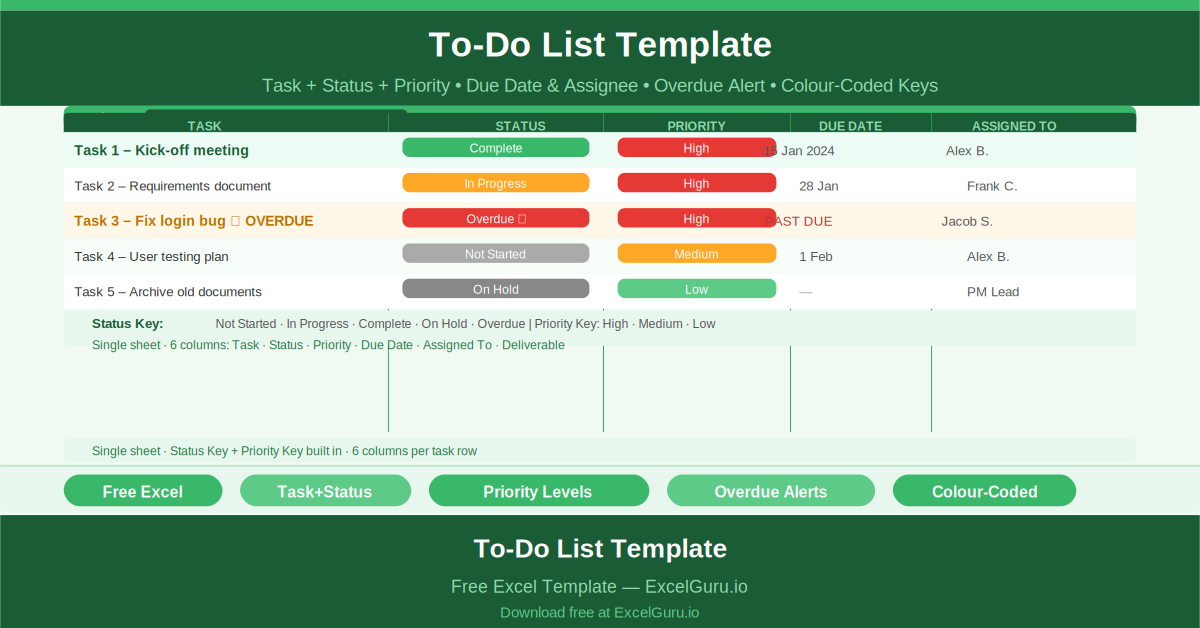
Free Excel Project To-Do List Template showing all key columns and sample data for project management use cases.

Project To-Do List

Transform a personal to‑do list into a team delivery plan. This clean, color‑coded task tracker includes columns for status (Not Started/In Progress/Done), priority, due date, assignee, and deliverable reference. Auto‑counting shows how many tasks are open per person. Use it for daily standups or weekly planning meetings. Unlike generic to‑do apps, this Excel template ties every task to a project phase and owner – simple, visual, and effective.
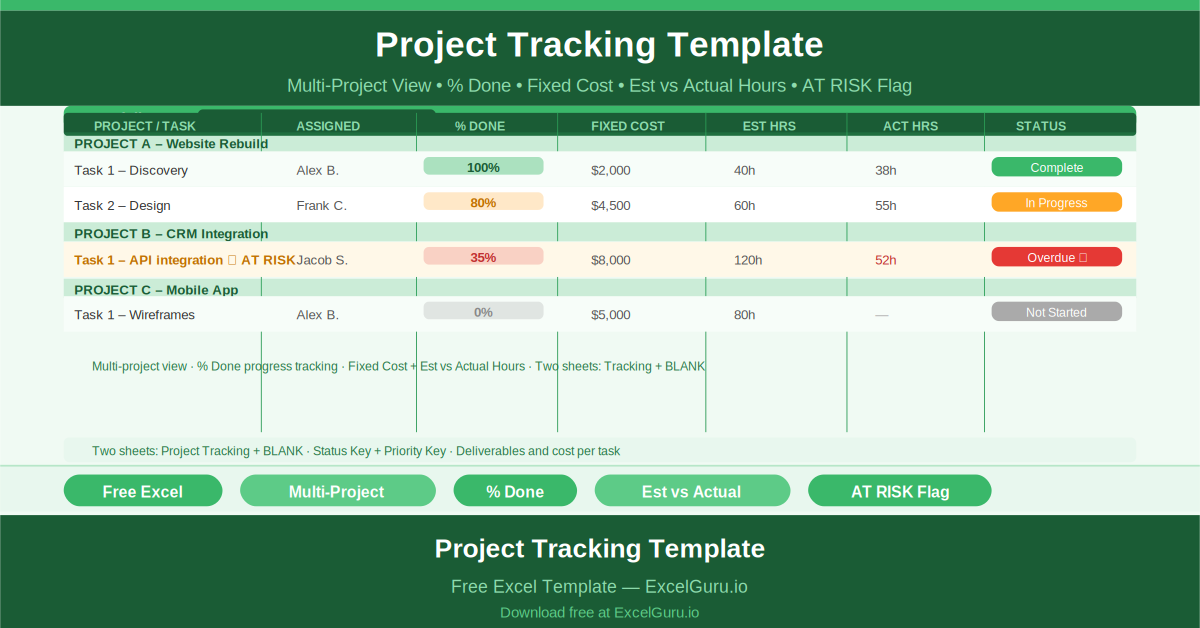
Free Excel Project Tracking Template showing all key columns and sample data for project management use cases.

Project Tracking

Manage multiple projects from one Excel workbook. This portfolio‑level tracker lists each project, its tasks, percentage completion, actual vs. planned costs, hours spent, and RAG status (Red/Amber/Green). Conditional formatting highlights at‑risk projects instantly. Sort by sponsor, due date, or priority. Ideal for PMOs, program managers, or consultants juggling several client engagements who need a consolidated view without expensive portfolio software.

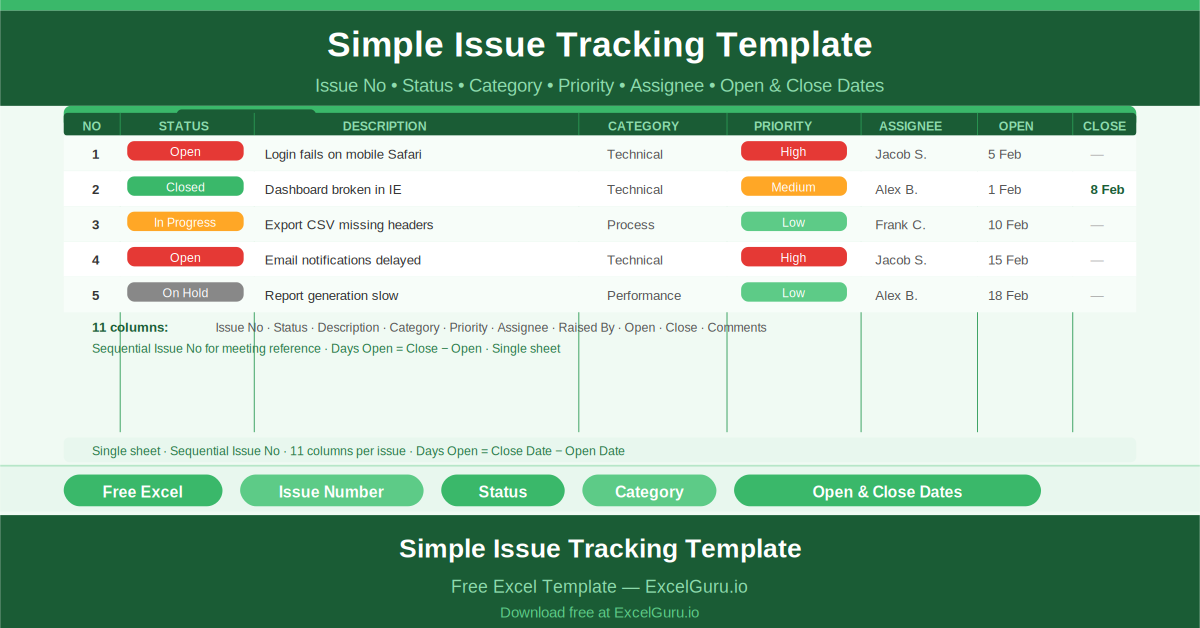
Free Excel Simple Issue Tracking Template showing all key columns and sample data for project management use cases.

Simple Issue Tracking

Never lose track of another project issue. This lightweight tracker logs each issue with a sequential ID, description, reporter, assignee, priority, status (Open/In Progress/Resolved/Closed), and resolution date. Auto‑calculated aging tells you how long an issue has been open. Filter by assignee or priority to focus on what matters most. It’s a no‑overhead solution for teams that need issue accountability without learning a dedicated bug tracker.

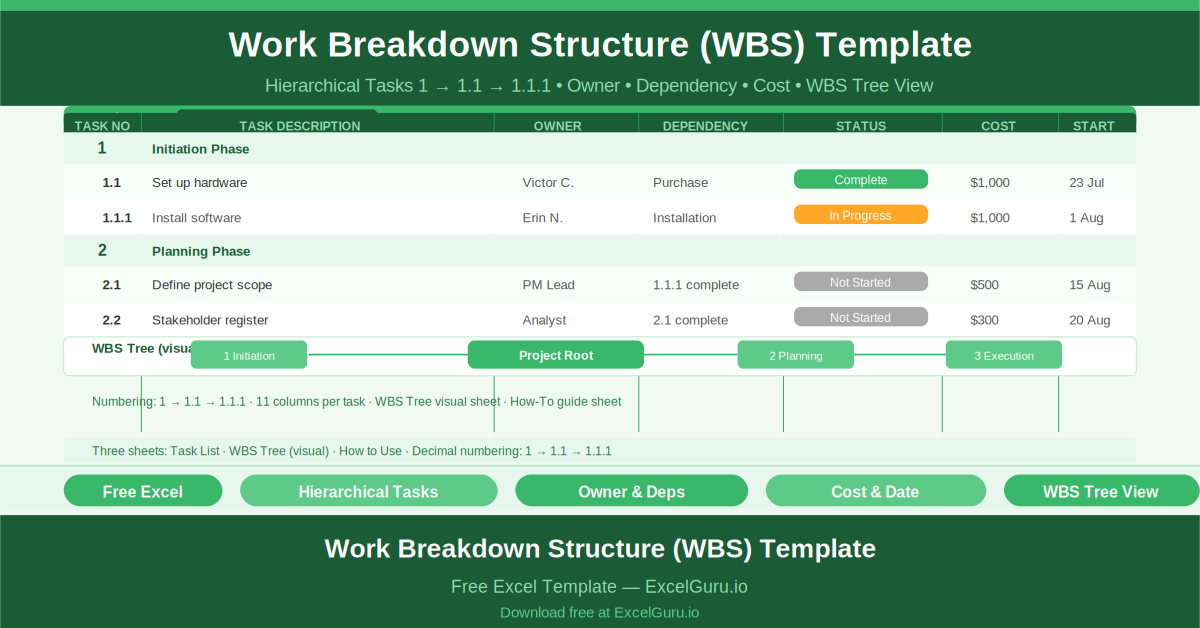
Free Excel Work Breakdown Structure (WBS) Template showing all key columns and sample data for project management use cases.

Work Breakdown Structure

Decompose large projects into manageable, hierarchical tasks. This WBS template numbers each item automatically (1.0, 1.1, 1.1.1) and includes columns for dependencies, resources, estimated hours, and costs. A bonus visual WBS tree diagram builds itself from your data – perfect for presentations to leadership. Use it to ensure nothing is missed, assign clear ownership, and create a foundation for scheduling and budgeting.

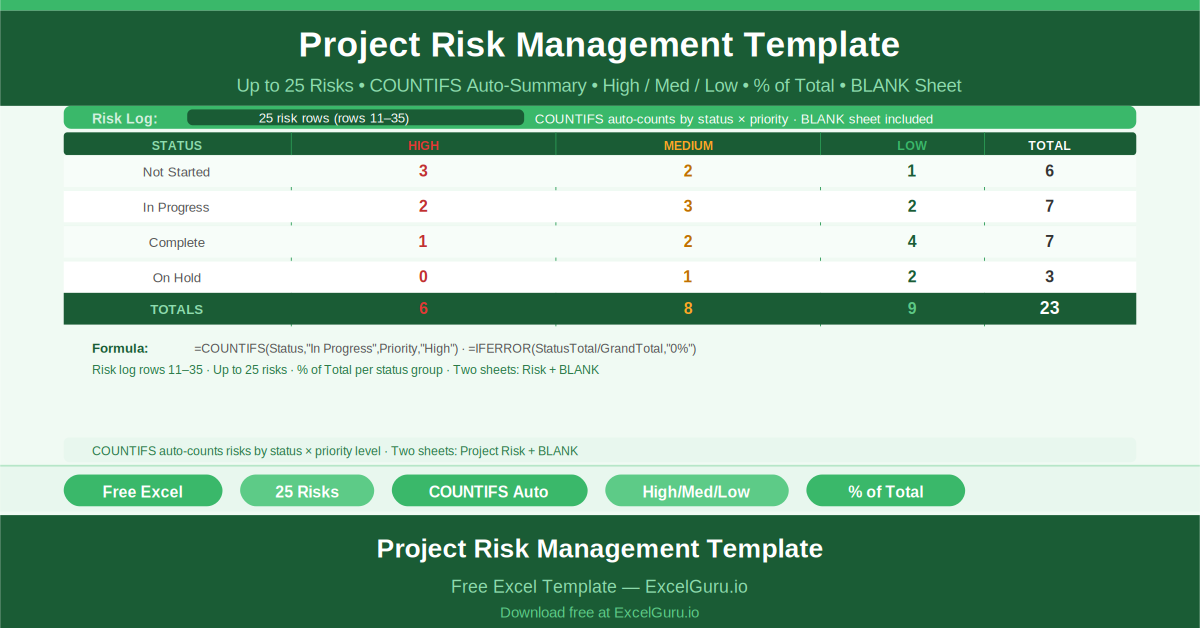
Free Excel Project Risk Management Template showing all key columns and sample data for project management use cases.

Project Risk Management

Log up to 25 risks with description, probability, impact, mitigation plan, and owner. The template automatically generates summary tables showing risk counts by status (Open/Mitigated/Closed) and priority (High/Medium/Low). A heat‑map style visual helps you focus on critical risks first. This is not just a risk log – it’s a proactive management tool that keeps your team from being surprised by preventable problems.

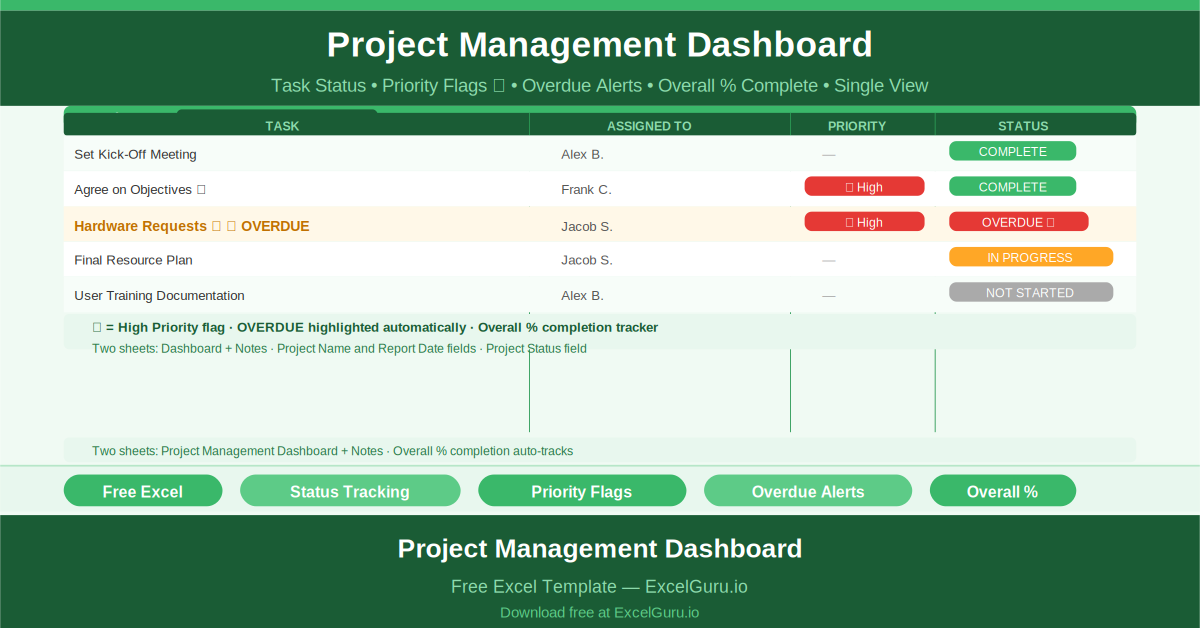
Free Excel Project Management Dashboard showing all key columns and sample data for project management use cases.

Simple Project Management Dashboard

See your entire project health in one glance. This dashboard shows overall completion percentage, a full task list with owners, priority flags (High/Medium/Low), and automatic overdue alerts. A visual status chart updates as you check off tasks. Share project status with stakeholders in under 30 seconds. No formulas to write – just fill in your tasks and watch the dashboard come to life. Perfect for weekly status reviews.

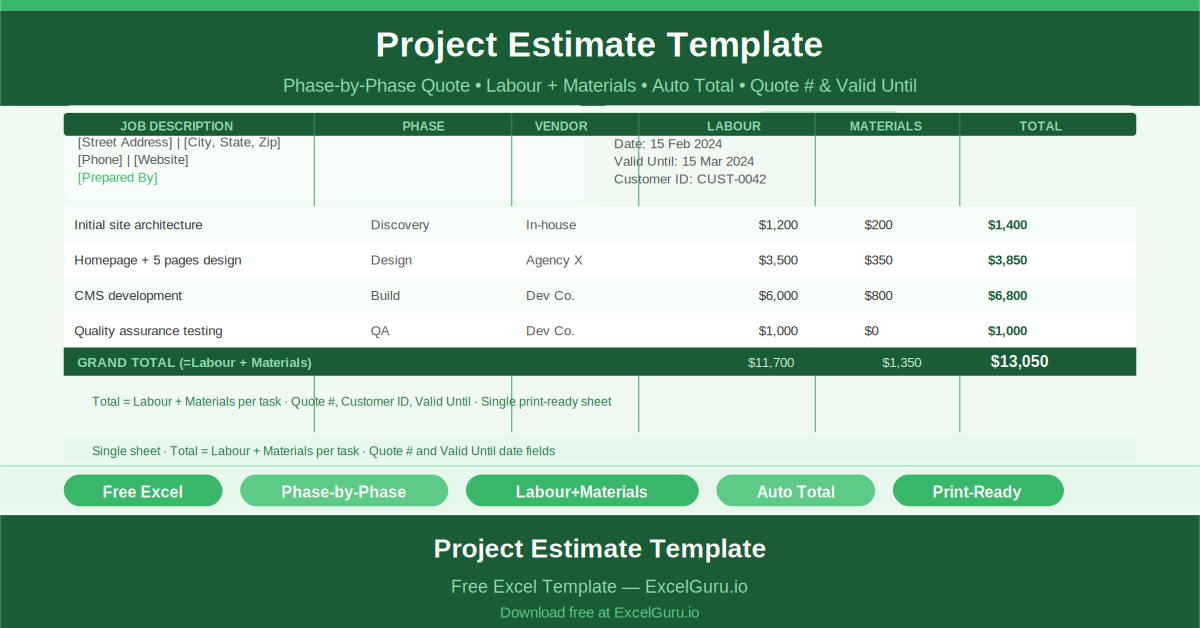
Free Excel Project Estimate Template showing all key columns and sample data for project management use cases.

Project Estimate

Create professional, phase‑by‑phase project estimates that help you win more work. The template includes sections for labor hours, material costs, subcontractors, and contingencies. Auto‑calculated totals and formatted tables make your estimate print‑ready for clients. You can also track estimate vs. final actuals later. Whether you bid fixed‑price or T&M, this sheet ensures consistency, accuracy, and a polished presentation every time.

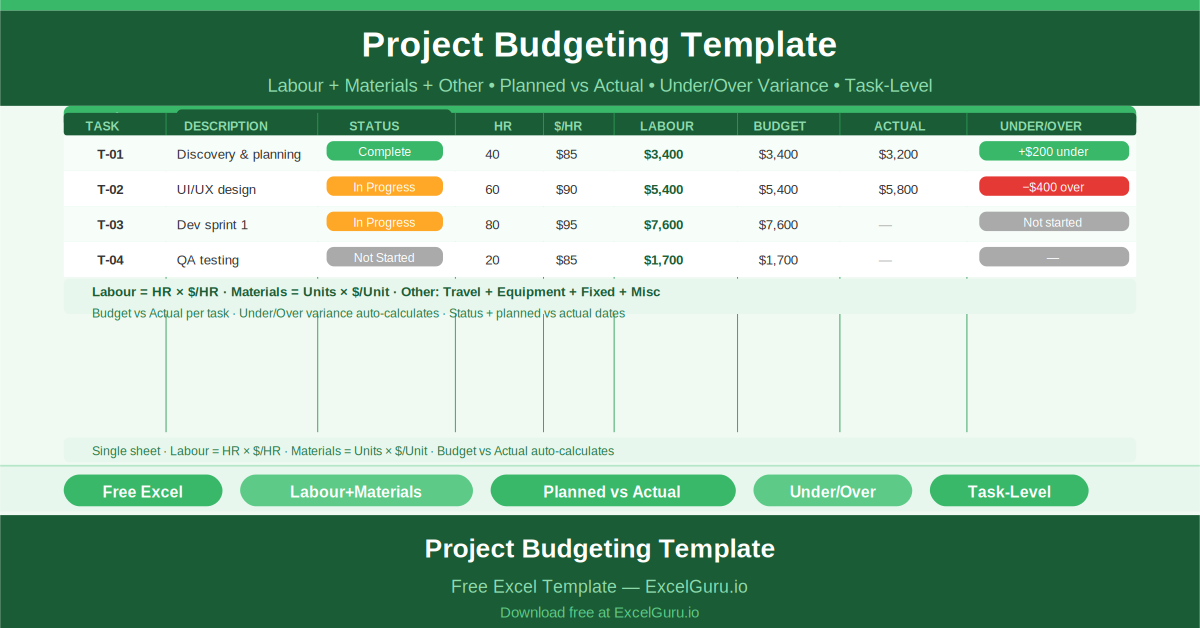
Free Excel Project Budgeting Template showing all key columns and sample data for project management use cases.

Project Budgeting

Stop overspending and start tracking every dollar. This project budgeting template lets you enter planned vs. actual costs at the task level, including labor, materials, and other direct expenses. Real‑time variance flags highlight overruns immediately. A summary dashboard shows total budget, committed spend, and remaining funds. Ideal for project managers who need to report budget health to sponsors without waiting for finance department reports.

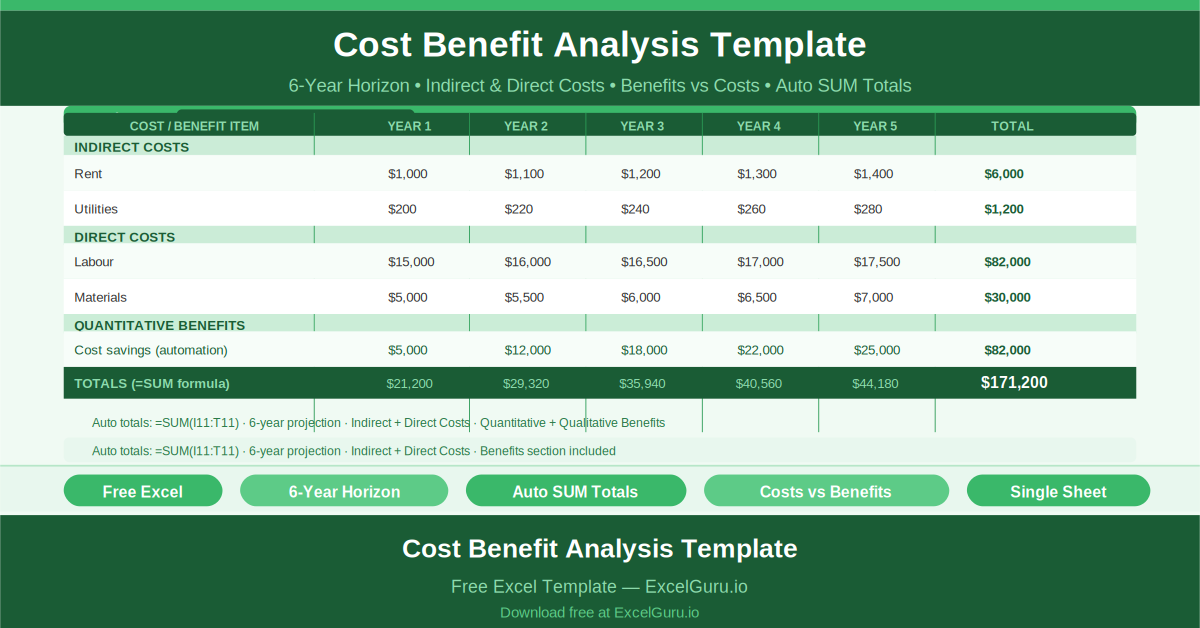
Free Excel Cost Benefit Analysis Template showing all key columns and sample data for project management use cases.

Cost Benefit Analysis

Make data‑driven investment decisions with a professional cost‑benefit analysis. The template compares projected costs against anticipated benefits over a six‑year horizon. Enter one‑time and recurring expenses alongside revenue gains or savings; the sheet automatically calculates net benefit, cumulative cash flow, and payback period. Perfect for business cases, capital requests, or comparing multiple project options before committing resources.

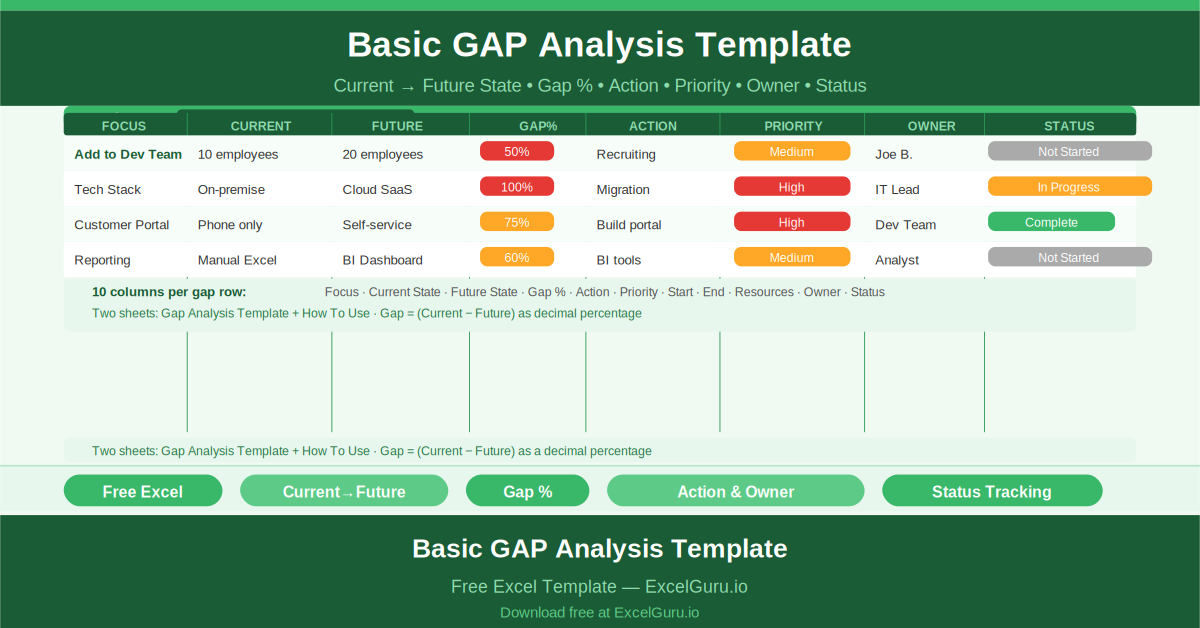
Free Excel Basic GAP Analysis Template showing all key columns and sample data for project management use cases.

Basic GAP Analysis

Bridge the gap between where you are and where you want to be. This template lets you define current and future states for any process or capability, then calculates the gap percentage for each item. Every gap automatically links to an action plan with owners and due dates. It’s an essential tool for business analysts, process improvement leads, and managers preparing transformation roadmaps – quantitative, visual, and immediately actionable.

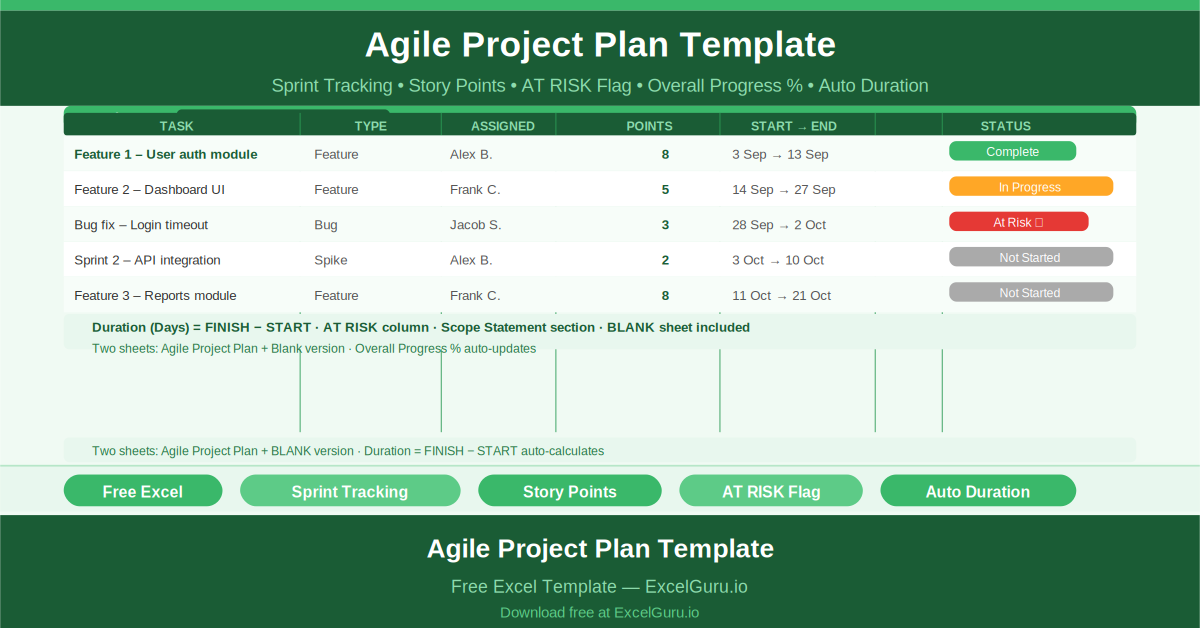
Free Excel Agile Project Plan Template showing all key columns and sample data for project management use cases.

Agile Project Plan

Run agile sprints without expensive tools. This Excel template tracks sprints, story points, tasks, and team assignments on a single page. Auto‑calculated completion percentages and conditional “AT RISK” flags alert you to falling behind. Perfect for small development teams or project managers who want lightweight, no‑subscription agile planning. You get backlog visibility, sprint progress, and task ownership – all in a familiar spreadsheet.

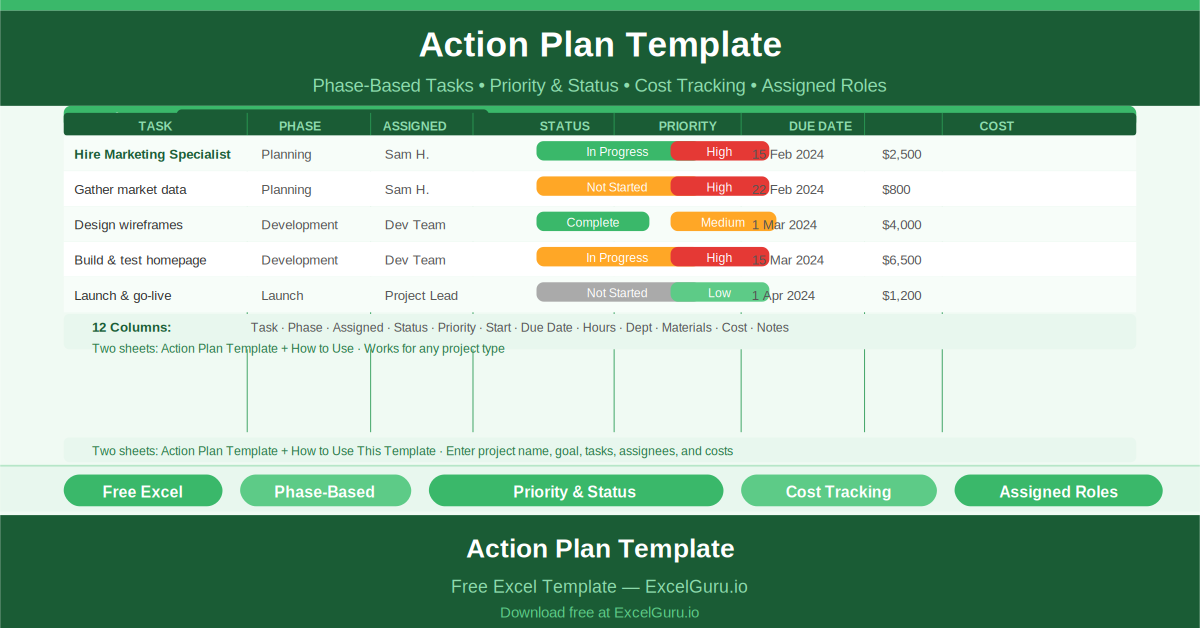
Free Excel Action Plan Template showing all key columns and sample data for project management use cases.

Project Action Plan

Turn any project goal into a structured action plan with this single‑sheet Excel template. It helps you break work into phases, assign owners, set priorities, and track costs line by line. Auto‑calculated progress bars and completion percentages give you instant visibility. Whether you’re launching a product or organizing an event, this template brings clarity and accountability to multi‑phase projects – no complex project management software required.